
“`html
Introduction: The Evolving Landscape of Data Management
Remember the sheer panic of seeing that dreaded “Disk Full” message pop up, or the sinking feeling of realizing you might have lost a crucial file? These are relatable frustrations in the ever-growing world of digital information. Thankfully, a modern solution has emerged, fundamentally changing how we store, access, and manage our digital assets: **cloud storage**.
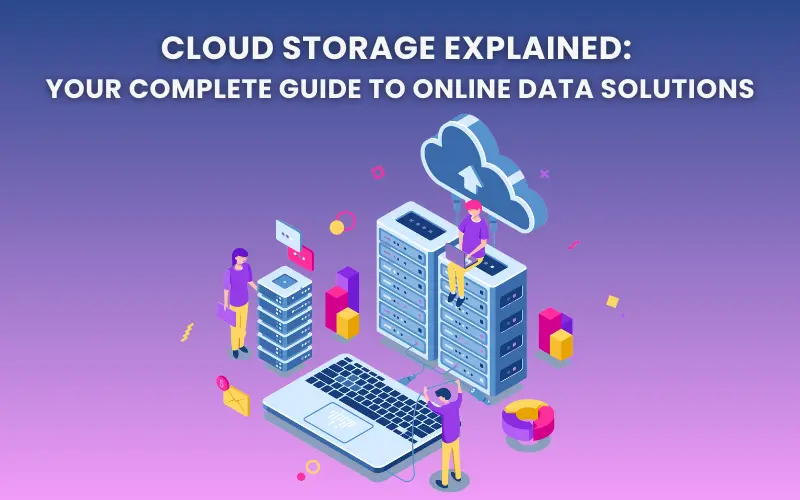
Cloud storage is a cloud computing model where data and files are stored on the internet through a provider, accessed via the internet. It offers a paradigm shift from traditional local storage, directly addressing common data management pain points.
This post will explore what **cloud storage** is, delve into its numerous benefits, and illustrate how it integrates with other essential digital tools to streamline your workflow.
Understanding Cloud Storage: The Foundation of Digital Accessibility
At its core, **cloud storage** works by storing your files on remote servers managed by specialized providers. Instead of relying on local hardware, your data becomes accessible anytime, anywhere, as long as you have an internet connection.
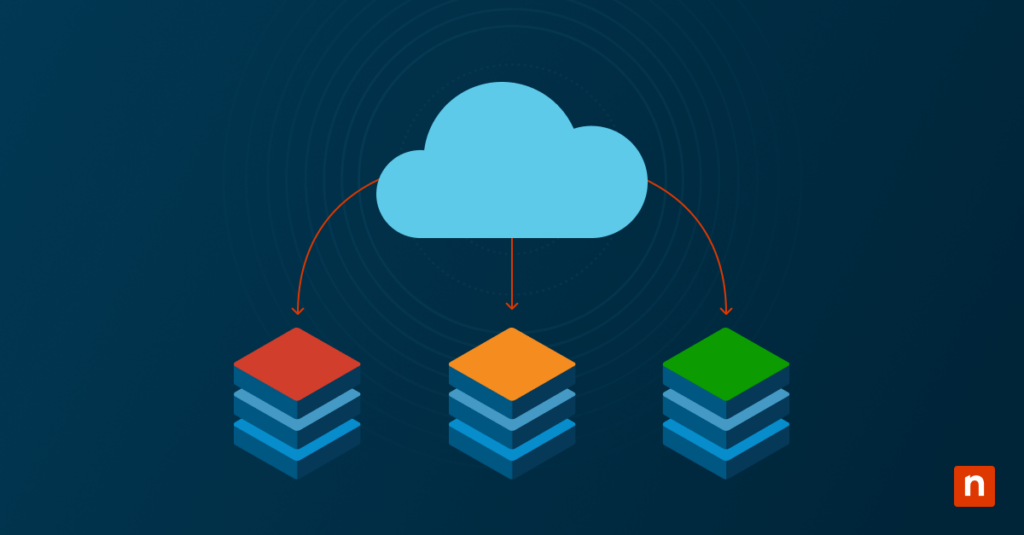
This advanced system relies on distributed storage infrastructures. Imagine a network of multiple servers spread across different geographic locations. When you upload a file, it’s transmitted over the internet to these remote data centers, where it’s not just stored but also replicated for safety and accessibility.
The operational advantages of this setup are significant:
- Scalability: Easily add more storage capacity as your needs grow.
- Redundancy: Multiple copies of your data protect against loss.
- Performance Optimization: Access your data from servers geographically closer to you.
While we’re focusing on the general concept, it’s worth noting that there are different types of cloud storage, including public cloud storage (like Amazon S3), private cloud infrastructure for enhanced control, and hybrid solutions that combine the best of both worlds.

This is a key distinction from the traditional approach. Historically, managing data meant building and maintaining physical storage area networks (SANs) and making substantial investments in hardware. **Cloud storage** eliminates the burden of managing physical hardware, capacity planning, infrastructure expansion, and ongoing maintenance.
The Power of Online Storage: Unleashing Universal Accessibility
The concept of **online storage** is largely powered by **cloud storage**, and its true value lies in the universal accessibility it provides. It removes the restrictions of location, time, and device type.
Imagine this: you can access your data from any device with an internet connection – whether you’re at a coffee shop, waiting at the airport, or working from your home office. Your files are no longer tethered to a single machine.

Furthermore, cloud storage services offer incredible elasticity. This means you can scale your storage capacity up as your data volumes grow, or even down if your needs decrease. Storage capacity can grow from gigabytes to petabytes, seamlessly adapting to your requirements.
The economic benefits are equally compelling. With cloud storage, you pay only for the capacity you actually use, eliminating the need to overprovision hardware just in case. This model also leverages lower-cost, commodity hardware linked together for vast storage volumes. Crucially, it removes the ongoing costs associated with maintaining storage area networks, replacing failed devices, or operating underutilized hardware.
File Storage: Intelligent Organization and Management
Within the broader framework of **cloud storage**, **file storage** solutions become remarkably intelligent and easy to manage. Cloud providers simplify the organization of your digital assets through intuitive folder structures, making it effortless to keep your files in order.
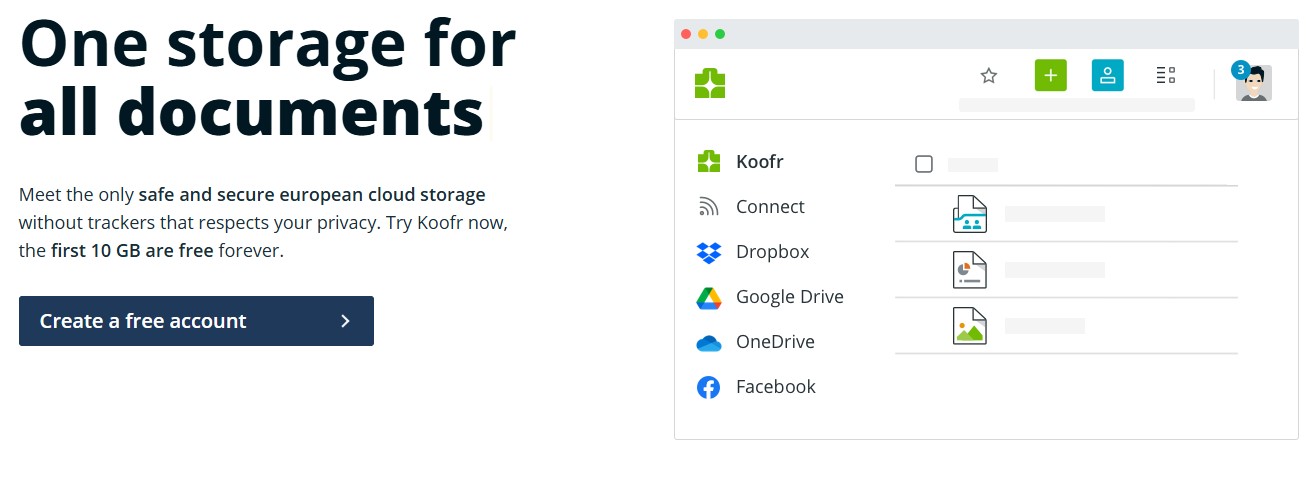
Locating specific documents is also a breeze, thanks to built-in search functionalities that can sift through your stored files in moments. For added peace of mind, many services offer version history, allowing you to recover previous iterations of a file if needed.
The user-friendly interfaces provided by most public cloud storage options are designed to work seamlessly with a wide array of applications, further enhancing usability.
Cloud storage is adept at handling a diverse range of file types, from everyday documents, photos, and videos to complex spreadsheets, presentations, and specialized data formats. These systems store data in its original format and allow for customizable metadata, making your information much easier to access and analyze.

Security is also a paramount concern, and **file storage** in the cloud comes with robust built-in features. These include password protection and granular access controls, ensuring that only authorized individuals can access your sensitive files. This built-in security is a significant advantage for protecting your valuable data.
Data Backup: Ensuring Peace of Mind
**Data backup** is a critical function that **cloud storage** empowers, providing an essential layer of security and peace of mind.
Think of **data backup** as your digital insurance policy. It protects you against hardware failures, accidental deletions, the growing threat of ransomware attacks, or even natural disasters. By saving your data across redundant servers, cloud storage safeguards your information even if an entire data center experiences an issue.

This translates directly into robust disaster recovery and business continuity. Cloud storage providers utilize highly secure data centers designed to protect your data and ensure your operations can continue uninterrupted. These services are engineered to handle concurrent device failures by quickly detecting and repairing lost redundancy, ensuring your data’s integrity.
Furthermore, the ability to scale backup resources quickly as your data requirements change offers unparalleled flexibility. The entire backup process becomes automated and simplified, a significant leap from manual methods like copying files to external drives. Synchronization features seamlessly mirror your data across multiple locations and devices. Crucially, this automation removes human error from the backup equation, ensuring your critical data is consistently protected.
Collaboration Tools: The Engine for Teamwork
**Cloud storage** acts as the bedrock for modern **collaboration tools**, transforming how teams work together. It provides equal access to files for all authorized users, making it an ideal solution for distributed teams and cross-organizational partnerships.
This enables collaboration that extends far beyond a single organization. Cloud platforms allow you to control access to shared files without exposing your private networks, fostering secure and efficient teamwork.
Numerous popular **collaboration tools** are built upon cloud storage, including Google Workspace, Microsoft 365, and Dropbox Business. These platforms leverage cloud storage to offer key features such as:
- Real-time document editing by multiple users simultaneously.
- Granular sharing permissions, allowing you to set who can view, edit, or comment on files.
- Commenting and annotation features for streamlined feedback.
- Unified workspaces for organizing project documents and resources in one central location.
**Cloud storage** streamlines teamwork by enabling convenient file sharing with colleagues, partners, and stakeholders. This eliminates the cumbersome process of emailing large attachments or managing complex access credentials. It simplifies workflows, reduces communication overhead, and ensures everyone is working with the most up-to-date versions of documents.
Choosing the Right Cloud Storage Solution
Selecting the right **cloud storage** provider is a crucial step in leveraging its full potential. Several key factors should guide your decision:
Security and Compliance: Evaluate the provider’s encryption methods (both in transit and at rest), industry-specific compliance certifications (like HIPAA or GDPR), and the physical security of their data centers.

Pricing and Scalability: Compare different pricing models, such as per-gigabyte charges versus tiered plans, and assess how the provider’s scalability aligns with your projected growth.
Integration and Usability: Consider how well the solution integrates with your existing applications and workflows. The user-friendliness of public cloud storage interfaces is also a significant factor in adoption.
Reliability and Support: Research the provider’s uptime guarantees, their disaster recovery capabilities, and the quality of their customer support. The reliability of **cloud storage** is paramount for scalability, durability, and cost savings.
Final Thoughts on Cloud Storage
Cloud storage has evolved from a niche offering to an indispensable component of modern data management. Its core benefits – unprecedented accessibility, elastic scalability, cost efficiency, robust **data backup**, and seamless integration with **collaboration tools** – are undeniable.
By removing the burden of infrastructure management, cloud storage empowers individuals and businesses to concentrate on their primary objectives. Start exploring **cloud storage** options tailored to your needs today and experience how remote servers can bring unparalleled freedom and efficiency to your digital life.
For those looking to maximize their device’s potential, check out these explosive hacks to maximize storage space.
If you’re interested in how AI impacts productivity, you might find these 5 innovative ways to use AI strategies helpful.
To understand how AI is reshaping the business world, read about How AI is Transforming Businesses: A Comprehensive Guide for 2025.
For a look at how technology is evolving in our homes, explore The Evolution of Smart Home Technology: From Prototypes to Mainstream Adoption.
To learn about protecting your digital life, a crucial read is How to Stay Safe and Secure in the Digital Age – Protecting personal data online guide.
Frequently Asked Questions
Q: What is the primary difference between cloud storage and local storage?
A: Local storage keeps your files on your device’s hard drive, while cloud storage stores your files on remote servers accessed via the internet. This means cloud storage offers greater accessibility and scalability.
Q: Is my data safe in the cloud?
A: Reputable cloud providers use advanced security measures, including encryption and access controls, to protect your data. However, it’s essential to choose a provider with strong security protocols and enable features like two-factor authentication.

Q: Can I access my cloud files without an internet connection?
A: Generally, no. Accessing cloud files requires an internet connection. However, some services offer offline access or synchronization features that allow you to work with files locally and sync them when you reconnect.
Q: How does cloud storage help with data backup?
A: Cloud storage services often include automatic backup features. Your data is copied to remote servers, creating a redundant copy that protects against hardware failure, accidental deletion, or other data loss incidents.
Q: Is cloud storage more expensive than traditional storage?
A: Cloud storage is often more cost-effective, especially for individuals and small businesses. You typically pay only for the storage you use, avoiding the large upfront costs of hardware and ongoing maintenance associated with traditional storage solutions.
“`