
Your DIY Smart Home Setup: A Complete Beginner’s Guide
Estimated reading time: 10 minutes
Key Takeaways
- A DIY smart home setup is more accessible than ever; it doesn’t require a pro installer or a massive budget.
- Start by choosing one main ecosystem (Alexa or Google Home) for seamless Alexa Google Home integration to avoid compatibility headaches.
- Your first purchases should be high-impact, affordable smart devices like smart plugs and bulbs, which are renter-friendly and easy to install.
- Planning is key. Audit your daily habits and set clear automation goals to build a focused system for home automation on a budget.
- You can build a functional starter kit in an afternoon and scale your system gradually as your confidence and budget grow.
Table of contents
You’ve probably scrolled past sleek gadgets and futuristic home tours, thinking a smart home is just for tech wizards or those with deep pockets. The common myths are loud: it’s too expensive, too technical, and surely requires a professional installer. The reality? Modern affordable smart devices and user-friendly apps have completely democratized home automation. A DIY smart home setup is now a practical, achievable project for anyone, even if you’re starting from zero. This beginner smart home guide is your proof.
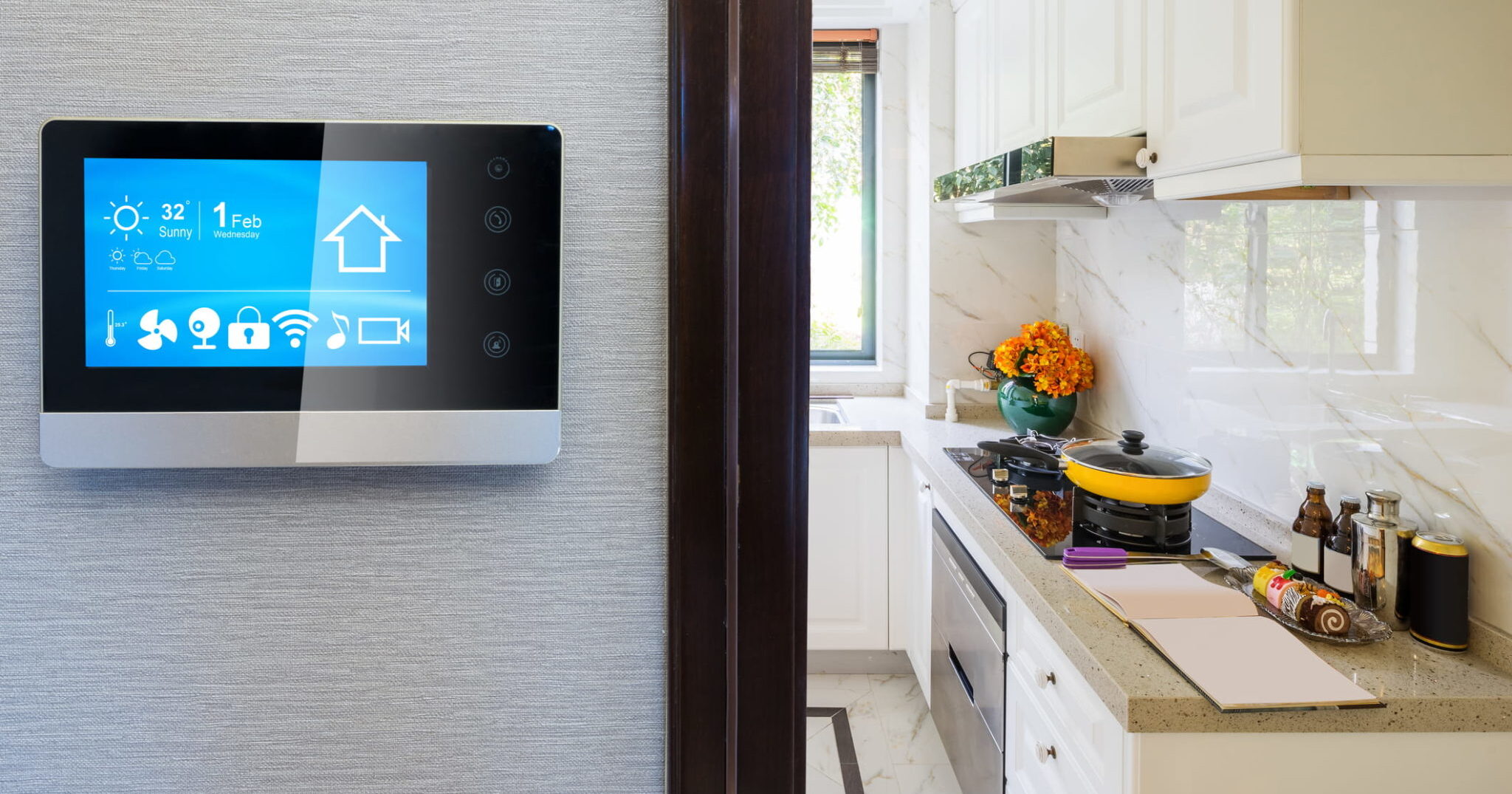
Research confirms that smart homes are no longer exclusive domains. Experts advise starting small and focusing on simple, high-impact devices. Furthermore, misconceptions about prohibitive cost and installer dependence are being debunked, as noted in guides from sources like Amfam and Vivint.
By the end of this guide, you’ll have a clear, actionable plan for home automation on a budget. You’ll learn how to build a starter system using a small, prioritized device list and a simple hub—either Alexa or Google Home. We promise you’ll walk away with a shopping checklist of affordable smart devices and the knowledge to set up your first automated routine, like a “Good Morning” sequence, all by yourself. This guide is for renters, homeowners, and anyone curious about smart tech but wary of complexity and cost. Our philosophy? Start small, choose one ecosystem, and grow gradually. Let’s begin.
Why a DIY, Budget‑Friendly Smart Home is Worth It
Investing a little time and a modest budget into a DIY smart home setup pays off in tangible ways that go beyond just cool tech. Let’s break down why tackling this project yourself is smarter than calling in the pros.
Cost Savings and Energy Efficiency
Professional installations often come with significant labor fees, proprietary equipment, and sometimes restrictive subscription contracts, as highlighted by resources from Amfam and Vivint. A home automation on a budget approach sidesteps this entirely. You buy only what you need—maybe a couple of plugs and bulbs to start—using widely available Wi‑Fi-based affordable smart devices. Furthermore, simple automations can lead to real savings on your bills. Scheduling lights and plugs to turn off automatically, or using motion sensors, prevents energy waste. As noted by Aqara and Reolink, this conscious control is a key benefit of DIY systems.
Flexibility and Control
The DIY path puts you in the driver’s seat. You can mix and match brands as long as they support your chosen ecosystem (look for “Works with Alexa” or “Works with Google Assistant”). This freedom, emphasized by guides from Vivint and Google, means you can test automations in one room before scaling up. You’re not locked into a single vendor’s vision for your home.
Learning and Empowerment
There’s a unique satisfaction in building and understanding your own system. You’ll know exactly how each device is connected and what each routine does, making troubleshooting far easier. As Vesternet and Reolink point out, this knowledge allows you to tweak setups to match your unique habits perfectly. Don’t worry—for the starter setup we describe, you only need basic app navigation skills, not coding or electrical work.
Planning Your Ecosystem – Start Smart, Not Expensive
Jumping straight to shopping is tempting, but a little planning prevents frustration and wasted money. This “planning phase” is the bedrock of a successful beginner smart home guide.
Audit Your Home and Daily Habits
Grab a notepad and walk through your space. List your top rooms and daily pain points. Where do you always forget to turn off the light? Which appliance would be magic if it started on its own? Focus on:
- Lighting: Bedroom, living room, hallway, porch. Aqara and Amfam suggest starting here.
- Entry Points: Front door, back door, main hallway for potential cameras or sensors.
- Comfort & Entertainment: Thermostat, fans, TV area.
Now, set concrete goals. For example: “Turn off all lights with one command,” “Get a notification when the front door opens,” or “Have the hallway light turn on automatically at night.” These goals, as suggested by Reolink, will directly dictate your first affordable smart devices purchase.

Choose Your Main Ecosystem (Core Hub/Platform)
Your ecosystem is the central platform—usually powered by a smart speaker—that ties everything together for voice control and automation. For beginners, the simplest, most budget-friendly choices are Amazon Alexa (Echo devices) and Google Home / Google Assistant (Nest/Home devices).
- Amazon Alexa: Runs on Echo speakers. Known for incredibly wide third-party device support and frequent sales on speakers.
- Google Home: Runs on Nest Hub and Nest Mini. Offers excellent voice recognition and tight integration with Google services and Nest products.
While other platforms like Samsung SmartThings or Apple HomeKit exist, this guide focuses on Alexa Google Home integration because they offer the lowest cost of entry and simplest setup for first-timers. The critical rule, echoed by Amfam and Vivint, is this: Pick one primary ecosystem now and stick with it for all new devices. This avoids compatibility nightmares and wasted money.
Interoperability Basics for Beginners
Interoperability simply means different brands of devices can work together through your hub. Your checklist for choosing any device should be:
- It must clearly state “Works with Alexa” or “Works with Google Assistant.”
- Ideally, it supports common standards like Wi‑Fi, Zigbee, or the new Matter standard to help future-proof your DIY smart home setup.
Avoid niche or proprietary systems that don’t connect to your main hub. Always check for that keyphrase before you buy.
Curating Your Device List – Essential Affordable Smart Devices
Now for the fun part: building your shopping list. This curated selection focuses on maximum impact for minimal investment, perfect for home automation on a budget. Think of it as your starter kit for a revolutionized lifestyle.

Smart Plugs – The Ideal Starting Point
A smart plug is a small adapter you plug into a wall outlet. You then plug a regular device (like a lamp or coffee maker) into it, granting you app or voice control over its power. They’re the perfect first purchase because they’re cheap, require zero installation, and instantly make “dumb” devices smart. Aqara and Amfam often recommend them as entry points.
Use Cases: Automate your coffee maker to brew at 7 AM, turn off a space heater after an hour (safety first!), or switch a lamp on before you get home. Look for Wi‑Fi plugs that clearly support your chosen Alexa Google Home integration.
Smart Bulbs – Quick Lighting Upgrades for Renters
These are light bulbs with built-in wireless control. Screw them into existing fixtures, and you can adjust brightness and color from your phone. They’re incredibly renter-friendly—no wiring, just screw and go. Start with 1-3 bulbs in high-use areas like your bedroom or living room. Key features to look for are dimmability and voice control. As Amfam notes, pairing them with schedules can also help reduce energy use.

Smart Speakers and Displays – Your Hub for Voice Control
For most beginners, the “hub” is simply a smart speaker (Echo Dot, Nest Mini) or a smart display (Echo Show, Nest Hub). This device listens for your voice commands, runs your routines, and acts as the central point for your Alexa Google Home integration. Guides from Vivint and Google emphasize starting here. A basic Echo Dot or Nest Mini is a very low-cost entry point.

Basic Security on a Budget
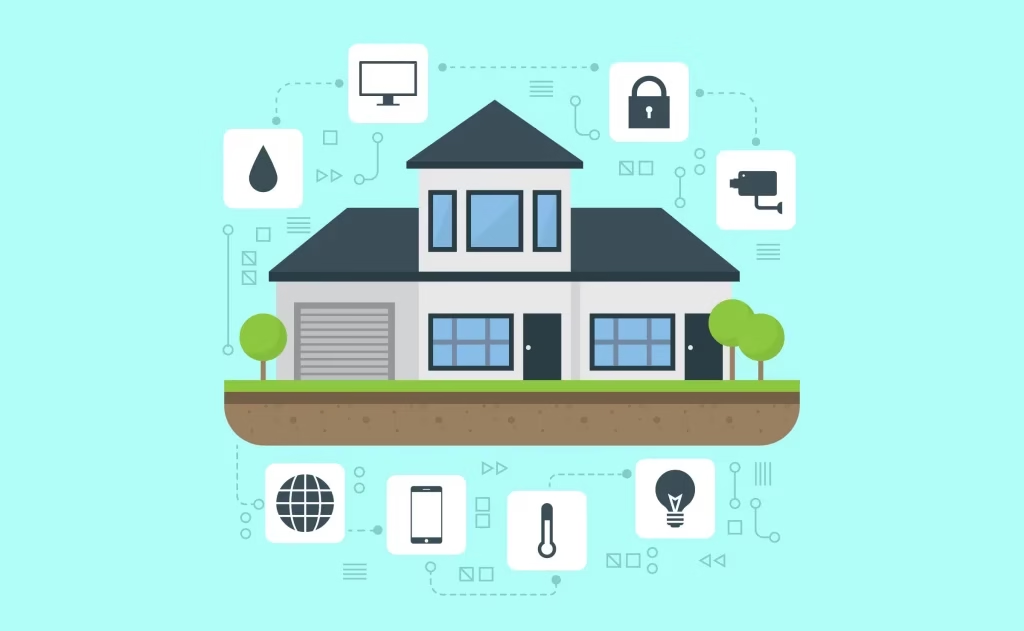
You don’t need a full professional system for peace of mind. One or two affordable smart devices can make a big difference. Consider a single smart camera or video doorbell for your main entrance, as suggested by Reolink. Look for features like motion alerts and clear support for your ecosystem. You can later add contact sensors for doors or motion sensors for hallways, as seen in projects from Vesternet.
Deal‑Hunting Tips for Home Automation on a Budget
- Look for bundles (e.g., an Echo Dot with a smart bulb).
- Consider certified refurbished units from reputable sellers.
- Watch for major sales events like Prime Day, Black Friday, and Cyber Monday.
- Don’t ignore lesser-known brands with strong reviews and clear ecosystem support.
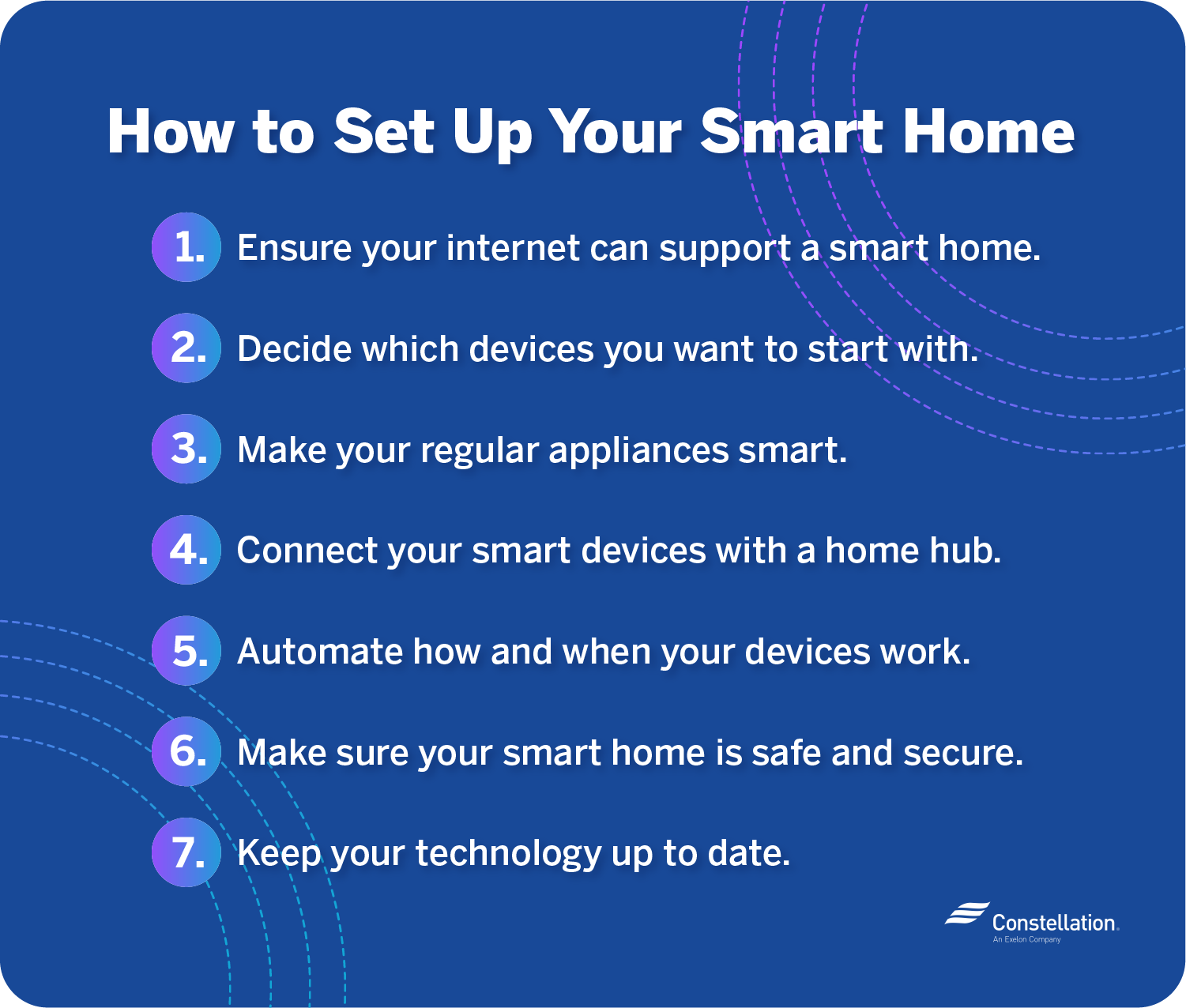
Step‑by‑Step DIY Smart Home Setup Walkthrough
This is the core tutorial of our beginner smart home guide. Let’s walk through installing and configuring your first devices from scratch.
1. Prepare Your Wi‑Fi Network
Smart devices live on your Wi‑Fi. Ensure your router’s signal is strong in the rooms you want to automate. Many budget devices only work on the 2.4 GHz band, so ensure that network is enabled on your router. A simple test: if your phone struggles with streaming in a room, a smart device will too. Amfam and Buffum Homes cite network prep as a crucial first step.
2. Set Up Your Core Hub (Alexa or Google Home)
- Plug in your Echo or Nest device and power it on.
- Install the corresponding app (Amazon Alexa or Google Home) on your phone.
- Sign in to your account and follow the in-app setup wizard to connect the speaker to your Wi‑Fi.
- Name the device (e.g., “Kitchen Speaker”).
- Test a basic voice command: “Alexa, what’s the weather?”
This establishes the foundation for all your future Alexa Google Home integration. Resources from Google and Vivint provide similar step-by-step guidance.
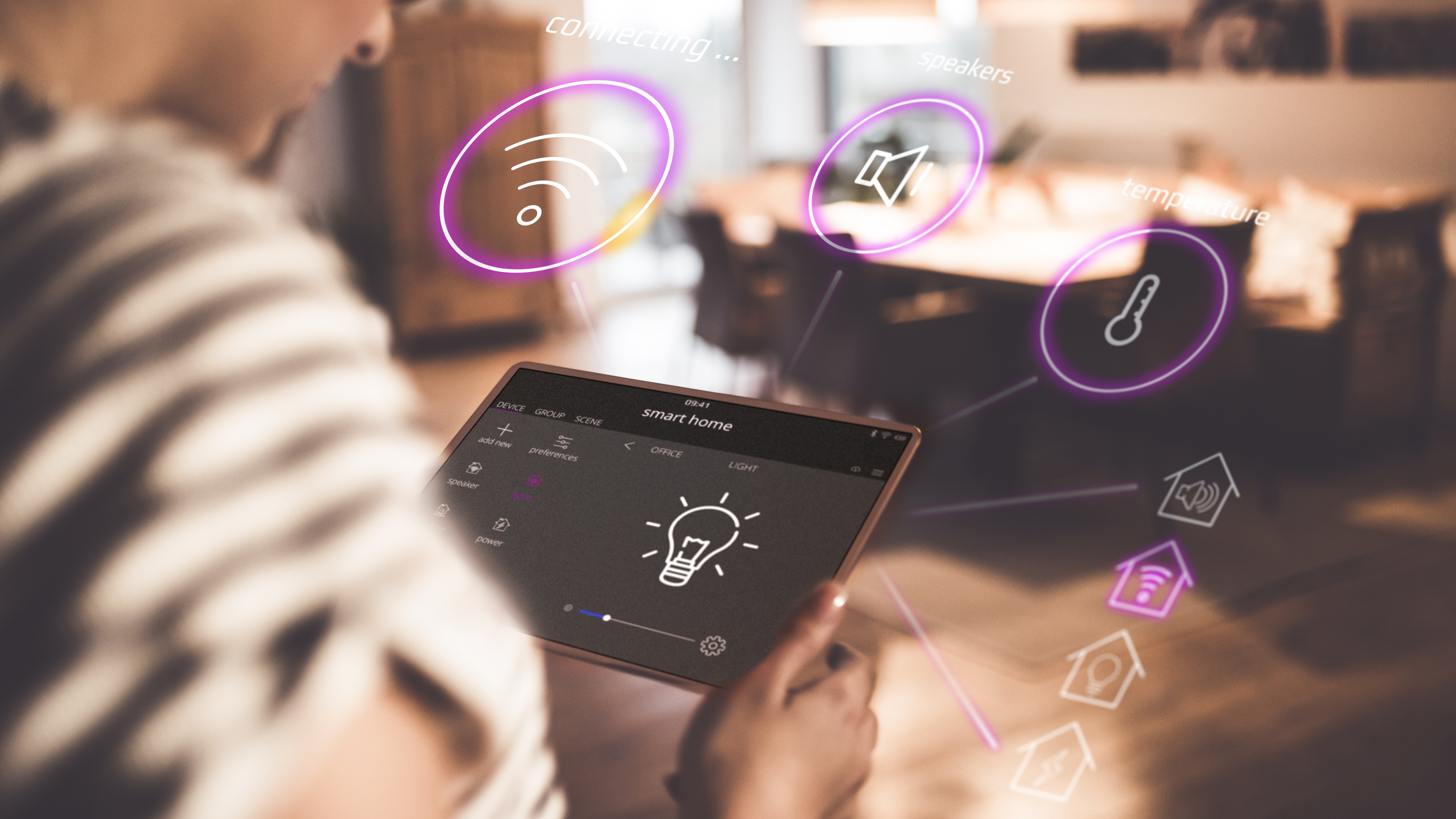
3. Add Your First Smart Bulb
- Screw the smart bulb into a lamp and turn the lamp’s switch ON.
- Use the bulb manufacturer’s app (e.g., Tapo, Kasa) to pair the bulb to your Wi‑Fi.
- Open your Alexa or Google Home app, tap “Add Device,” and select the bulb’s brand.
- Link accounts if prompted, then assign a friendly name like “Bedroom Lamp.”
- Test it: “Hey Google, turn on Bedroom Lamp.”
4. Add a Smart Plug
The process is nearly identical. Plug the smart plug into an outlet, use its app to connect it to Wi‑Fi, then add it to your main hub’s app. Name it something descriptive like “Coffee Maker Plug.” Now you can schedule your coffee or turn on a fan with your voice.
5. Create Your First Simple Routines/Automations
This is where the magic happens. Routines chain actions together based on a trigger (time, voice, sensor). No programming needed—just use dropdowns in your hub’s app.
Example 1: “Good Morning” Routine
Trigger: Time (7:00 AM) or Voice (“Good morning”).
Actions: Turn on “Bedroom Lamp,” turn on “Coffee Maker Plug,” have your speaker give the weather. Aqara highlights similar starter routines.
Example 2: “Good Night” Routine
Trigger: Voice (“Good night”).
Actions: Turn off all smart lights and plugs.
Example 3: Motion-Based Light (with a sensor)
If you add a motion sensor, you can create a rule: “If motion is detected in the hallway after sunset, turn on the hallway light for 5 minutes.” This is a classic automation highlighted by Reolink.
Pro Tips to Maximize a Budget‑Friendly Setup
High‑Impact, Low‑Cost Automations
Think beyond simple schedules. Use your phone’s location for “geofencing”: automatically turn off everything when the last person leaves home. Get creative with cheap sensors: use a door sensor to get a phone alert when a package is delivered, or use a motion sensor to trigger a hallway light path at night. These ideas are championed by DIY communities like those at Vesternet.
Troubleshooting Common DIY Issues
- Device won’t connect to Wi‑Fi: Ensure you’re using the 2.4 GHz band, stand close to the router during setup, and confirm your phone is on the same network.
- Voice commands fail: Check the device name is clear and the manufacturer’s “skill” or integration is enabled in your hub app.
- Automations are unreliable: Weak Wi‑Fi is the usual culprit. Consider a mesh network if you have a large home or many devices, as suggested by Buffum Homes.
Scaling Your DIY Smart Home Setup Over Time
You don’t need everything at once. Follow a simple upgrade path:
- Phase 1 (Now): Hub + 1-2 bulbs + 1-2 plugs.
- Phase 2 (Next): Add a smart camera or video doorbell and a couple of sensors.
- Phase 3 (Future): Consider a smart thermostat or smart light switches (if comfortable with basic electrical work).
So, what’s the final word on your DIY smart home setup? It’s entirely realistic. You can achieve meaningful home automation by auditing your habits, choosing a core ecosystem for Alexa Google Home integration, and starting small with a few affordable smart devices. Remember, even a single smart bulb and plug, tied to a “Good Morning” routine, counts as a real smart home. You gain convenience, a sense of control, and the comfort of a personalized space—all through home automation on a budget. The journey from planning to shopping to setup is straightforward with a beginner smart home guide like this one. For your next steps, consider how to deepen your smart home journey or explore how AI is integrating into everyday devices.
We’d love to hear from you! Share in the comments which room or device you plan to automate first. Have questions about specific device choices or routines? Ask away! Your input can help shape future guides on advanced automations or deeper ecosystem comparisons.
Frequently Asked Questions
How much does a basic DIY smart home setup cost?
You can start a functional system for under $100. A smart speaker (like an Echo Dot) costs around $30-$50, a two-pack of smart plugs is about $20, and a smart bulb is $10-$15. Sales and bundles can make this even cheaper.
Do I need a strong Wi‑Fi network for a smart home?
A stable Wi‑Fi network is crucial, as most budget devices connect via Wi‑Fi. For a few devices, a standard router is fine. If you plan to scale beyond 10-15 devices or have a large home, consider upgrading to a mesh network system for better coverage and reliability.
Can I take my smart devices with me if I move?
Absolutely! This is a major advantage of a DIY setup, especially for renters. Smart plugs, bulbs, sensors, and speakers are all portable. Simply unplug them, reset their network connection in your new home, and reconnect them to your hub.
What happens if my internet goes out?
If your Wi‑Fi is down, you’ll lose remote control via the app and voice commands through cloud-based assistants like Alexa. However, most smart bulbs and plugs will retain their last state (on/off). Locally processed automations (possible with some advanced hubs) would continue to work.
Is it safe to plug appliances like heaters into smart plugs?
You must check the smart plug’s power rating (usually marked in amps/Watts) and ensure the appliance you plug into it does not exceed that rating. For safety-critical devices like space heaters, always follow the heater manufacturer’s guidelines, never leave them unattended, and consider using the smart plug’s timer function as an extra safety cutoff.