
OpenAI’s ChatGPT Voice Update: From Typing to Talking with AI
Estimated reading time: 8 minutes
Key Takeaways
- The OpenAI ChatGPT voice update, known as Advanced Voice Mode, transforms AI from a text-based tool into a real-time, spoken conversational partner.
- Accessible on mobile apps and expanding to desktop, this feature uses advanced speech-to-speech technology for natural dialogue.
- It enables powerful new use cases for learning, creativity, and accessibility, fundamentally changing OpenAI daily usage patterns.
- While limitations exist, ongoing updates like gpt-realtime signal OpenAI’s commitment to making the AI voice assistant experience more seamless and powerful.
Table of contents
- OpenAI’s ChatGPT Voice Update: From Typing to Talking with AI
- Key Takeaways
- The Voice Revolution: What Changed and Why
- Accessing and Setting Up Voice Mode – Complete Guide
- The Voice Experience in Action – Quality, Performance, and Real-World Applications
- Current Limitations and the Future of Voice AI
- Frequently Asked Questions
OpenAI’s ChatGPT voice update has fundamentally changed how millions interact with artificial intelligence, moving from typing queries to having natural spoken conversations. This shift represents a leap from a tool you *use* to an assistant you *talk with*. Let’s explore what this voice conversation beta feature is, how to access it, the real-world applications it unlocks, and where it’s headed next.

The Voice Revolution: What Changed and Why
The Core Innovation Behind Advanced Voice Mode
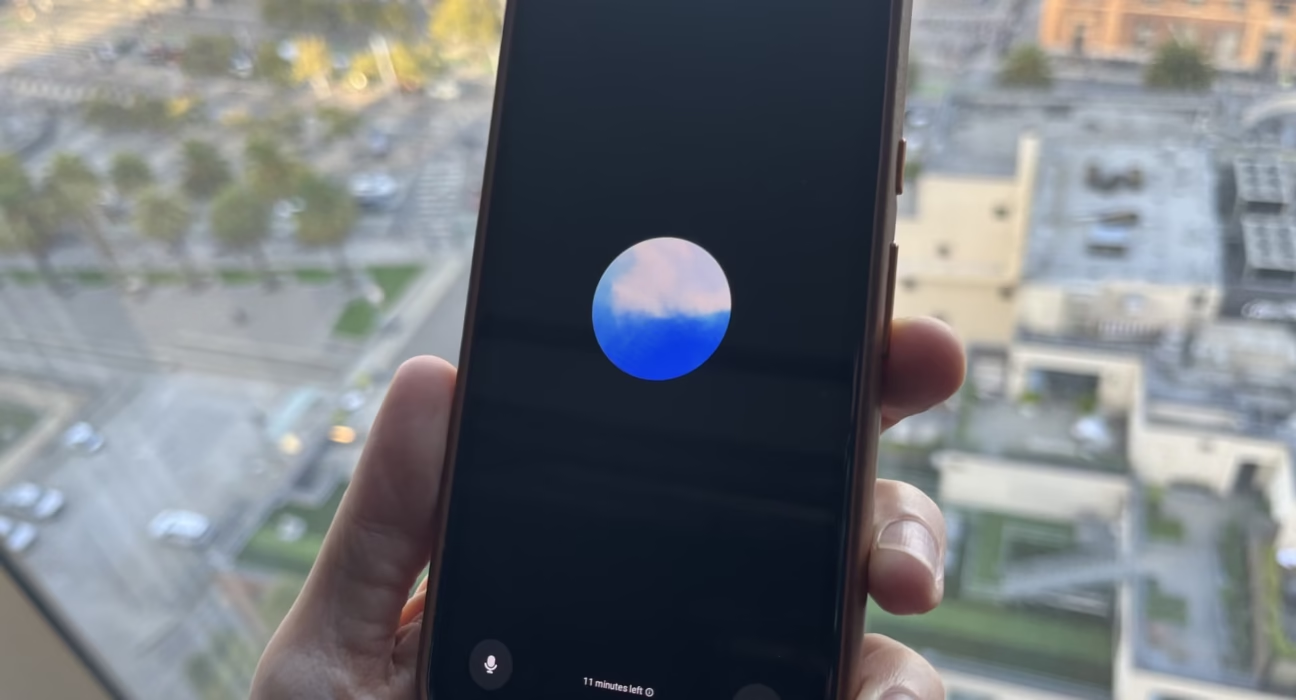
At its heart, the OpenAI ChatGPT voice update introduced Advanced Voice Mode (AVM). This isn’t just a simple text-to-speech reader. It’s a sophisticated *speech-to-speech* AI system designed for real-time, fluid dialogue.

- Technical Foundation: It combines OpenAI’s Whisper speech recognition system with a new text-to-speech model. This model generates remarkably natural audio by creating raw audio from text and a short speech sample.
- The Goal: To create a conversational flow that feels human. For more on the advancements driving this human-like realism, see this exploration of human-like AI conversations and voice technology.
Timeline of the Voice Rollout
The journey to today’s voice feature has been one of incremental expansion and improvement.

- Initial Rollout (2024): OpenAI began rolling out Advanced Voice Mode in September 2024, first to ChatGPT Plus and Teams users, as reported by TechCrunch. Enterprise and Education customers followed shortly after.
- Broad Availability (2025): By September 2025, the feature became available to all users, including those on the Free tier. Usage limits also expanded, moving from minutes per day to hours for Free users and near-unlimited use for Plus subscribers.
- The Latest Leap: A significant recent advancement is the release of gpt-realtime, a more advanced speech-to-speech model that improves instruction-following, tool precision, and natural speech production, as noted in the official release notes.
How Voice Fundamentally Differs from Text-Based ChatGPT
This isn’t just ChatGPT with a voiceover. The voice conversation beta changes the interaction paradigm.
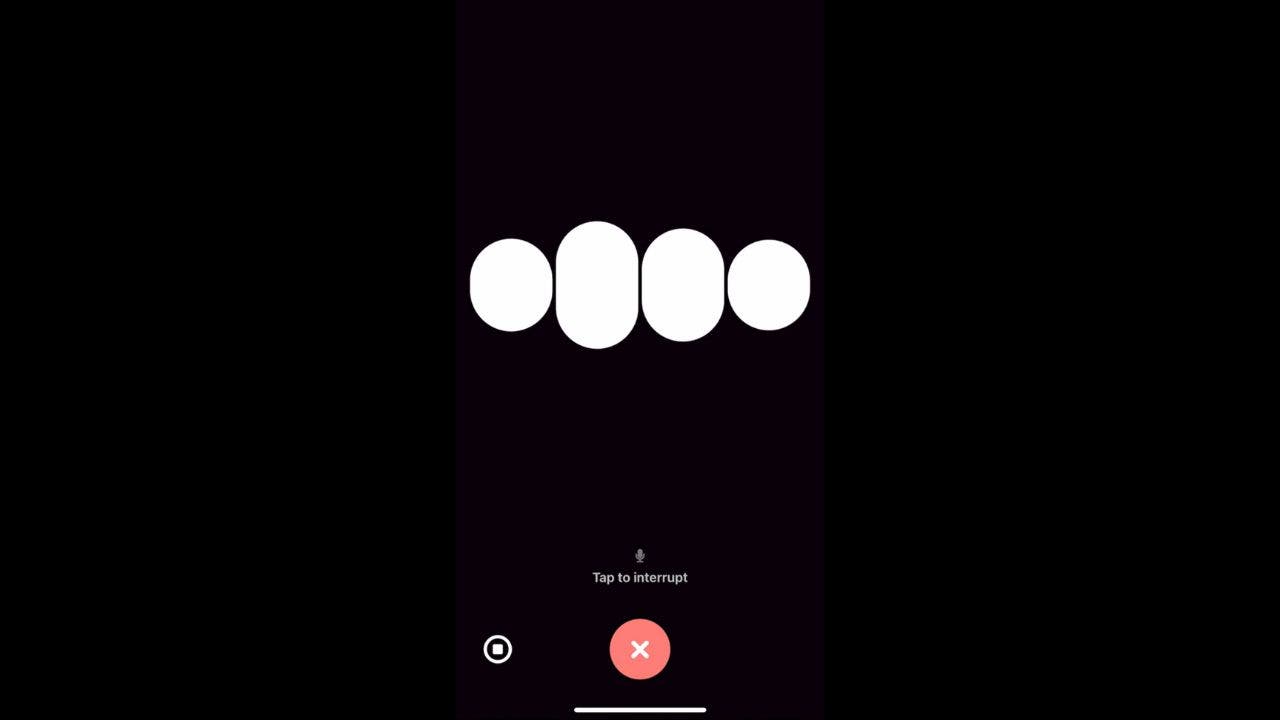
- Natural Conversation Flow: You can interrupt, ask immediate follow-ups, and engage in a fluid back-and-forth that typing destroys. This fluidity is key to the future of AI chatbots in customer service and beyond.
- Accessibility & Practicality: It enables use where typing isn’t possible—while driving, cooking, or exercising.
- Tone and Nuance: The system adapts its tone, sounding professional or empathetic as needed, and can interpret non-verbal cues like laughter.
- Memory Integration: Critically, Advanced Voice Mode works with ChatGPT’s memory feature. Your AI voice assistant can remember past conversations and your preferences, creating a continuous, personalized dialogue across sessions, a capability highlighted in the gpt-realtime introduction.
Accessing and Setting Up Voice Mode – Complete Guide
Platform Requirements and Current Availability
Getting started with the OpenAI ChatGPT voice update requires knowing where it works.

- Primary Platform: The experience is currently richest on mobile—iOS and Android via the official ChatGPT app.
- Desktop Status: Desktop access exists but is more limited. The expansion of a full-featured AI voice assistant for desktop remains a key part of OpenAI’s ongoing platform development.
- Regional Limits: Important to note: Advanced Voice Mode is not yet available in the EU, the U.K., Switzerland, Iceland, Norway, and Liechtenstein, as confirmed by coverage of the rollout.
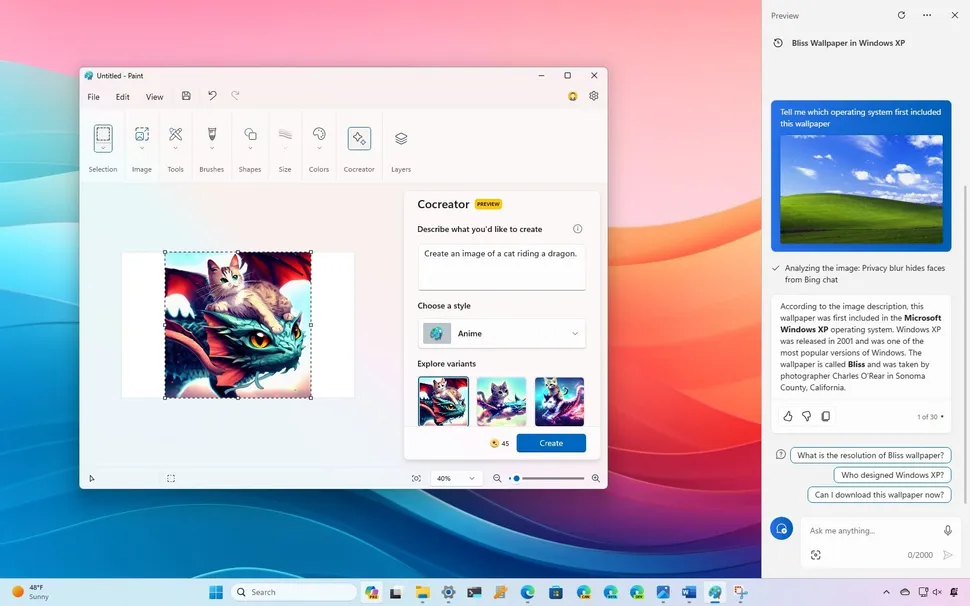
- Other Mobile AI: For another perspective on AI assistants launching on mobile, you can explore the debut of the Microsoft Copilot Android app.
Step-by-Step Mobile Setup Instructions
Activating the voice conversation beta on your phone is straightforward.

- Open the ChatGPT app and tap the menu (usually your profile icon or three lines).
- Navigate to Settings > New Features.
- Opt into Voice Conversations.
- Return to the main chat screen. Look for a headphone icon (often in the top-right corner).
- Tap it, grant microphone permissions if prompted, and choose your preferred voice to begin.
These steps are based on the initial launch announcement from OpenAI.
Voice Selection and Characteristics
You’re not stuck with one robotic tone. ChatGPT offers a palette of voices, each with a unique character.

- The Roster: There are 11 distinct voices, all named after elements of nature: Arbor, Breeze, Cedar, Cove, Ember, Juniper, Maple, Marin, Sol, Spruce, and Vale.
- Crafted with Care: Each voice was created in collaboration with professional voice actors to ensure naturalness and authenticity, a detail covered in the TechCrunch report and refined in later models like gpt-realtime.
- Choosing Your Voice: Selection is based purely on personal preference—whether you want a voice that sounds calm and soothing or bright and energetic for your AI voice assistant.
The Voice Experience in Action – Quality, Performance, and Real-World Applications
Voice Quality and Technical Performance
How does it actually perform? The answer has evolved with updates.

- gpt-realtime Improvements: The newer gpt-realtime model brought better accent recognition, faster response times (low latency), and impressive language flexibility—it can switch languages mid-sentence.
- User Feedback Spectrum: The experience isn’t monolithic. While many praise the conversational flow, some users in the OpenAI community forums note that recent updates have made voices feel more generic and less adaptively emotional than earlier versions.
- The Balancing Act: This highlights the central challenge: trading off absolute consistency (a benefit for reliability) against the unpredictable nuance that makes human conversation engaging. The OpenAI blog details the technical pursuit of this balance.
Practical Use Cases Transforming Daily Assistance
The OpenAI ChatGPT voice update moves AI from a niche tool to a versatile daily companion.

- Learning & Tutoring: Ask complex questions aloud and get immediate, spoken explanations—perfect for understanding a new concept hands-free.
- Creative Brainstorming: Talk through ideas for a story, project, or business plan with a patient, creative partner.
- Accessibility Powerhouse: It’s a game-changer for users with visual or mobility impairments, offering natural interaction without a keyboard.
- On-the-Go Help: Settle debates, get recipe instructions while cooking, or learn a fun fact during a walk.
- Bedtime Stories: Request a personalized, voiced story for a child (or yourself!).
These applications show how AI is weaving itself into the fabric of daily life, a broader trend explored in how AI is changing the world. The official launch post highlighted many of these transformative uses.
How Voice Mode Changes Daily Usage Patterns
This feature doesn’t just add a mode; it changes your relationship with the tool.
- From Tool to Companion: Text-based ChatGPT requires deliberate engagement: open app, type, wait. Voice Mode turns it into an integrated assistant for spontaneous, fluid conversation throughout the day.
- The Memory Effect: Combined with the Memory feature, your AI voice assistant can reference past discussions. This creates a seamless, ongoing dialogue that builds context over time, making the AI feel more like a consistent partner than a one-off tool.
- Routine Integration: It becomes part of your morning routine, commute, workout, or cooking session, fundamentally altering OpenAI daily usage from periodic checks to constant availability, a shift noted in coverage of the update’s impact.
Current Limitations and the Future of Voice AI
What Voice Mode Cannot Do (Current Constraints)
Despite its advances, the voice conversation beta has clear boundaries.
- No Visual Context: It cannot see your screen, video feed, or environment. The promised multimodal capability to process visual and audio information simultaneously is not part of this feature.
- No File Uploads or Live Web: You cannot attach PDFs, documents, or paste content from the internet for it to analyze via voice. Its knowledge remains cut off in April 2023 unless you have web search enabled separately.
- Limited Real-Time Awareness: While it remembers past conversations, it cannot interact with or analyze what’s on your screen right now. These limitations are officially acknowledged in community updates like this OpenAI community post.
Ongoing Challenges and User Concerns
Perfection is a work in progress, and user feedback is critical.
- The “Uncanny Valley” of Voice: Some users feel recent updates, while more consistent, have sacrificed emotional nuance. Conversations can sometimes feel slightly robotic or generic compared to the more variable—and sometimes more “human”—earlier versions.
- The Core Dilemma: This ties back to the immense challenge of creating a voice that is both reliably helpful and spontaneously expressive. Striking this balance is the holy grail of voice AI. The community discussion on this topic is active and insightful for the OpenAI ChatGPT voice update team.
OpenAI’s Development Roadmap and Future Capabilities
The trajectory for voice is one of rapid iteration and expansion.

- Enhanced Sensitivity: Models are being updated for better mental health awareness. For instance, GPT-5 Instant was improved to better recognize signs of emotional distress and de-escalate conversations appropriately.
- Developer Empowerment: The future isn’t just about ChatGPT. OpenAI is opening the technology via the Realtime API, allowing developers to build production-ready voice agents with phone call support (SIP), image inputs, and access to external tools.
- Broader Horizons: Expect continuous improvements in voice quality, reduced latency, and expanded regional availability. The goal is clear: to make voice a central, seamless pillar of AI interaction.
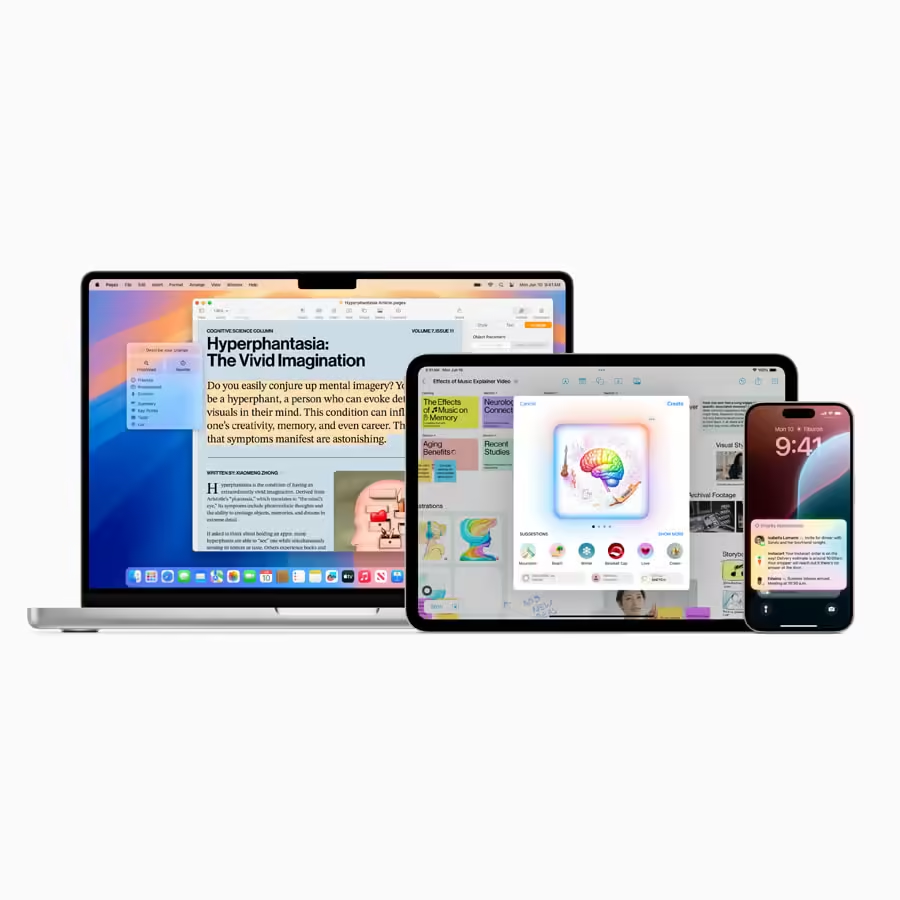
This evolution is part of a larger landscape of AI integration, similar to developments seen in platforms like Apple Intelligence in iOS 18. Details on these forward-looking steps can be found in release notes and the gpt-realtime announcement, shaping the next generation of the AI voice assistant.
Frequently Asked Questions
Is the ChatGPT voice feature free to use?
Yes, as of September 2025, Advanced Voice Mode is available to all users, including those on the free tier. Free users have generous hourly limits, while Plus subscribers enjoy near-unlimited usage.
Can I use ChatGPT voice on my computer?
Desktop access is available but is currently more limited in functionality compared to the mobile app experience. OpenAI is actively working on expanding the capabilities of the AI voice assistant for desktop.
Why does my voice assistant sound different/less emotional than before?
OpenAI periodically updates its voice models. Newer models like gpt-realtime prioritize consistency, low latency, and precise instruction-following, which some users perceive as a reduction in variable emotional expression compared to earlier, less consistent versions.
Can ChatGPT voice see what’s on my screen or analyze a document I hold up?
No. The current Advanced Voice Mode is an audio-only feature. It cannot process visual information from your camera or screen. You cannot upload files or share your screen within a voice conversation.
How do I change the voice of my ChatGPT assistant?
In the mobile app, start a voice conversation by tapping the headphone icon. Before or during the call, tap the screen to bring up controls where you can select a different voice from the available list (e.g., Juniper, Cove, Ember).
Will ChatGPT voice eventually be available worldwide?
OpenAI is continuously working to expand regional availability. The feature is not yet available in the EU, U.K., and several other European countries due to regulatory processes, but broader global rollout is expected over time.