Samsung Privacy Display Innovation: How Anti-Peek Screen Technology Protects Your Data
Estimated reading time: 8 minutes
Key Takeaways
- Samsung’s privacy display innovation uses advanced anti-peek technology to shield your screen from prying eyes in public spaces.
- The core technology, Flex Magic Pixel, dynamically adjusts pixel light output to limit viewing angles, making content visible only to the primary user.
- Users gain granular control through PX Display Control in One UI, allowing manual toggles, automation, and app-specific rules for privacy.
- This anti-peek screen feature offers selective protection, blacking out only sensitive areas like passwords while keeping the rest of the screen vibrant.
- Currently debuted on the Samsung Galaxy S26 Ultra, with expectations for wider rollout to future flagships, enhancing mobile security displays across the ecosystem.
Table of contents
- Samsung Privacy Display Innovation: How Anti-Peek Screen Technology Protects Your Data
- Key Takeaways
- What Are Privacy Displays? Understanding Mobile Security Displays
- The Anti-Peek Mechanism: Breaking Down Samsung’s Technology
- PX Display Control: Customizing Your Privacy Settings
- Samsung Phones with Privacy Display Innovation: Current Availability
- Frequently Asked Questions
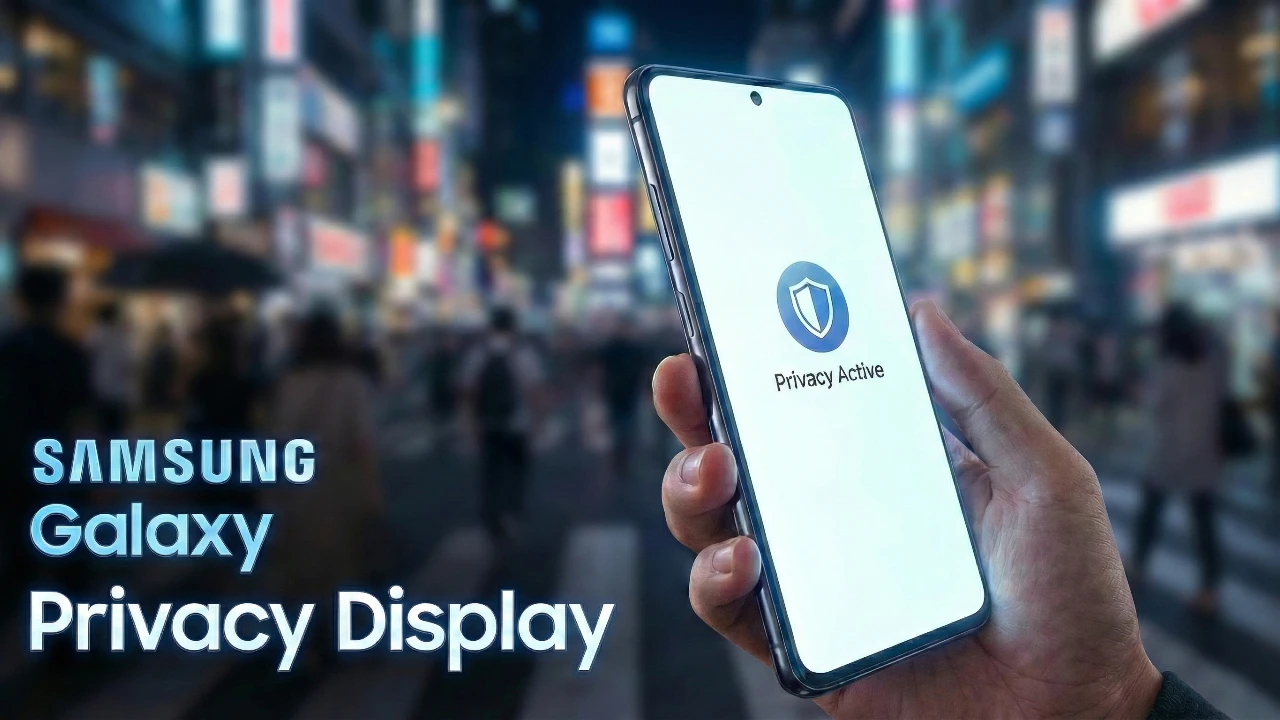
Imagine you’re on a crowded bus, quickly checking your bank balance, or in an open office, entering a password for a confidential report. That moment of vulnerability—when someone nearby could glance over your shoulder—is what Samsung’s privacy display innovation aims to eliminate. As mobile devices become central to our daily lives, the risk of “shoulder surfing” in public spaces grows, exposing sensitive data to prying eyes. Samsung has emerged as a leader in addressing this with its cutting-edge mobile security displays, as highlighted in their upcoming technology innovations. But what makes Samsung’s privacy displays so secure? Let’s delve into the technology that turns your screen into a personal fortress.
What Are Privacy Displays? Understanding Mobile Security Displays
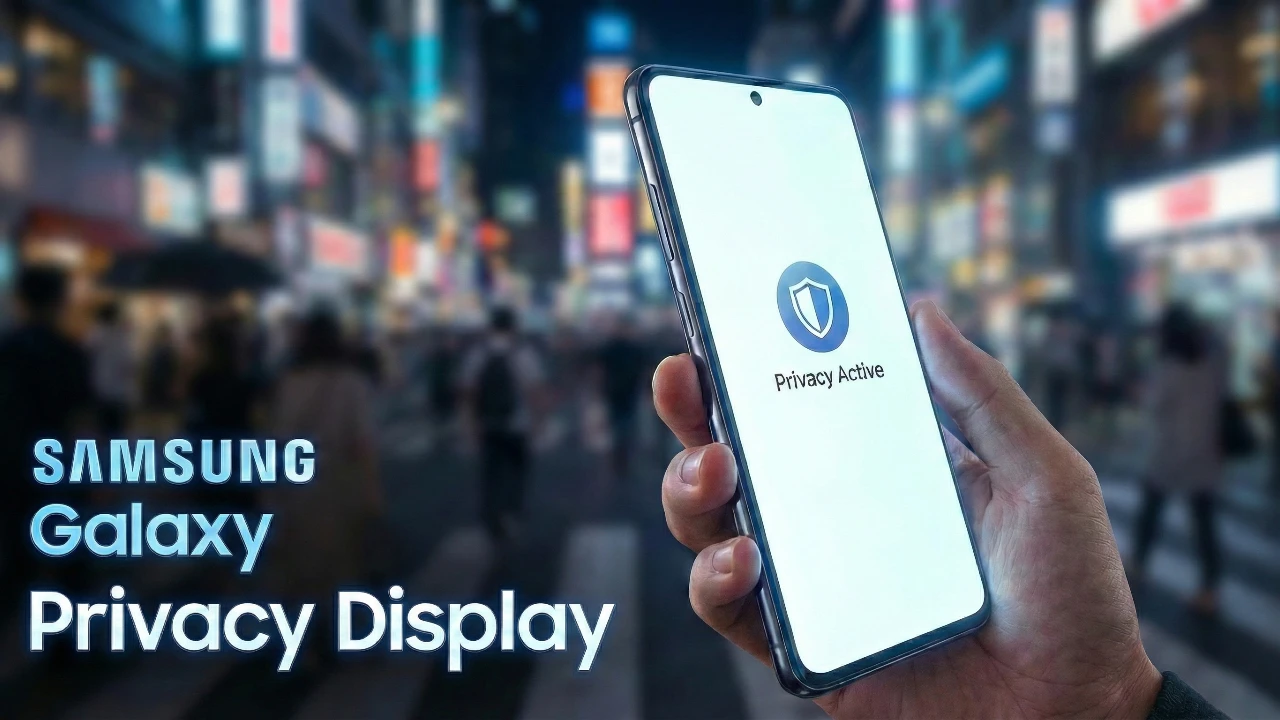
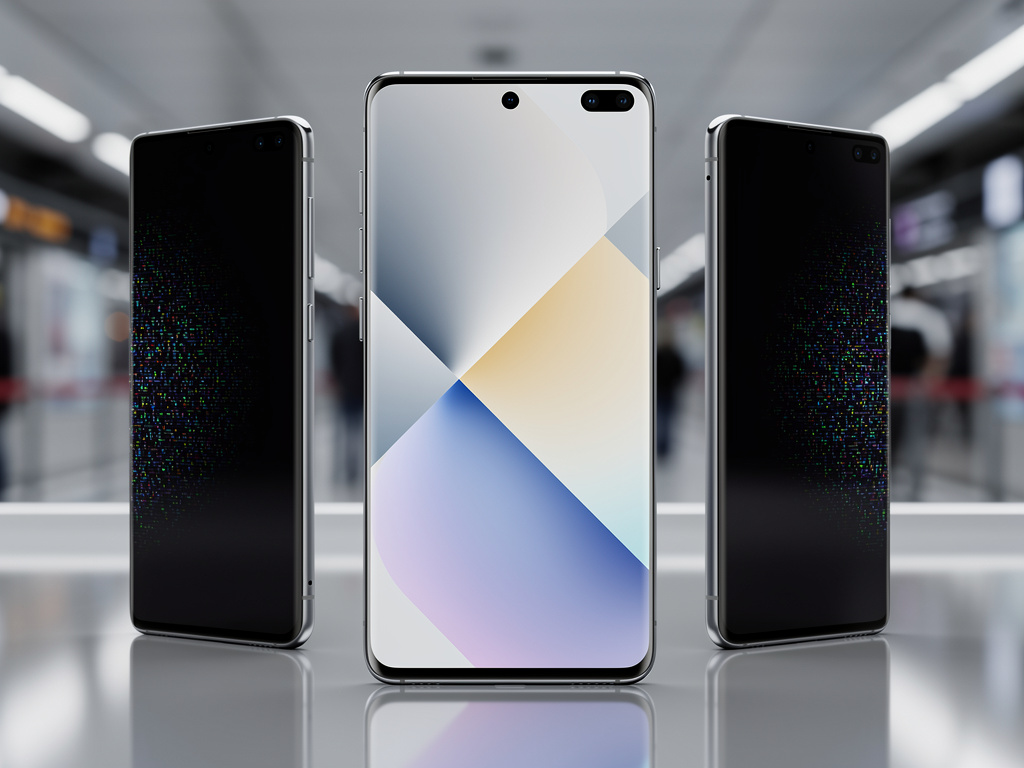
At its core, a privacy display is an electronic screen filter integrated directly into the OLED panel that limits visibility to the primary user. By narrowing effective viewing angles, it makes content appear blurred, dimmed, or completely black from the sides, ensuring that only you can see what’s on your screen. This technology falls under the broader category of mobile security displays, designed to protect against visual eavesdropping in environments like public transit, cafes, or shared workspaces. According to TechTimes, Samsung’s approach leverages real-time adjustments to individual pixels, setting it apart from older methods.
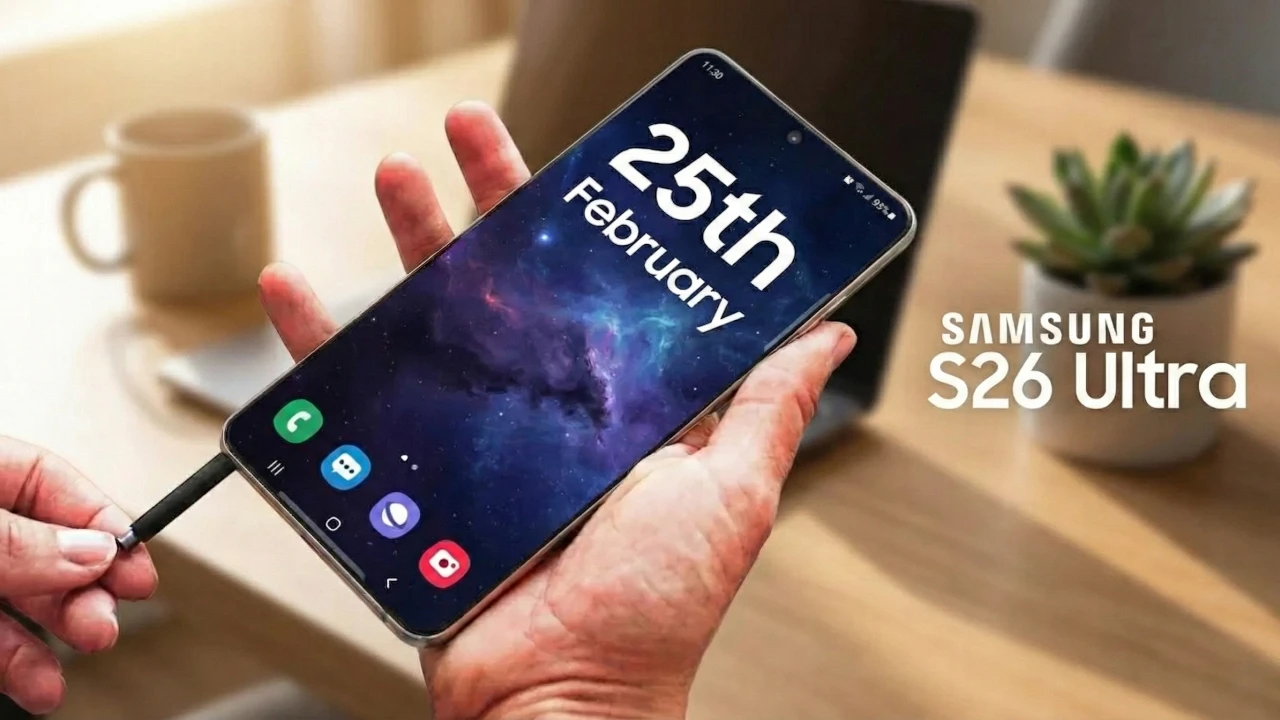
Samsung’s proprietary technology, known as Flex Magic Pixel (introduced in 2024), is the engine behind this innovation. It works by dynamically tweaking the light output of each pixel in real-time to block off-angle views. This isn’t just a software trick; it’s built on underlying patents like “Displays with Adjustable Angles-of-View,” which allow for precise control over how light is emitted from the screen. As detailed in PenBrief, this patent groundwork enables the seamless integration of privacy features without compromising display quality. The result is a screen that adapts on the fly, making it a cornerstone of Samsung privacy display innovation.
Contrast this with traditional solutions, such as static physical filters like micro-louvre screens that attach externally. These older methods often reduce brightness, distort colors, and can interfere with touch sensitivity. Samsung’s technology, however, maintains full brightness, color accuracy, and touch responsiveness for straight-on viewers, with no need for hardware add-ons. As TechTimes explains, and demonstrated in YouTube videos, the difference is stark: users enjoy a pristine viewing experience when looking directly, while sidelong glances see nothing but obscurity. This evolution marks a leap forward in anti-peek screen feature development, blending security with usability.
The Anti-Peek Mechanism: Breaking Down Samsung’s Technology
User Activation Experience
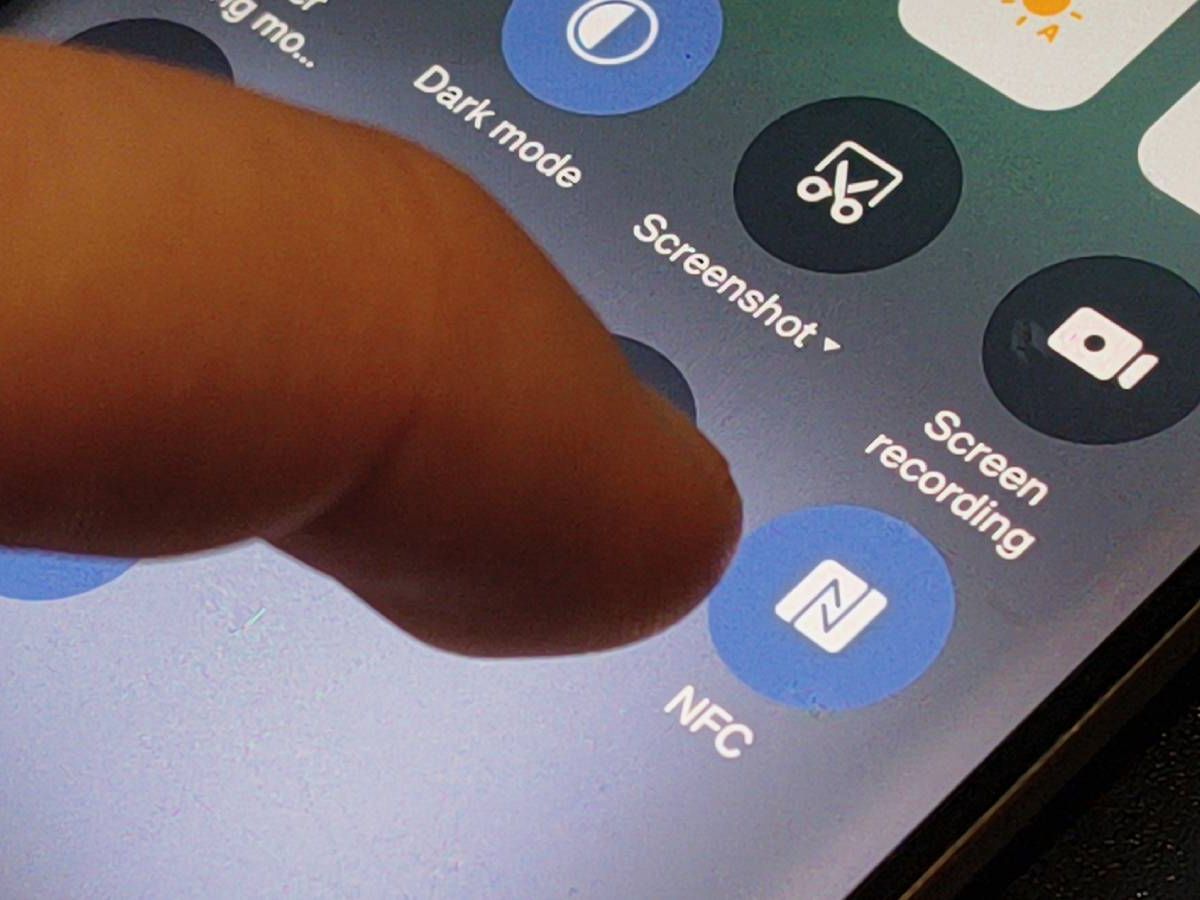
Activating Samsung’s anti-peek screen feature is designed to be intuitive and seamless. Through One UI 8.5 settings or a quick panel toggle, users can turn privacy on or off with a simple tap—think of it as a digital privacy switch that instantly transforms your display. As noted in PenBrief’s coverage of One UI updates, this integration into the operating system ensures that privacy controls are always at your fingertips, making it easy to adapt to changing environments without fuss.
The Viewing Angle Effect
How does it work visually? Imagine wearing sunglasses that only work for the wearer: Samsung’s technology redirects light like microscopic blinds closing off peripheral rays. When you look straight on, the screen remains crystal-clear; but tilt it just 30-45 degrees to the side, and content blurs or turns black, rendering it unreadable to anyone trying to peek. This effect is powered by the Flex Magic Pixel system, which adjusts pixel output in real-time. TechTimes describes this as a dynamic barrier that maintains quality for the user while thwarting observers, a point vividly shown in demo videos. It’s a clever blend of optics and electronics that defines mobile security displays.

Selective Protection Capability
One of the most intelligent aspects of Samsung’s approach is selective protection. Rather than blacking out the entire screen, the feature can target specific elements—like notifications, password fields, or app sections—while keeping the rest vibrant and usable. This is perfect for scenarios like crowded metros, where you might want to hide a banking app but still watch a video. As YouTube demonstrations reveal, and Android Authority notes, this granularity ensures that privacy doesn’t come at the cost of convenience. The system intelligently decides what to obscure, making it a sophisticated part of Samsung privacy display innovation that adapts to real-world use.
PX Display Control: Customizing Your Privacy Settings
Define PX Display Control
PX Display Control is the heart of user customization in Samsung’s privacy ecosystem. Likely shorthand for Pixel-level eXecution or a similar term, it refers to the granular privacy settings embedded in One UI 8.5 that put power directly in your hands. As TechTimes outlines, this control panel lets you fine-tune how and when the privacy display activates, making it a key component of the overall privacy display innovation.
Manual Adjustment Options
With PX Display Control, you’re not stuck with a one-size-fits-all approach. Here’s what you can tweak manually:
- Toggle On/Off: A simple binary switch for instant privacy—perfect for quick transitions between public and private settings.
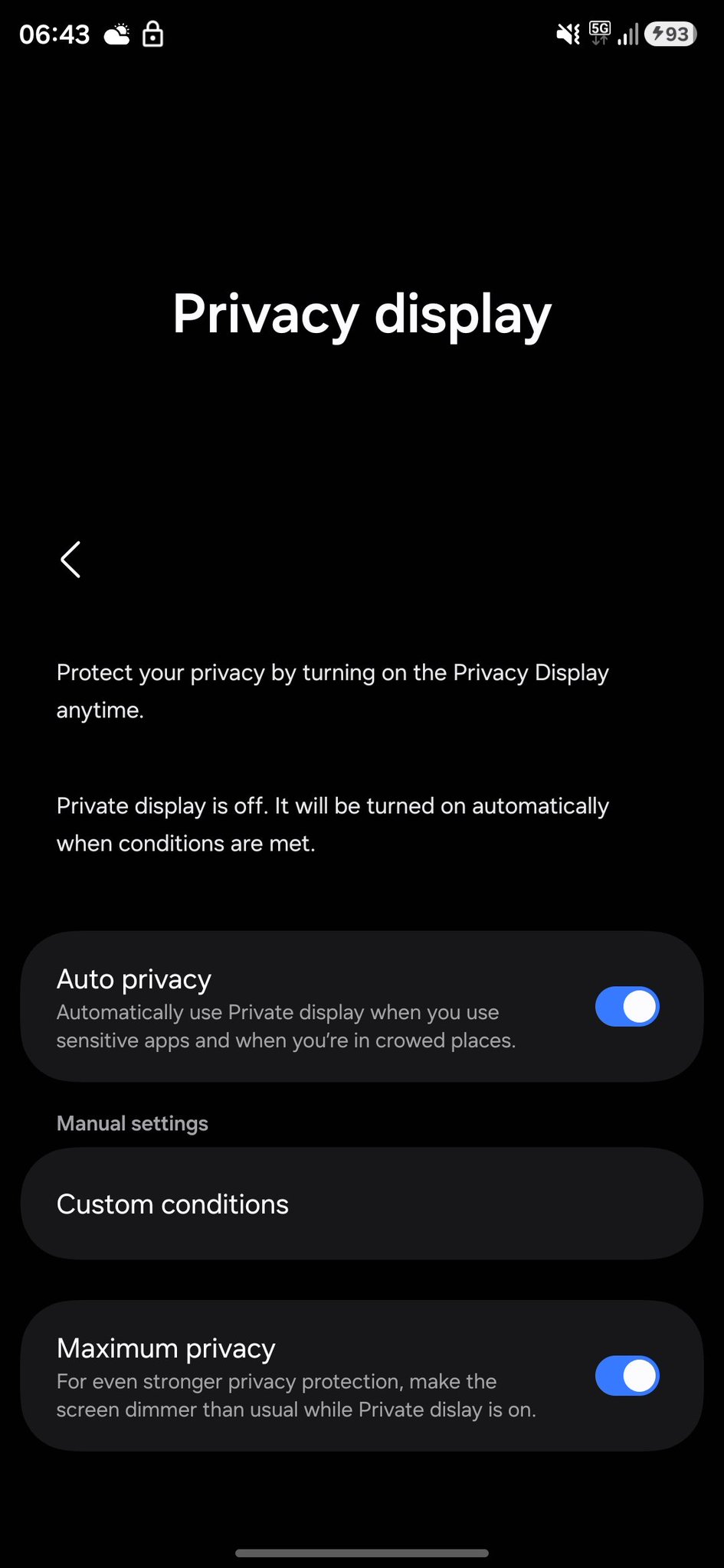
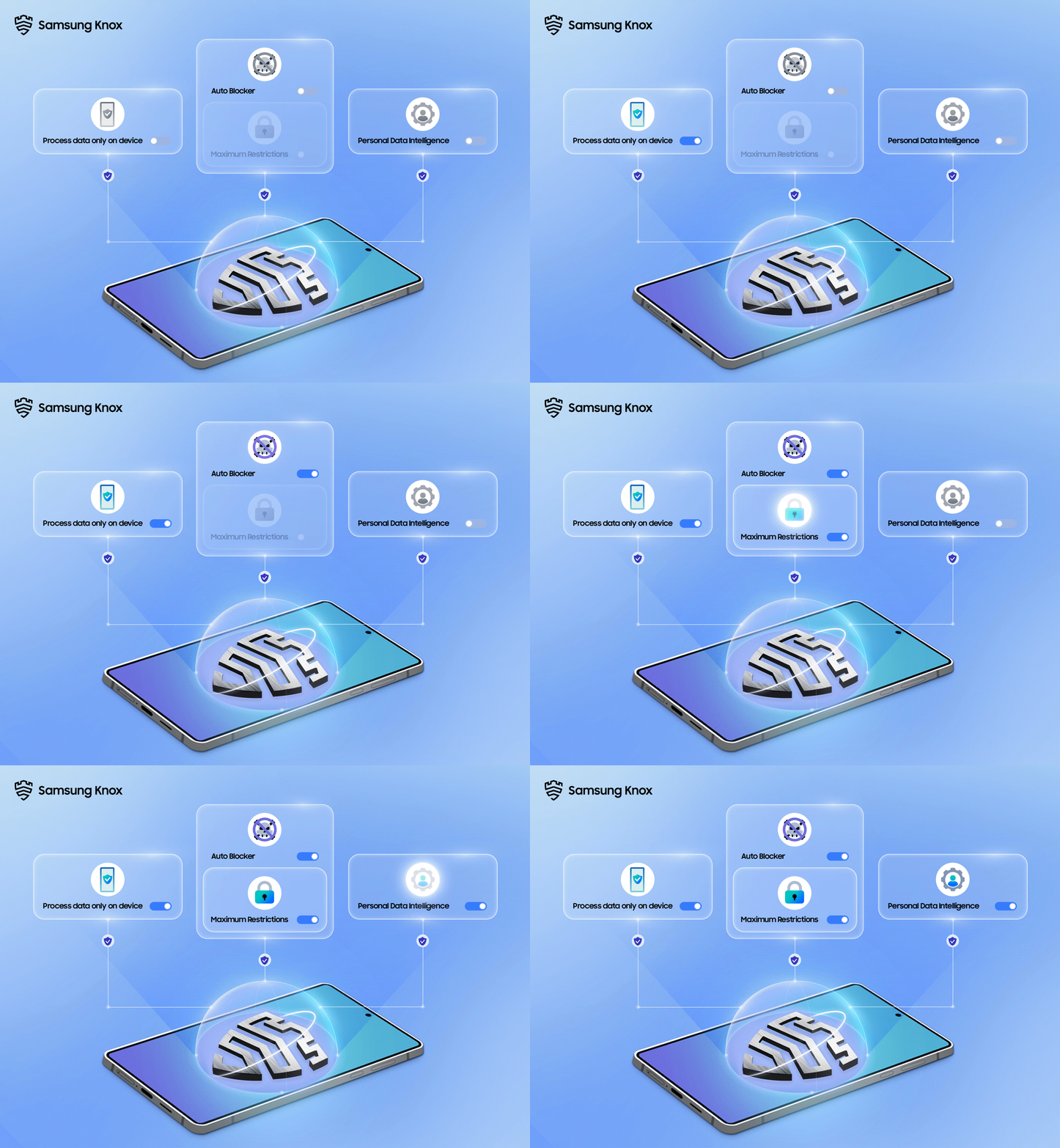
- Adjust Intensity Levels: Choose from Standard mode for moderate obscuration to Maximum Privacy mode, which dims the screen further for extreme protection in high-risk situations.
- Partial Protection Application: Apply privacy to specific screen regions, such as notifications or Picture-in-Picture windows, leaving other areas fully visible.
These options, detailed in TechTimes and Android Authority, ensure that the anti-peek screen feature aligns with your daily routines without interrupting productivity.
Automation Features
For hands-free convenience, PX Display Control includes robust automation:
- Auto Mode: Uses device sensors to detect crowded places like buses or cafés, activating privacy automatically—no manual input needed.
- Scheduled Privacy: Set times for activation, such as during your commute hours, so your screen is always protected when you need it most.
- App-Specific Rules: Trigger privacy displays for sensitive apps like banking or photo galleries, ensuring they’re always shielded from prying eyes.
- Custom Conditions: Combine factors like location, time, and app usage to create sophisticated automation profiles tailored to your lifestyle.
This automation integrates seamlessly with Samsung Modes and Routines, and as Android Authority highlights, it even offers developer API access for third-party app integration, expanding the ecosystem of mobile security displays. TechTimes adds that this intelligence makes privacy a background process, not a chore.

Voice Control Capability
In today’s multitasking world, voice commands are a game-changer. Samsung has integrated hands-free activation via Bixby, allowing you to toggle privacy displays with simple voice prompts. As TechTimes notes, this feature is ideal for users on the move—imagine saying “Hey Bixby, turn on privacy mode” while juggling groceries on a busy street. It’s a small but significant touch that enhances the accessibility of Samsung privacy display innovation.
Samsung Phones with Privacy Display Innovation: Current Availability
Current Launch Phone
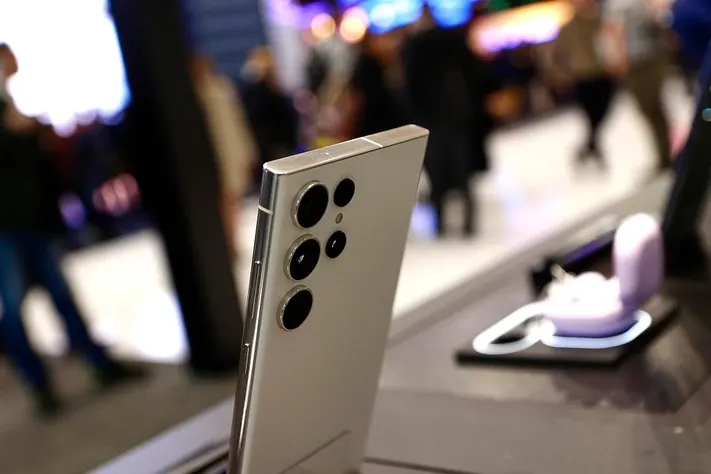
The debut device for Samsung’s full privacy display integration is the Samsung Galaxy S26 Ultra, as reported by PenBrief. This flagship model features the hardware-exclusive OLED panel with Flex Magic Pixel technology, paired with software rolled out via One UI 8.5. Samsung’s official press and TechTimes confirm that the S26 Ultra is the first to offer this comprehensive anti-shoulder-surfing experience, setting a new standard for mobile security displays in the premium smartphone market.
Future Rollout Expectations
While the Galaxy S26 Ultra leads the charge, Samsung plans to extend this technology across its lineup. Full Flex Magic Pixel integration starts with this model, but software extensions may bring privacy features to other flagship devices in the future. As of now, there are no confirmed lists for the S25 or S24 series, but Samsung’s Knox ecosystem—a robust security foundation—hints at a broader rollout. TechTimes and Samsung’s press materials suggest that privacy will become a key selling point, potentially trickling down to mid-range models as the technology matures. Community discussions, like those on Samsung’s EU forum, reflect user anticipation for wider adoption, underscoring the demand for Samsung privacy display innovation beyond just ultra-premium phones.

Frequently Asked Questions
How does Samsung’s privacy display work to prevent shoulder surfing?
Samsung’s privacy display uses Flex Magic Pixel technology to dynamically adjust the light output of individual pixels on the OLED screen. This limits the viewing angles, so content is clear only when viewed straight on. From the sides, the screen appears blurred or black, making it impossible for others to peek. It’s a software-hardware blend that activates via settings or automation, as explained in TechTimes.
Which Samsung phones currently feature the anti-peek screen technology?
As of now, the Samsung Galaxy S26 Ultra is the primary device featuring this technology, with hardware integration and One UI 8.5 software support. Future rollouts to other flagships are expected, but no official list exists for older models like the S24 or S25 series. For the latest updates, check Samsung’s press releases.
Can I customize the privacy display settings for specific apps or times?
Yes, through PX Display Control in One UI 8.5, you can set app-specific rules, schedule activations, and use auto mode based on location or time. This allows for granular control, such as hiding only banking app content or enabling privacy during commute hours. Details are covered in Android Authority and TechTimes.
Does the privacy display affect screen brightness or battery life when active?
Samsung’s technology is designed to maintain full brightness and color accuracy for the primary user, with minimal impact on battery life. Unlike physical filters, it adjusts pixel output efficiently, though maximum privacy mode may slightly reduce brightness for enhanced obscuration. Overall, it’s optimized for performance, as noted in demo videos.
Is voice control available for activating the privacy display?
Yes, you can use Bixby voice commands to toggle the privacy display hands-free. This feature is integrated into One UI 8.5, allowing for convenient activation in situations where manual input isn’t practical. TechTimes highlights this as part of Samsung’s user-friendly approach.