AI Music Generation Software: The Creator’s Guide to New Tools & Customization
Estimated reading time: 12 minutes
Key Takeaways
- AI music generation software like Suno, Udio, and Soundraw automates music creation from text prompts, offering creators a powerful tool to enhance and streamline their workflow.
- The core technology, automated composition AI, uses machine learning trained on vast music datasets to generate original melodies, harmonies, and vocals in seconds.
- Deep genre style customization—controlling mood, tempo, key, and instruments—is what transforms generic AI output into music that matches your specific artistic vision.
- Emerging creator sound AI features move beyond presets, allowing for personalization through remixing your own audio or training on your samples for a unique signature sound.
- Choosing the right tool requires balancing automated composition power, customization depth, and personalization features against your specific creative goals and workflow needs.
Table of contents
- What Creators Need to Know About AI Music Generation Software
- Understanding the Core Engine—How Automated Composition AI Works
- Shaping Your Sound—The Power of Genre & Style Customization
- Developing Your Unique Voice—Creator Sound AI Features
- Choosing the Right Tool—A Practical Evaluation Framework
- Empowering Your Creative Future with AI Music Tools
- Frequently Asked Questions
What Creators Need to Know About AI Music Generation Software
If you’re a creator looking to break through creative blocks, accelerate your production, or explore new sonic territories, the new wave of ai music generation software is your next essential toolkit. Tools like Suno, Udio, and Soundraw are no longer simple novelties; they are sophisticated platforms leveraging artificial intelligence to automate the music creation process, transforming text prompts, selected moods, or genres into complete tracks complete with melodies, instrumentation, and even realistic vocals.
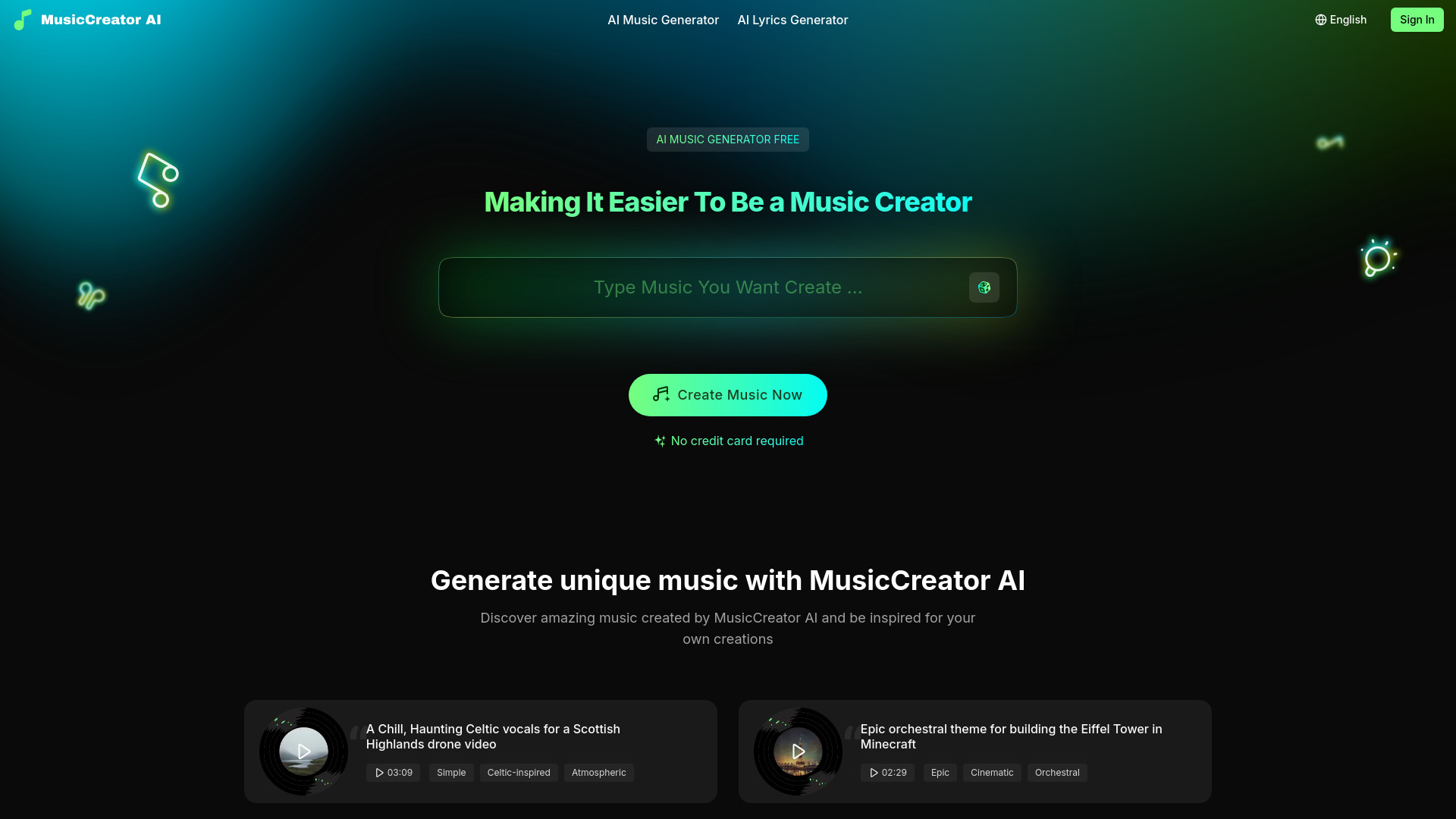
This guide is designed to cut through the noise. We’ll equip you with a clear understanding of how automated composition ai works under the hood, how to harness deep genre style customization to shape the output to your will, and how emerging creator sound ai features can help you develop a more personalized, unique sound. The goal isn’t to replace the artist but to provide a powerful collaborator that streamlines production while amplifying your unique creative voice.
Understanding the Core Engine—How Automated Composition AI Works
The Fundamentals of Automated Composition AI
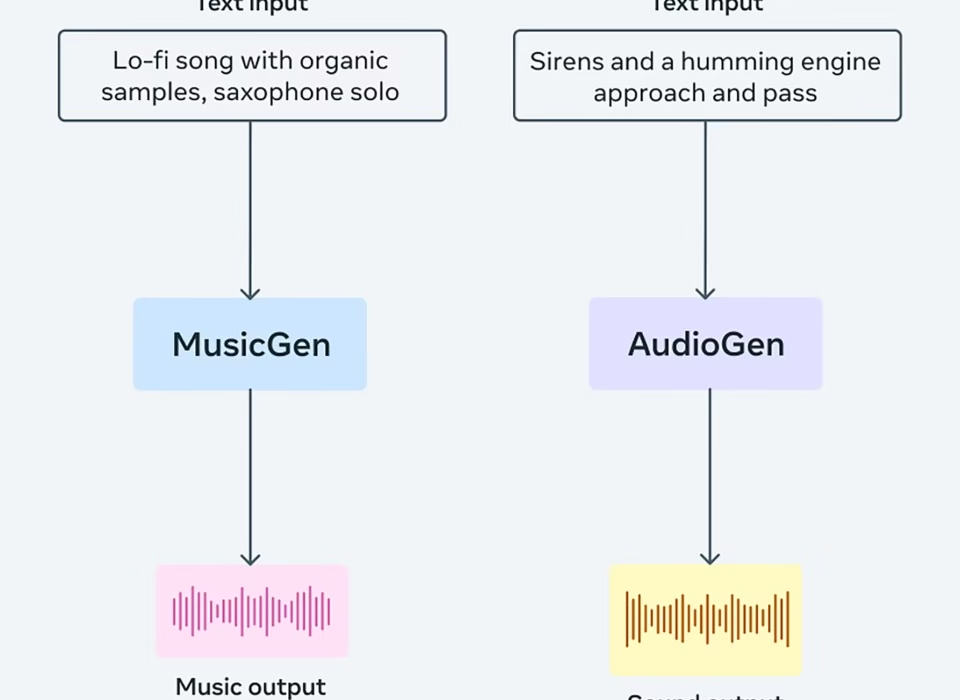
At its heart, automated composition ai is powered by machine learning models—often complex neural networks—that have been trained on massive datasets of existing music. This training allows the AI to identify intricate patterns in melody, harmony, rhythm, and structure. When you provide a simple input like “a hopeful synth-pop anthem in the key of G major,” the AI processes this request, draws from its learned patterns, and generates original musical elements that fit your description. As highlighted by industry reviews, this technology is rapidly evolving to produce increasingly coherent and high-quality results (Wavespeed), (Gradually).

Think of it as having a collaborator who has listened to millions of songs and can instantly draft ideas based on your direction.
Real-World Examples of Automated Composition Tools
Different tools leverage this core technology in specialized ways, giving creators a range of options:
- Suno has made waves with its ability to generate professional-quality vocal synthesis and full tracks up to 4 minutes long directly from text prompts, making it a go-to for creators needing polished, complete songs quickly (Wavespeed).
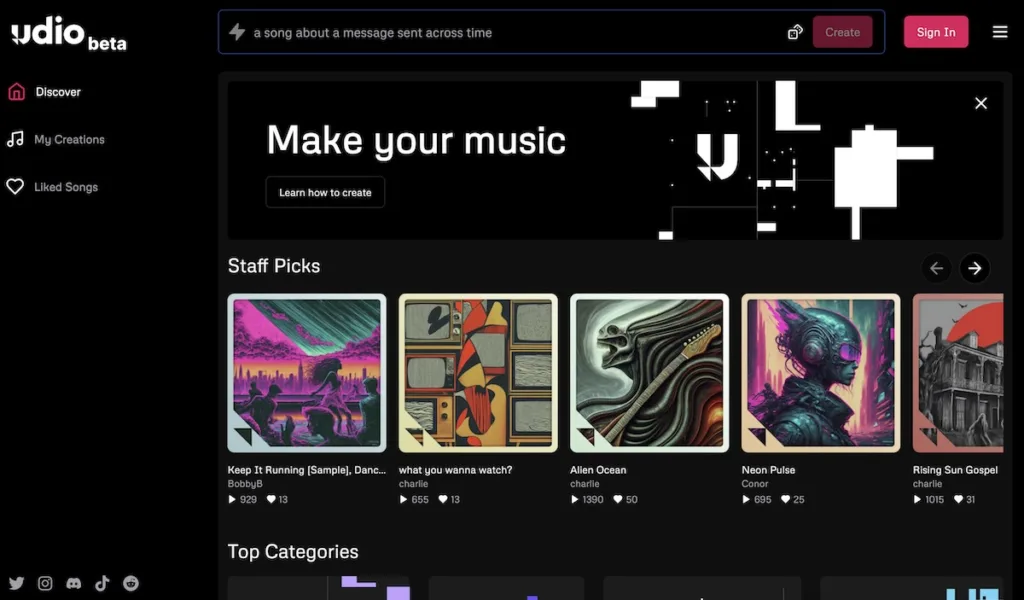
- Udio is praised for its high-fidelity output and robust remix capabilities, allowing you to generate quick drafts and then iterate on them seamlessly, perfect for refining a musical idea (Curious Refuge).
- For sheer speed and simplicity, tools like Boomy demonstrate the accessibility of modern ai music generation software, enabling one-click song generation across a wide array of genres (Wavespeed).
Practical Benefits for Your Creative Process
So, how does this translate to your studio or laptop? The benefits are tangible and transformative.
- Overcoming Writer’s Block: Hit a wall? Automated composition ai can generate a dozen fresh musical sketches in the time it takes to brew coffee, providing the spark you need to continue.
- Unlimited Backing Tracks & Prototypes: Need a bespoke underscore for a video or multiple song directions to test? Tools like Mubert or Beatoven.ai can produce unlimited tracks from mood or activity prompts, acting as an infinite idea fountain (Soundverse).
- Faster Idea Development: Instead of painstakingly building every idea from scratch, you can use AI to rapidly prototype the chorus, verse, and bridge of a song, allowing you to evaluate the strongest musical direction before investing hours in manual refinement.
Shaping Your Sound—The Power of Genre & Style Customization
Why Genre & Style Customization Matters
Without control, AI output can feel generic. This is where genre style customization becomes your most critical tool. It’s the differentiator that separates advanced ai music generation software from basic noise-makers. This feature allows you to move beyond a simple prompt and specify exact parameters: not just “rock,” but “90s grunge rock with a slow tempo, distorted guitars, and melancholic vocals.” This level of detail steers the AI decisively toward your specific artistic vision.
Customization Parameters Across Leading Tools
The leading platforms offer impressive arrays of knobs and dials to twist:
- Soundraw provides extensive, fine-grained controls for mood, genre, tempo, and song structure, generating unlimited royalty-free tracks you can download in multiple formats for precise integration into your projects (CyberLink).
- Suno supports an impressive breadth of over 50 genres and offers detailed prompt control. Crucially, it allows stem exports (separate vocals, drums, bass, etc.), giving you the ultimate customization tool: the ability to take the AI’s output and mix, process, or rearrange it yourself (Gradually).
- Udio shows particular strength in electronic and experimental styles, offering nuanced controls that cater to creators in those genres (Wavespeed).
- Ecrett Music excels in visual alignment, allowing you to match generated music to specific scenes and moods, perfect for video creators and filmmakers needing a score that fits like a glove (Wavespeed).
Advanced Customization for Precision Tuning
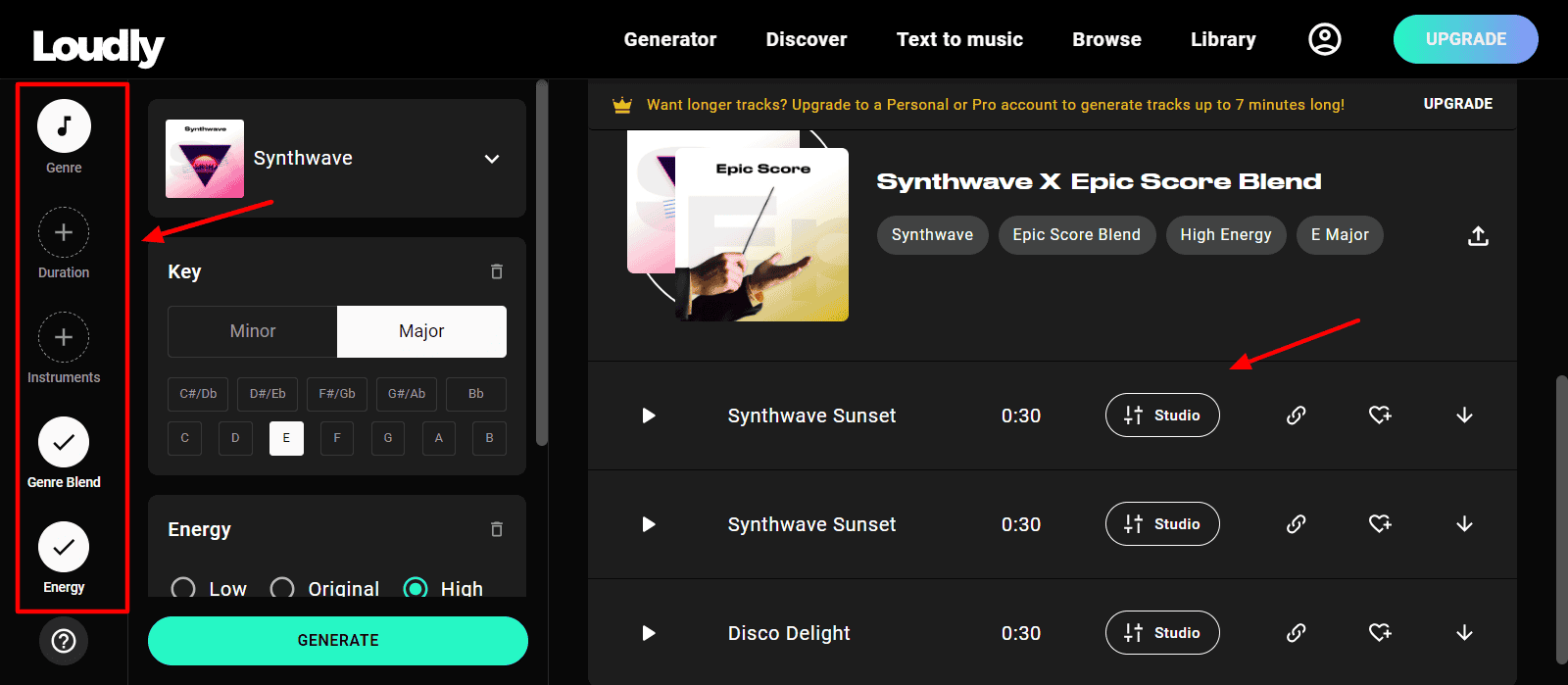
For creators who demand absolute control, some tools offer parameter-level tuning. AIVA, for instance, allows for deep customization of compositional complexity and era influences, letting you dictate the very “rules” the AI follows (Soundverse). Similarly, Loudly provides preloaded musical elements where you can adjust mood, stylistic era, and instrumentation to hit your exact specification (CyberLink). By combining controls over genre, mood, tempo, and key, you can command the AI to produce highly specific sonic outcomes, transforming it from a random idea generator into a predictable and powerful sound-shaper.
Developing Your Unique Voice—Creator Sound AI Features
Moving Beyond Generic Presets
The next frontier in creator sound ai is personalization. While customization refines output, personalization aims to make the AI learn and reflect your individual artistic signature. This involves features that allow the software to train on your audio samples, learn from your choices over time, or remix your own existing work, effectively turning the AI into a true collaborative partner that understands your sound.
Tools Supporting Personal Sound Development
While full custom model training is still emerging, several tools offer powerful steps in this direction:
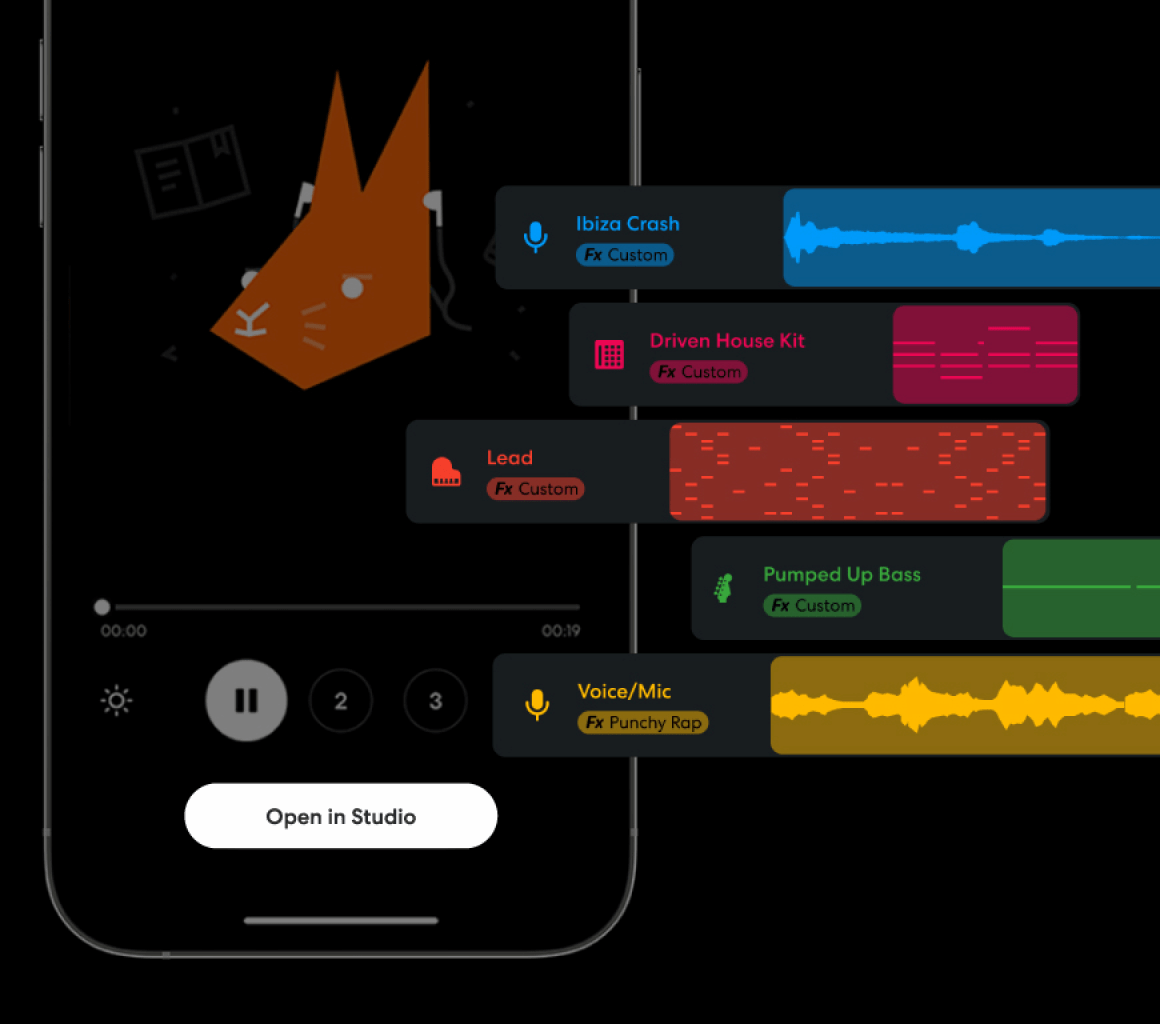
- Remix & Stem Separation: Both Udio and Suno allow you to upload your own audio and use the AI to extend or remix it. This means you can write a chorus, have the AI generate verses in a matching style, or separate your track’s stems to re-imagine the arrangement (Curious Refuge).
- Iteration and Distribution: Boomy includes simple editing tools alongside its generation features, letting you tweak AI outputs and then distribute them directly to platforms, facilitating a quick loop from idea to release (Wavespeed).
- Real-Time Co-Creation: Endlesss takes a unique approach by supporting real-time jamming with AI companions that react to your custom inputs, fostering a dynamic, personalized musical dialogue (Soundverse).
- Harmonic & Emotional Analysis: Advanced platforms like Soundverse and AIVA analyze the harmonic and emotional content of your preferences to tailor future suggestions, slowly learning what “sounds like you” (Soundverse).

The Emerging Landscape of Custom Model Training
The cutting edge is represented by tools like ElevenLabs Music, which offers professional 48-kHz output and is trainable on specific inputs, pointing toward a future of deeply personalized AI models (Gradually). For now, most ai music generation software emphasizes prompt-guided refinement over deep personal dataset training, but this is evolving rapidly. The practical advice for creators today is to prioritize tools that offer strong remix capabilities and preference learning, as these are the current pathways to developing a more distinctive, personalized sound with AI.
Choosing the Right Tool—A Practical Evaluation Framework
Balancing the Three Core Pillars
With so many options, how do you choose? The most effective approach is to evaluate any ai music generation software through a balanced lens of three core pillars: the strength of its automated composition ai, the depth of its genre style customization, and the availability of creator sound ai features for personalization. There is no single “best” tool—only the best tool for your specific workflow, creative goals, and technical requirements.
/1.png "AI Music Generation Software: The Creator's Guide to New Tools & Customization 9")
Detailed Evaluation Checklist
1. Automated Composition AI Assessment:
- What to Check: Generation speed from text/mood, maximum track length, quality and realism of vocals/instrumentation.
- Top Performers: Suno for professional, long-form tracks; Udio for high-fidelity output and quick iteration (Curious Refuge).
- Key Question: Does it produce a usable, coherent musical idea that serves as a solid foundation for my work?
2. Genre Style Customization Assessment:
- What to Check: Breadth of genre/mood controls, ability to adjust tempo/key/instruments, availability of stem exports for post-generation editing.
- Top Performers: Soundraw for unlimited tweaks; Suno for genre breadth and stem separation; Ecrett for scene-matching precision (Gradually).
- Key Question: Can I mold the output to fit a precise creative direction, or am I stuck with what the AI gives me?
3. Creator Sound AI Assessment:
- What to Check: Support for remixing user audio, features that learn from your preferences, tools for developing a personal sound library.
- Top Performers: Boomy for iteration/distribution; Endlesss for real-time collaboration; Soundverse for harmonic analysis (Soundverse).
- Key Question: Does this tool help me sound more like me, or does it just make more of its own preset style?
Workflow Integration & Practical Considerations
Beyond core features, practicalities define daily use:
- DAW Compatibility & Output Formats: Can you easily import the AI-generated stems (WAV, MIDI) into your Digital Audio Workstation (Ableton, Logic, FL Studio) for further work?
- Pricing Models: Most tools operate on subscription ($10–$50/month) or credit-based systems. Always check for a free tier or trial to test drive (CyberLink).
- Commercial Licensing: This is non-negotiable for professional use. Prioritize paid plans that explicitly grant commercial rights for your music (e.g., Suno/Udio paid plans, Soundraw’s royalty-free license) (Gradually).
The best strategy is to leverage free trials across several top-rated tools. If automated composition speed is your priority, test Suno or Udio. If deep genre style customization is key, dive into Soundraw or Ecrett. If developing a creator sound is your goal, focus on tools with robust remix and learning features. Your ideal tool is the one that disappears into your workflow, feeling less like a separate app and more like an extension of your own creativity.
Empowering Your Creative Future with AI Music Tools
The landscape of ai music generation software in 2024 is rich and ready for exploration. Tools like Suno and Soundraw deliver both rapid automated composition and profound genre style customization, while the ecosystem of creator sound ai features continues to grow, offering new ways to personalize your output (Curious Refuge). The most important step is to begin. Use free trials, experiment without pressure, and focus on which tool best amplifies your specific creative process. Remember, this technology is not a replacement for the artist but an expansive new toolkit. It accelerates production, shatters creative blocks, and unlocks stylistic exploration—all while your unique vision and judgment remain firmly in the director’s chair. Your next musical idea is a prompt away.

Frequently Asked Questions
What is the best AI music generator for complete beginners?
For absolute beginners seeking simplicity, Boomy is an excellent starting point due to its one-click generation across many genres. For those wanting more control from the start, Soundraw offers an intuitive interface with clear customization sliders for mood and genre, making powerful results accessible without a steep learning curve.
Can I legally own and sell music I create with AI generators?
This depends entirely on the tool’s license. Most free tiers are for personal/non-commercial use only. To own and commercialize your music, you must subscribe to a paid plan that explicitly grants commercial licensing rights. Always read the terms of service for platforms like Suno, Udio, or Soundraw to understand what you can do with the output.
Do I need musical training to use AI music software effectively?
No, but it helps. You can generate amazing music with just descriptive text prompts. However, basic knowledge of terms like tempo, key, and genre will significantly improve your ability to use genre style customization features effectively. The more precisely you can communicate what you want, the better the AI can deliver it.
What’s the main difference between Suno and Udio?
While both are top-tier, they have different strengths. Suno is often praised for its compelling vocal generation and ability to create longer, song-structured tracks (up to 4 minutes). Udio is frequently noted for its exceptional sound quality (high-fidelity) and superior remixing/iteration features, making it fantastic for refining and expanding upon musical ideas.
Can AI music generators create in any style or genre?
Most tools are strongest in popular, data-rich genres like pop, rock, hip-hop, and electronic. Niche or extremely avant-garde styles may be less reliably rendered. The breadth of a tool’s genre style customization library (e.g., Suno’s 50+ genres) is a good indicator of its versatility. Always test your target genre during a free trial.