

The 2026 Guide to Budget Gaming Gear: Maximize Performance, Minimize Cost
Estimated reading time: 12 minutes
Key Takeaways
- Budget gaming gear is all about prioritizing performance, comfort, and durability over cosmetic luxuries.
- You can find a high-quality gaming headset under 100 with clear audio, a decent mic, and cross-platform compatibility.
- An affordable mechanical keyboard offers tactile advantages for gaming and typing, with options under $100.
- The best budget mouse 2026 focuses on sensor accuracy, ergonomic shape, and reliable polling rates.
- Smart shopping for console accessories deals can enhance your setup without overspending, using sales and refurbished items.
- Apply a core evaluation framework to all purchases: weigh performance vs. luxury, check build quality, and ensure future-proofing.
Table of contents
- The 2026 Guide to Budget Gaming Gear: Maximize Performance, Minimize Cost
- Key Takeaways
- Introduction: Setting Up for Success
- Setting Expectations: Practical and Evergreen Advice
- Core Evaluation Framework: The Budget Gamer’s Checklist
- Choosing a Gaming Headset Under $100 That Doesn’t Suck
- The Tactile Advantage of an Affordable Mechanical Keyboard
- Precision on a Dime – Finding the Best Budget Mouse 2026
- Leveling Up Consoles with Smart Console Accessories Deals
- Synthesis and Recap: Making Smart Choices
- Frequently Asked Questions
Hey there, gamer! Tired of seeing pro-streamer setups with price tags that could buy a new console? You’re not alone. In this 2026 guide to budget gaming gear, we’ll break down how to pick a gaming headset under 100 and other smart upgrades that maximize value. This isn’t about settling for cheap junk—it’s about building a pro-feeling setup without premium prices. We’re focusing on accessories only: headsets, keyboards, mice, and console add-ons that offer reliable performance, essential gaming features, and solid durability. The core promise? We’ll show you where to spend more, where to save, and how to avoid paying extra for purely cosmetic “luxury” upgrades that don’t improve your K/D or comfort. Let’s dive in.
Setting Expectations: Practical and Evergreen Advice
This guide is commercial and practical: you’ll get buying criteria, example archetypes, and money-saving strategies, not just vague advice. Recommendations are focused on 2026 but designed to stay evergreen by emphasizing specs and features over exact models. Whether you’re a competitive FPS player, MMO fan, console couch-gamer, or mixed work/play user, this budget gaming gear advice adapts to your needs. We’ll also highlight how to snag the best console accessories deals to round out your setup efficiently.
Core Evaluation Framework: The Budget Gamer’s Checklist
Why does the “cheapest” option rarely equal the “best value” in gaming accessories? Value here means performance and comfort per dollar. Use this simple checklist for every purchase:
- Performance vs. Luxury Features: Prioritize responsive switches, accurate sensors, clear microphones, low audio latency, and stable wireless connections. Skip extras like extensive RGB zones, exotic materials, or branded collectibles that don’t enhance gameplay.
- Durability and Build Quality: Look for metal-reinforced headbands on headsets, thick braided cables, solid plastic shells on mice, and reinforced keyboard chassis. Avoid common weak points like headband cracks, fraying cables, or double-click issues on cheap switches.
- Brand Reputation and Support: Check warranty length, RMA processes, driver updates, and user reviews—even on budget items. Reliable support can save headaches down the line.
- Future-Proofing and Compatibility: Opt for modern standards like USB-C, 2.4 GHz wireless dongles, Bluetooth for cross-platform use, and accessories that work on both PC and console to save money over time.
We’ll apply this framework to: gaming headset under 100, affordable mechanical keyboard, best budget mouse 2026, and console accessories deals.
Choosing a Gaming Headset Under $100 That Doesn’t Suck
Looking for a gaming headset under 100 places you in a value sweet spot: you can get good audio, a strong mic, and comfort without audiophile premiums. First, decide: wired or wireless? Wired often delivers better sound and mic quality per dollar, with no battery or latency worries. Wireless under $100 offers convenience but may sacrifice mic richness; if you go wireless, look for 2.4 GHz dongles over Bluetooth for lower latency on PC/console.

Prioritize these core features over “gamer bling”:
- Sound Clarity and Positional Audio: Essential for accurately placing footsteps and gunshots. Seek clarity and separation over exaggerated bass; 40–50 mm drivers are capable at this budget. For more insights, check out guides on gaming audio.
- Microphone Quality: Aim for clear voice, minimal hiss, and noise rejection. Features like flip-to-mute, detachable booms, and inline controls add value.
- Comfort for Long Sessions: Focus on ear cushion material (memory foam, breathable fabric), clamping force, and weight to avoid fatigue.
- Platform Compatibility: 3.5 mm analog works on PC and consoles; USB may have PC-only features; wireless dongles need platform-specific support.
Consider these archetypes:
- Best for Immersive Sound: Wired, closed-back over-ear with good noise isolation.
- Best Wireless Under $100: Lightweight 2.4 GHz with 15–20 hours battery and basic surround modes.
- Best Detachable Mic / Hybrid Use: Removable boom mic for gaming and daily headphones use.
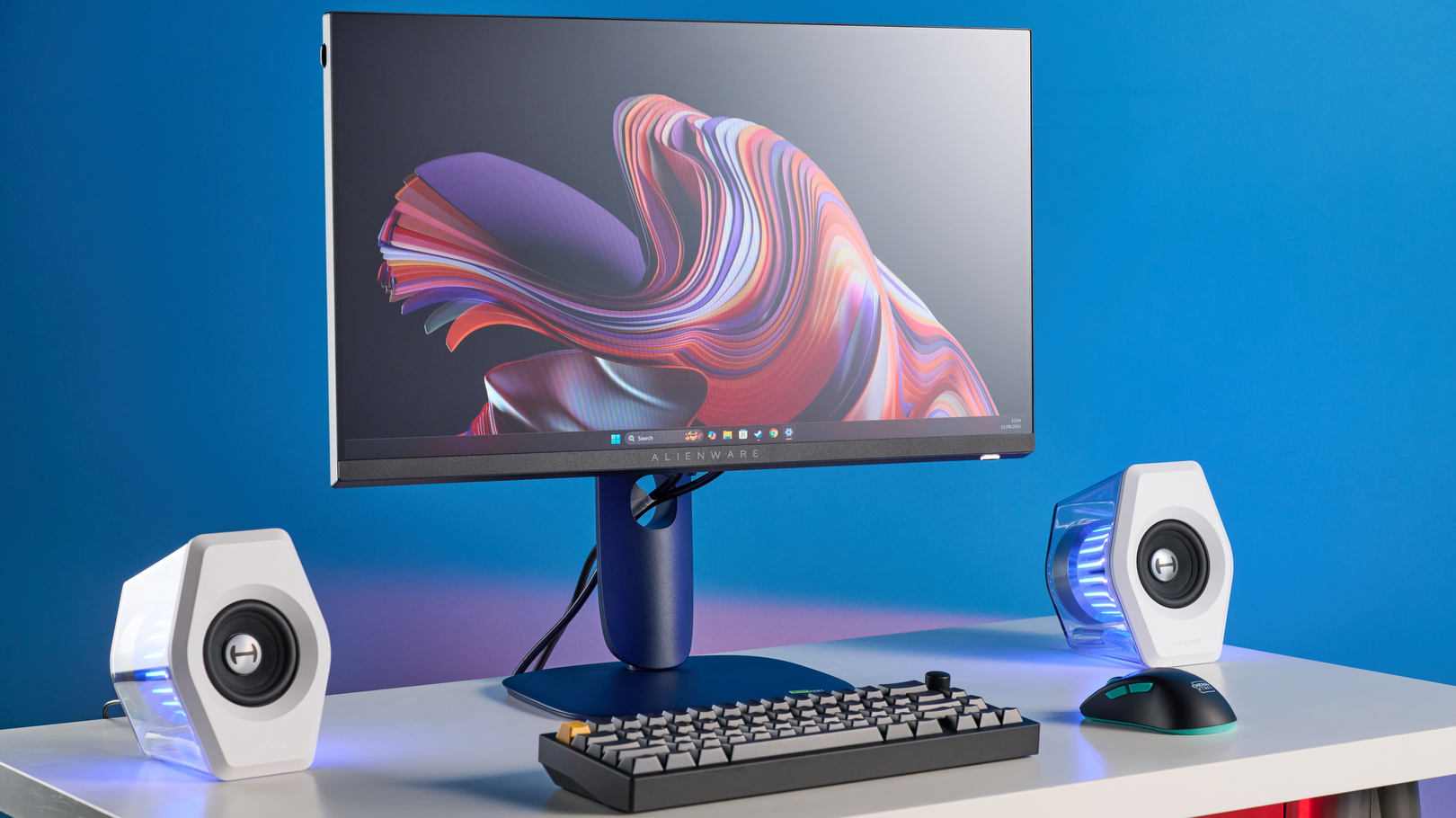
Pairing one mid-range headset with both PC and console is a smart way to cut overall budget gaming gear costs, tying into console accessories deals for versatility.
The Tactile Advantage of an Affordable Mechanical Keyboard
Why mechanical? Real mechanical switches are now widely available under $100, making an affordable mechanical keyboard a reality. These offer consistent actuation, distinct feel, and long lifespans (millions of presses), unlike mushy membrane boards. Benefits include reliable rapid key presses for FPS and MOBAs, plus better feedback for timing and muscle memory. As noted in 2026 buying guides and budget accessory reviews, budget mechanical boards deliver strong performance.
Choose switches based on your needs:
- Red Switches (Linear): Smooth, quiet, light force—ideal for fast-paced shooters and spam-heavy abilities.
- Blue Switches (Clicky, Tactile): Tactile bump with audible click; great for typing but loud for shared spaces.
- Brown Switches (Tactile, Quieter): Middle ground with subtle bump; perfect for gaming and work hybrids.
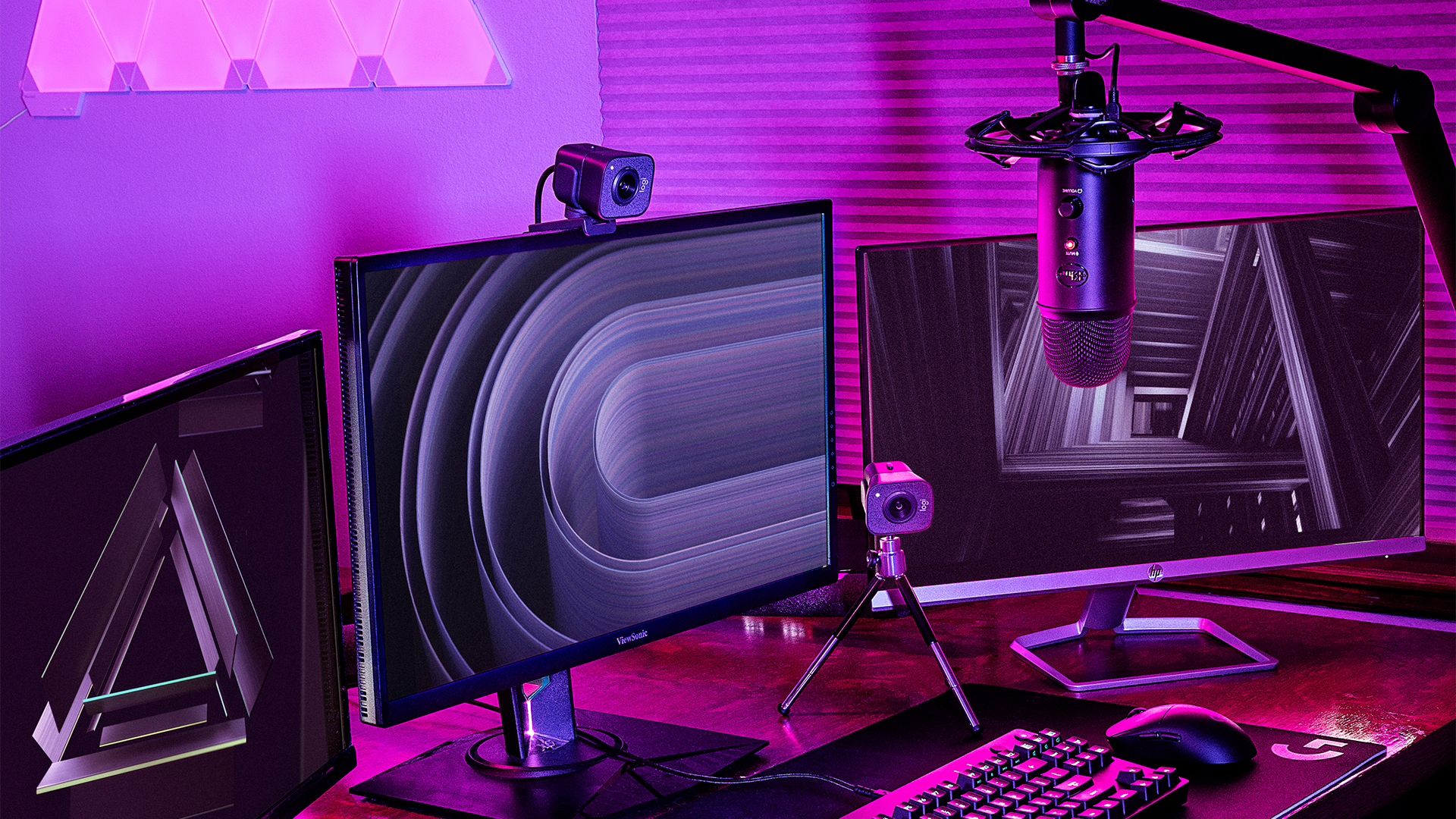
Value features to prioritize:
- Build Materials: Metal top plates or solid plastic with minimal flex for durability.
- Anti-Ghosting and N-Key Rollover: Ensures multiple key presses register correctly; aim for at least 6-key rollover.
- Hot-Swappable Switches: Allows switch replacement without soldering, boosting longevity (a bonus if available).
- RGB Lighting: Cosmetic but helps low-light visibility; budget options often have single-zone lighting.
Layout matters: Full-size for MMOs and spreadsheets, TKL (tenkeyless) for gaming balance, or 60% compact to save desk space for your best budget mouse 2026. Smaller layouts often cost less and free up mouse movement area.
Precision on a Dime – Finding the Best Budget Mouse 2026
When shopping for the best budget mouse 2026, focus on sensor quality, shape, and weight over flashy extras. Sensor specs that matter:
- DPI/CPI and Tracking Quality: DPI indicates sensitivity; modern budget sensors offer consistency, no acceleration, and no jitter, outperforming older premium ones. Useful range is 800–3200 DPI; ultra-high numbers are marketing. Reference detailed 2026 guides and accessory reviews for specifics.
- Polling Rate: Measured in Hz; 1000 Hz is common on budget mice, providing smoother, more responsive movement than lower rates.

Design trade-offs: Lightweight mice (under 70–75g) reduce fatigue for FPS, while feature-rich ones with side buttons suit MMO/MOBA players. Match your grip style:
- Palm Grip: Needs larger, ergonomic shapes with a hump for support.
- Claw Grip: Best with medium-size mice and a pronounced back hump.
- Fingertip Grip: Ideal for small, light mice with low profiles.
Wired mice offer the best price-to-performance; for wireless, seek 2.4 GHz with a USB dongle and low-latency modes. Checklist: choose shape and weight first, then ensure a proven sensor, 1000 Hz polling, and reliable switches. Cross-reference with reputable 2026 guides to confirm quality, just as you would for an affordable mechanical keyboard.

Leveling Up Consoles with Smart Console Accessories Deals
Console gamers can enhance comfort and performance by targeting console accessories deals for PlayStation, Xbox, and Nintendo Switch. Smart strategies:
- Seasonal and Event-Based Sales: Black Friday, Cyber Monday, and holiday sales often discount controllers, headsets, and bundles. Use deal sites or alerts to track prices, as highlighted in budget gadget guides.
- Certified Refurbished Programs: Manufacturer-inspected products with warranties at a discount—low-risk for controllers or headsets.
- Value-Focused Third-Party Brands: Choose reputable brands with good reviews and compatibility, not generic low-end gear.
Prioritize these accessories:
- Extra Controllers: For local co-op or backups; look for low latency, responsive sticks, and comfort.
- Charging Solutions and Battery Kits: Docks, rechargeable packs, and USB-C cables save on disposable batteries and keep setups neat.
- Affordable Gaming Headsets for Console: A gaming headset under 100 with 3.5 mm wired connection works on both PC and console, reducing total budget gaming gear spend.
- Protective Gear and Cases: For Switch and handhelds; hard-shell cases and screen preventers are low-cost upgrades, often bundled in deals.
Combine deals: e.g., a controller + charging dock bundle during a sale. For broader context, consider trends from console comparisons and gaming evolution.
Synthesis and Recap: Making Smart Choices
Reiterate the mindset: for budget gaming gear, spend on performance-critical aspects and save on cosmetics. Summarize by category:
- Gaming Headset Under 100: Prioritize sound clarity, positional audio, mic quality, comfort, and cross-platform compatibility.
- Affordable Mechanical Keyboard: Choose switch type (red/blue/brown) based on noise and feel; ensure build quality and anti-ghosting; treat RGB as bonus. As noted in 2026 guides, budget options deliver impressive performance.
- Best Budget Mouse 2026: Focus on shape, grip fit, weight, sensor reliability, and 1000 Hz polling; high DPI and RGB aren’t necessities.
- Console Accessories Deals: Use sales, bundles, and refurbs for controllers, docks, and versatile headsets.
Personalize based on your profile:
- Competitive FPS Player on PC: Invest in the best budget mouse 2026 and a precise gaming headset under 100; choose a compact affordable mechanical keyboard and skip luxury RGB.
- MMO/Productivity Hybrid: Prioritize a comfortable keyboard for work and a feature-rich mouse with side buttons.
- Console-First Gamer: Focus on console accessories deals for a second controller, charging dock, and cross-platform headset.
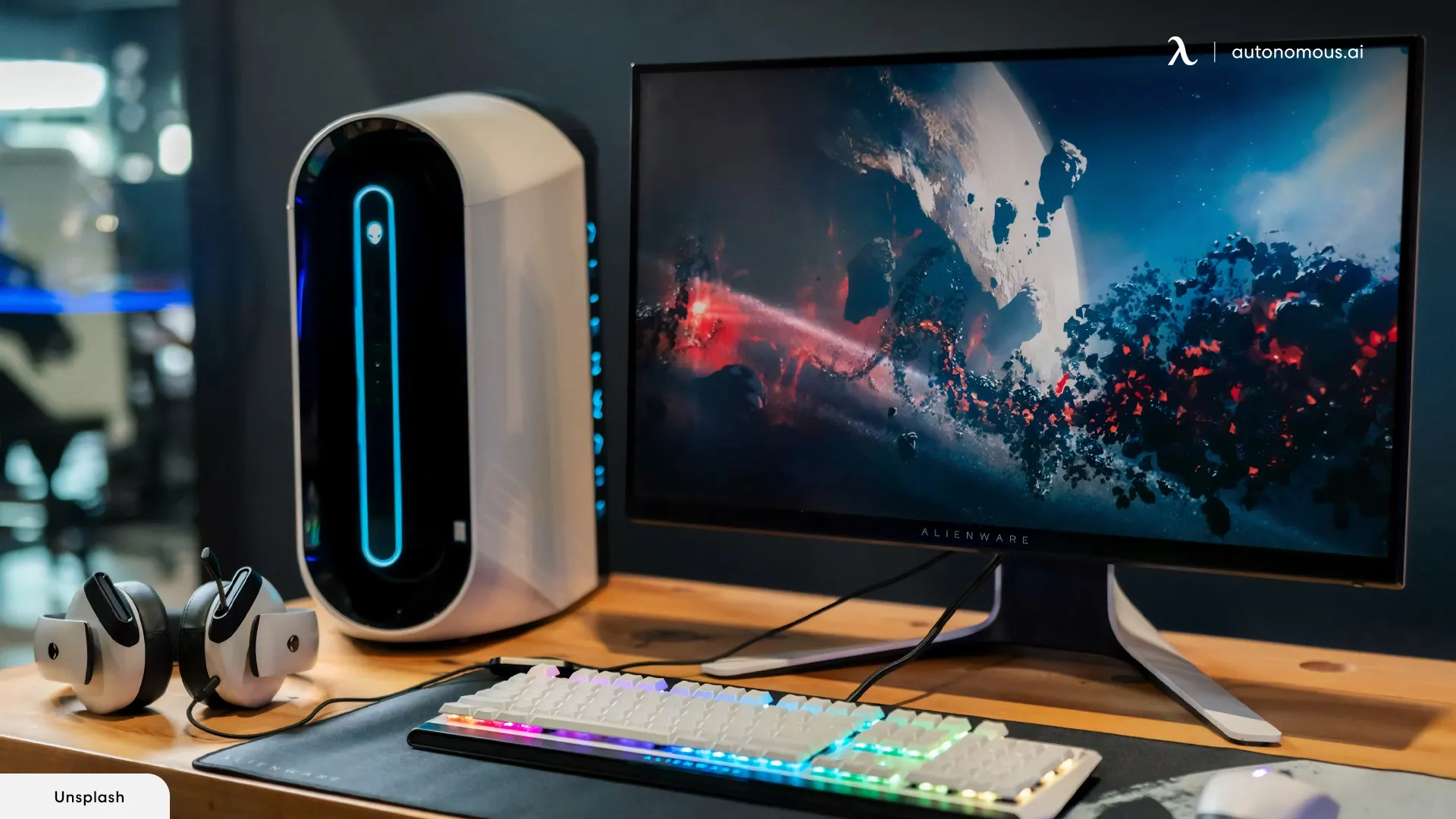
Each year, budget gaming gear gets closer to high-end quality. Audit your setup, identify your biggest bottleneck (audio, input, or comfort), and start with one targeted upgrade. Keep checking tech gift guides and reputable 2026 accessory pages to buy at the “value sweet spot.”
Frequently Asked Questions
Q: What’s the most important thing to look for in budget gaming gear?
A: Prioritize performance and durability over aesthetics. For any accessory, ensure it has reliable core features—like accurate sensors, clear audio, or sturdy build—rather than paying extra for RGB or premium materials.
Q: Can a gaming headset under $100 really be good for competitive play?
A: Absolutely! Many headsets in this range offer excellent positional audio and mic clarity. Focus on wired options for the best value, and check for comfort features like memory foam pads to handle long sessions.
Q: What are the best switch types for gaming on an affordable mechanical keyboard?
A: It depends on your needs: Red switches for fast, quiet gameplay; Blue switches for tactile feedback (if noise isn’t an issue); or Brown switches as a quieter middle ground for gaming and typing.
Q: How do I choose between wired and wireless for a budget mouse?
A: Wired mice typically offer better performance per dollar with no latency or battery concerns. If you prefer wireless, look for 2.4 GHz dongles with low-latency modes, but expect potential trade-offs in weight or battery life at very low prices.
Q: Where can I find the best console accessories deals?
A: Watch for seasonal sales like Black Friday, explore certified refurbished programs from manufacturers, and follow reputable deal sites. Bundling items like controllers and headsets can maximize savings.