Dell UltraSharp 52 Thunderbolt Monitor: The Ultimate Productivity Powerhouse for Professionals
Estimated reading time: 8 minutes
Key Takeaways
- The Dell UltraSharp 52 Thunderbolt Monitor replaces multi-monitor clutter with a single 51.5-inch curved IPS Black display.
- Its 6K 120Hz display offers 25% higher pixel density than typical dual-screen setups, delivering sharp detail and fluid motion.
- Thunderbolt 4 enables a dock integration pro setup with single-cable connectivity, 140W power delivery, and extensive ports.
- As foundational creative workspace tech, it enhances productivity for designers, analysts, and developers through seamless integration.
- Features like IPS Black technology, TÜV 5-star certification, and wide color gamuts ensure eye comfort and color accuracy for long sessions.
Table of contents
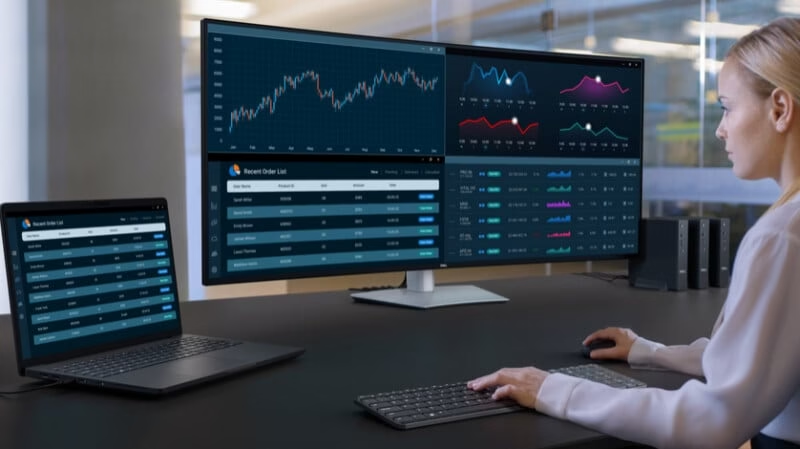
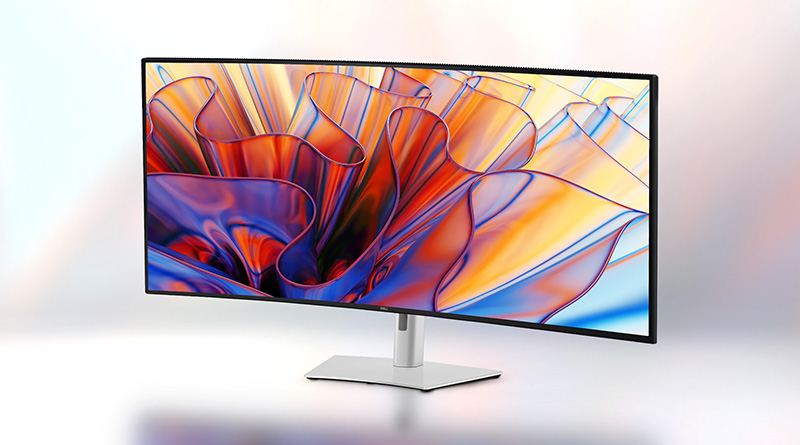
Are you tired of the constant clutter and inefficiency of multi-monitor setups in your high-stakes professional workflow? For productivity-focused pros tracking high-end displays, the Dell UltraSharp 52 Thunderbolt Monitor offers a transformative solution. This 51.5-inch curved IPS Black display (6144×2560 resolution at 120Hz) replaces two or three smaller screens with 25% higher pixel density than a 43-inch 4K plus dual 27-inch QHD setup, as noted by AppleInsider and Windows Central.
This post dives deep into how the Dell UltraSharp 52 Thunderbolt Monitor‘s visuals, connectivity, and workspace integration create an elite workstation for demanding professionals like designers, analysts, and creators. As foundational creative workspace tech, it sets a new standard for modern setups. Let’s start by exploring its game-changing display specs.
The Visual Benchmark: 6K 120Hz Display
At the core of the Dell UltraSharp 52 Thunderbolt Monitor is its 6K 120Hz display, defined as a 6144×2560 resolution at 120Hz refresh rate with 129 PPI pixel density. This delivers sharp detail and fluid motion that’s ideal for CAD rendering, video editing, financial modeling, and content creation where precision and smoothness matter. Sources: AppleInsider, Windows Central, Dell India, and Dell US.
The tangible benefits are significant:
- Smoother performance than standard 4K 60Hz panels, thanks to the 120Hz refresh rate.
- 2,000:1 contrast ratio from IPS Black technology for deeper blacks and reduced eye strain during long sessions.
- TÜV 5-star certification, 60% less blue light emission, and an ambient light sensor for auto-brightness adjustments.
- Wide color gamuts covering 99% DCI-P3 and 100% sRGB for vibrant, accurate colors in creative tasks.
Sources: AppleInsider, Windows Central, and YouTube review.
For clarity, here’s a comparison table:
| Feature | Dell UltraSharp 52 | Typical 4K 60Hz | Dual 27-inch QHD 60Hz |
|---|---|---|---|
| Resolution | 6K (6144×2560) | 3840×2160 | ~5120×1440 combined |
| Refresh Rate | 120Hz | 60Hz | 60Hz |
| Pixel Density | 129 PPI (25% higher overall) | ~100-140 PPI | ~110 PPI per screen |
| Contrast | 2,000:1 | 1,000:1 | 1,000:1 |
Sources: AppleInsider, Windows Central, and Display Specifications.
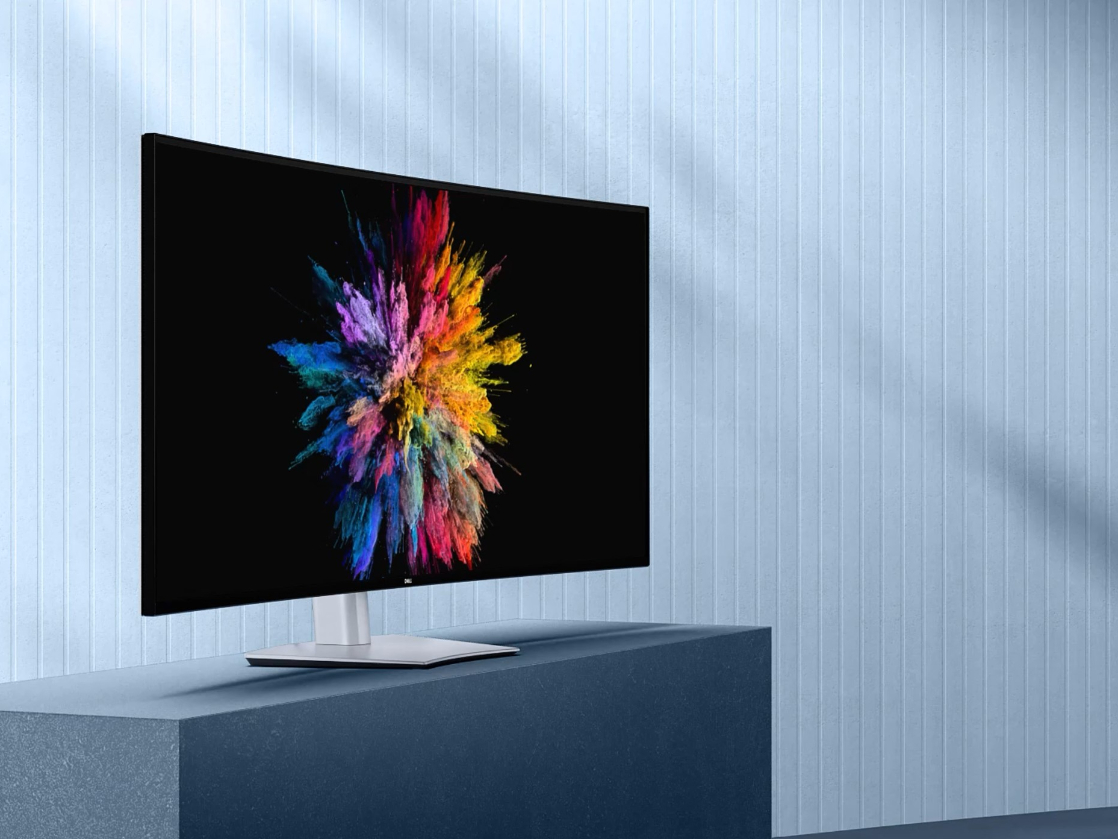
Ideal use cases include unparalleled detail for design work, smooth motion for video editing, and high screen real estate for data analysis. It outperforms alternatives by 25% in overall pixel density. As explored in productivity strategies, leveraging such technology can yield significant benefits. Now, let’s see how these visuals pair with seamless integration for full productivity gains.
Dock Integration Pro Setup
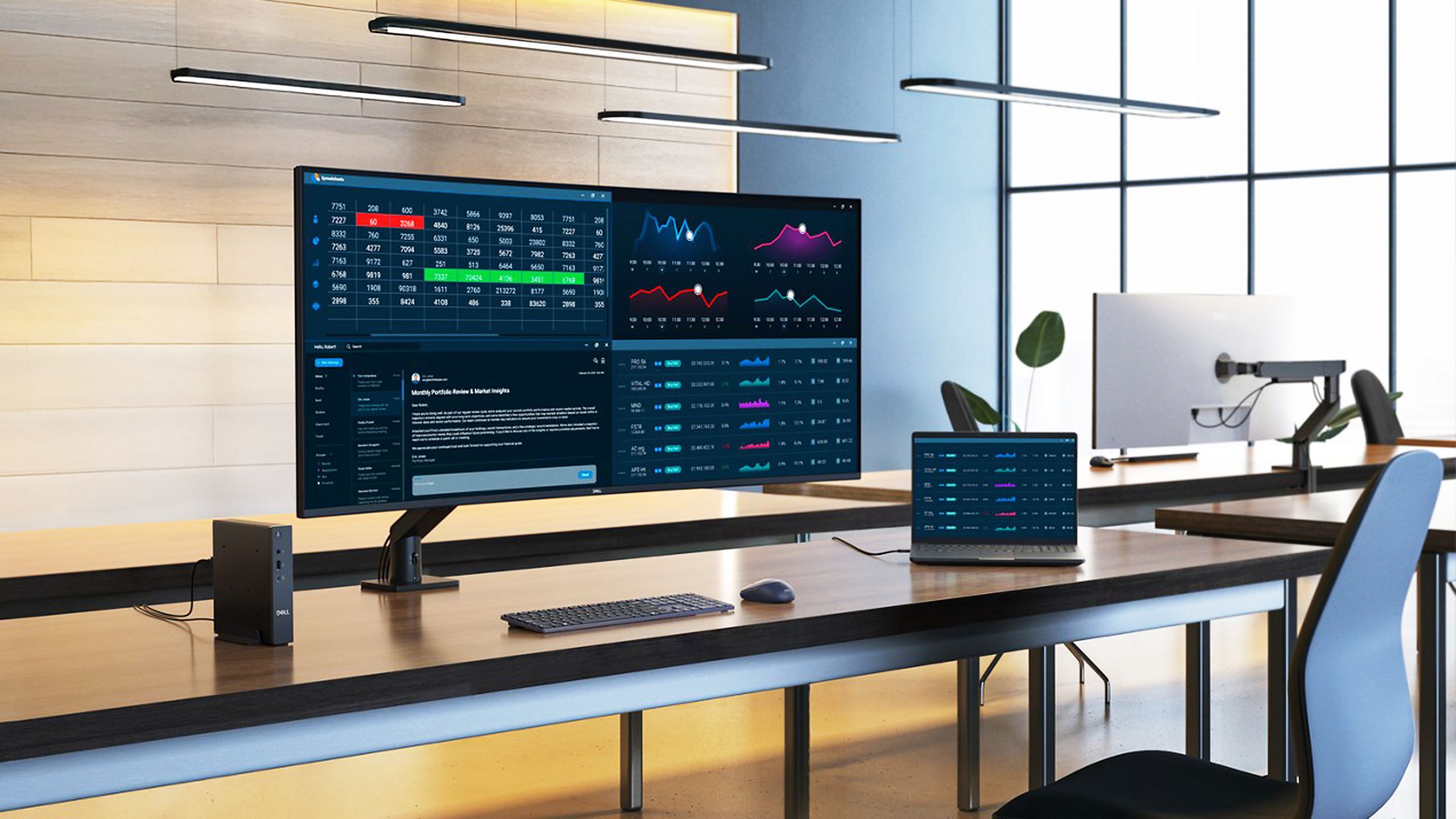
The dock integration pro setup for the Dell UltraSharp 52 Thunderbolt Monitor is Thunderbolt 4-enabled single-cable connectivity that handles 140W power delivery, video output, and data transfer to laptops (compatible with Macs and PCs), effectively turning the monitor into a central hub that eliminates cable clutter.
The full port array and features include:
- 1x Thunderbolt 4 upstream (40Gbps)
- 3x USB-C 10Gbps downstream
- 4x USB-A 10Gbps
- Pop-out front hub (2x USB-C 27W, 1x USB-A 10W)
- 2x HDMI 2.1 (supporting up to 6K 120Hz with VRR)
- 2x DisplayPort 1.4
- RJ45 Ethernet (2.5Gbps)
Sources: AppleInsider, Windows Central, Dell India, and Dell US.
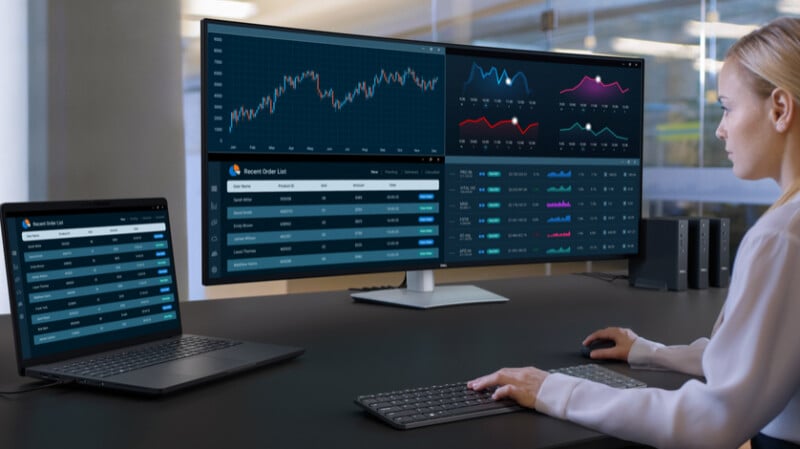
Workflow advantages are substantial:
- Connect up to 4 devices with Auto USB KVM for seamless switching.
- Picture-by-Picture (PbP up to 4 inputs) or Picture-in-Picture (PiP up to 2) for multi-source viewing.
- Simplified desk management with height/tilt adjustments and VESA mount compatibility.
- Powering peripherals directly to reduce cables.
Sources: Windows Central, Dell India, Dell US, and Dell without stand.

Here’s a step-by-step pro setup example:
- Connect your laptop via a single Thunderbolt 4 cable for charging, display, and data.
- Plug in keyboard, mouse, and external drives into the monitor’s ports.
- Enable KVM for multi-PC use to switch between devices effortlessly.
- Use PbP for side-by-side app viewing, such as having code on one side and a browser on the other.
This integrated setup is a prime example of the game-changing AI-powered workspaces that are boosting corporate efficiency. Now, let’s explore how this hub anchors broader tech ecosystems.
Creative Workspace Tech Cornerstone
The Dell UltraSharp 52 Thunderbolt Monitor is the cornerstone of creative workspace tech, with its 4200R curve for immersive viewing, 400 nits brightness, anti-glare coating, and 5ms response time promoting ergonomic focus and efficiency.
Feature synergy is key: 120Hz smoothness combined with hub KVM for effortless PC switching, low Delta E (average 0.09) for color-critical accuracy in creative tasks, and vast real estate replacing multiple screens. Sources: Windows Central, Display Specifications, and YouTube review.

To complement this monitor, consider:
- Pair with an ergonomic chair and standing desk optimized for 51.5-inch viewing distance (around 2-3 feet).
- Use wireless keyboard and mouse connected via the monitor’s USB hubs for a clean setup.
- Invest in external audio solutions since the built-in 2x9W speakers are basic.
Sources: Windows Central and YouTube review.
Ideal users include:
- Creative professionals who need vibrant colors for editing.
- Developers benefiting from multi-window coding.
- Data analysts requiring spreadsheet real estate.
- Productivity pros needing seamless integration.
Sources: YouTube review and HotHardware. Choosing the right creative tools, like a high-end monitor versus a versatile tablet, is crucial for maximizing output, as discussed in this comparison.
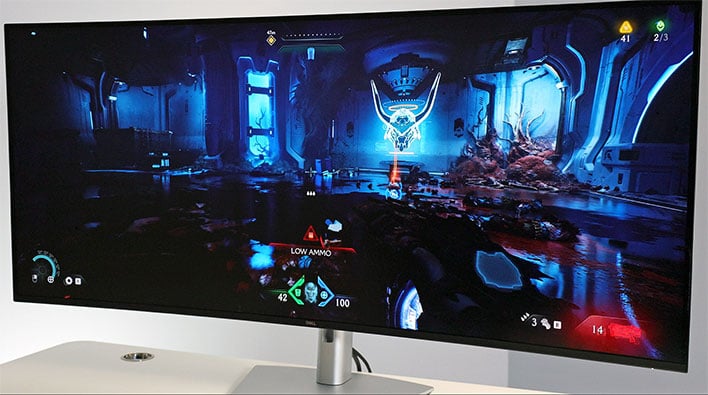
Recap and Final Thought
The Dell UltraSharp 52 Thunderbolt Monitor delivers supreme 6K 120Hz display clarity, streamlined dock integration pro setup, and robust creative workspace tech all in one expansive panel priced at around $2,899 (with stand), making it a workflow enhancer for professionals. Sources: YouTube review, HotHardware, AppleInsider, and Windows Central.
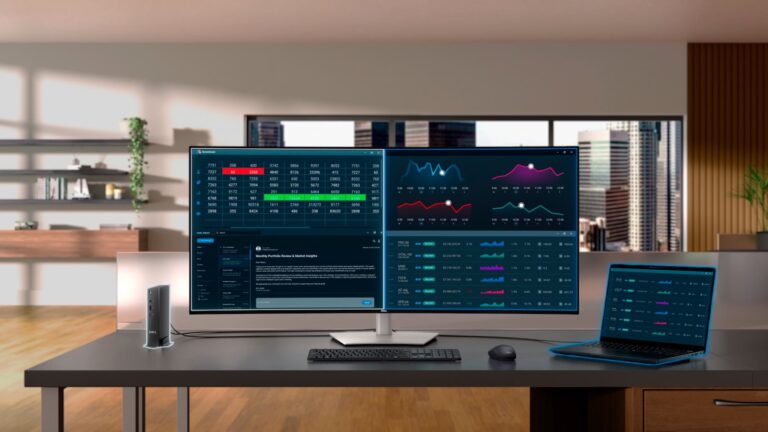
It directly solves productivity display needs for creative pros, developers, and analysts by boosting detail, connectivity, and focus. Check Dell’s site for the latest availability, share your setup dreams in comments, or upgrade your workstation today for peak performance. Source: HotHardware. To complete your elite workstation, consider integrating other best smart home devices that enhance convenience and control. And for an immersive audio experience that matches this monitor’s quality, explore top-tier headphones.
Frequently Asked Questions
Q: What is the resolution and refresh rate of the Dell UltraSharp 52 Thunderbolt Monitor?
A: It features a 6K resolution of 6144×2560 at a 120Hz refresh rate, providing sharp detail and smooth motion for professional workflows.
Q: Can I connect multiple devices to this monitor?
A: Yes, with Thunderbolt 4 and multiple ports, you can connect up to 4 devices using Auto USB KVM, and use Picture-by-Picture or Picture-in-Picture for multi-source viewing.
Q: Is the Dell UltraSharp 52 compatible with Mac and PC?
A: Absolutely. The Thunderbolt 4 connectivity ensures compatibility with both Macs and PCs, offering 140W power delivery for laptops.
Q: What are the color accuracy features?
A: It covers 99% DCI-P3 and 100% sRGB color gamuts, with a low Delta E (average 0.09), making it ideal for color-critical creative work.
Q: How does it reduce eye strain?
A: With TÜV 5-star certification, 60% less blue light emission, an ambient light sensor, and IPS Black technology for higher contrast, it ensures comfort during long sessions.