LG Cloud Gaming 4K 120Hz TV: The Future of Cable-Free Gaming
Estimated reading time: 8 minutes
Key Takeaways
- The LG cloud gaming 4K 120Hz TV is a transformative piece of home gaming entertainment tech, eliminating the need for expensive consoles or PCs.
- These TVs are the first to offer native 4K 120Hz HDR cloud streaming via the GeForce Now integration, powered by NVIDIA’s cutting-edge Blackwell architecture.
- Superior low latency screens with features like VRR and near-instant response times are crucial for a responsive, immersive cloud gaming experience.
- A simple setup with a strong internet connection and the right subscription unlocks performance that rivals, and can even surpass, local high-end gaming rigs.
- This ecosystem positions the LG TV as the central hub for a premium, clutter-free, and future-proof gaming lounge.
Table of contents
- LG Cloud Gaming 4K 120Hz TV: The Future of Cable-Free Gaming
- Key Takeaways
- The New Gaming Centrepiece: Beyond Consoles and Rigs
- Decoding 4K 120Hz and Low Latency Screens
- GeForce Now Integration: The Engine in the Cloud
- Optimizing Your Setup for Zero Lag
- Building Your Complete Home Gaming Ecosystem
- Frequently Asked Questions
The New Gaming Centrepiece: Beyond Consoles and Rigs
Remember the days of bulky towers, tangled cables, and the relentless, costly cycle of GPU upgrades? Gaming is undergoing its most profound evolution yet, shifting from hardware you own to performance you stream. The dream of seamless, high-fidelity home gaming entertainment tech is now a reality, powered by the cloud and realized through your television.

At the forefront of this revolution is the LG cloud gaming 4K 120Hz TV. This isn’t just a smart TV; it’s a transformative portal that delivers premium, desktop-grade gaming directly to your living room. By combining a world-class display with direct cloud integration, it marks the definitive shift where the TV’s own specs—like its 4K resolution and 120Hz refresh rate—become the final, critical link in a chain of remote, staggering power [LG Corp Press Release].
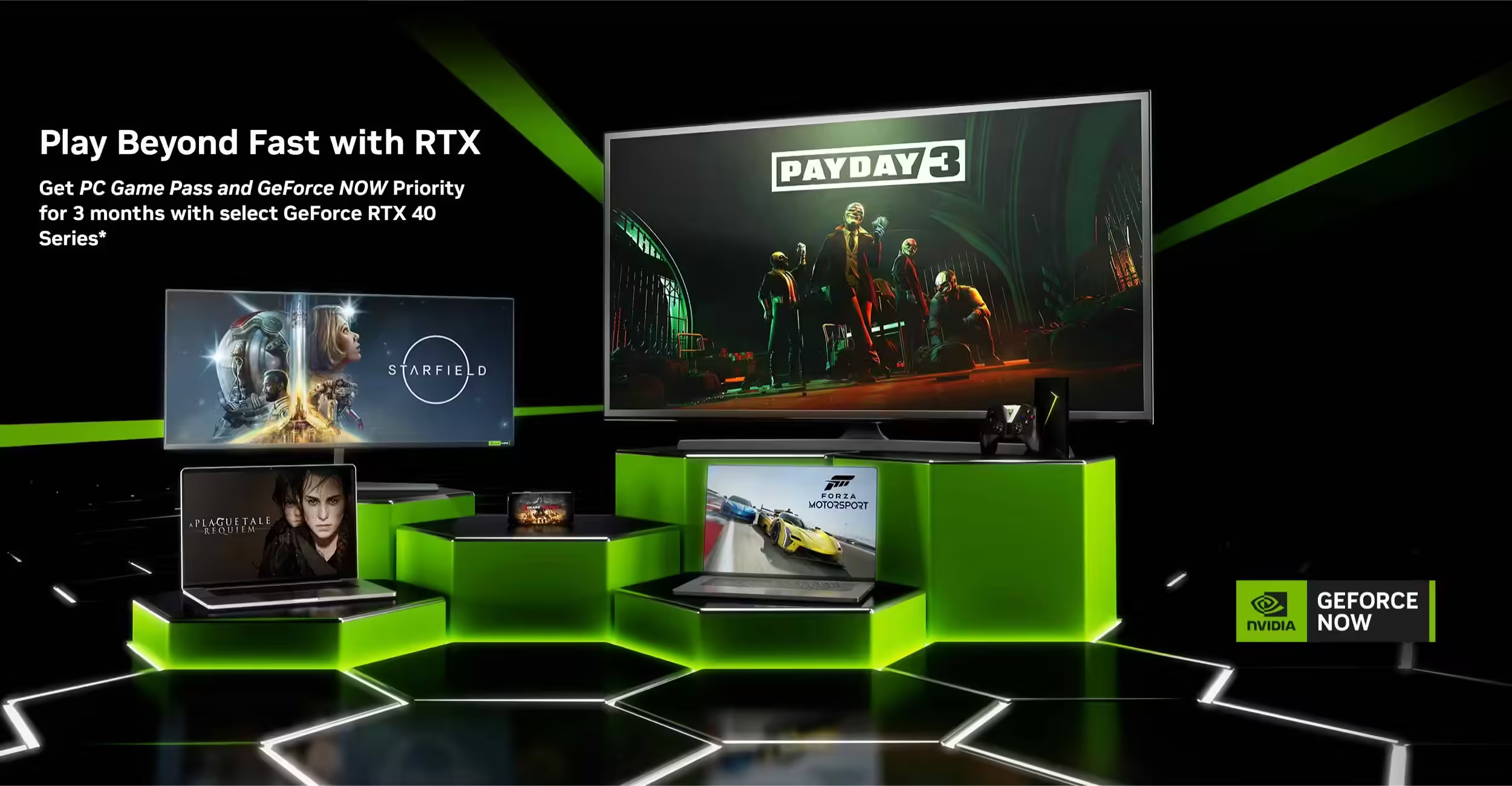
Leading models like the premium OLED evo AI G5 series are pioneering this space. They are the world’s first TVs to offer native 4K 120Hz HDR GeForce Now integration via a dedicated app, a feature rolling out from September 2025. This is powered by NVIDIA’s next-generation Blackwell architecture and RTX 5080-class GPUs in the cloud, delivering high-fidelity, low-latency streaming that genuinely rivals a local high-end rig sitting under your desk [LG OLED G5 Series].
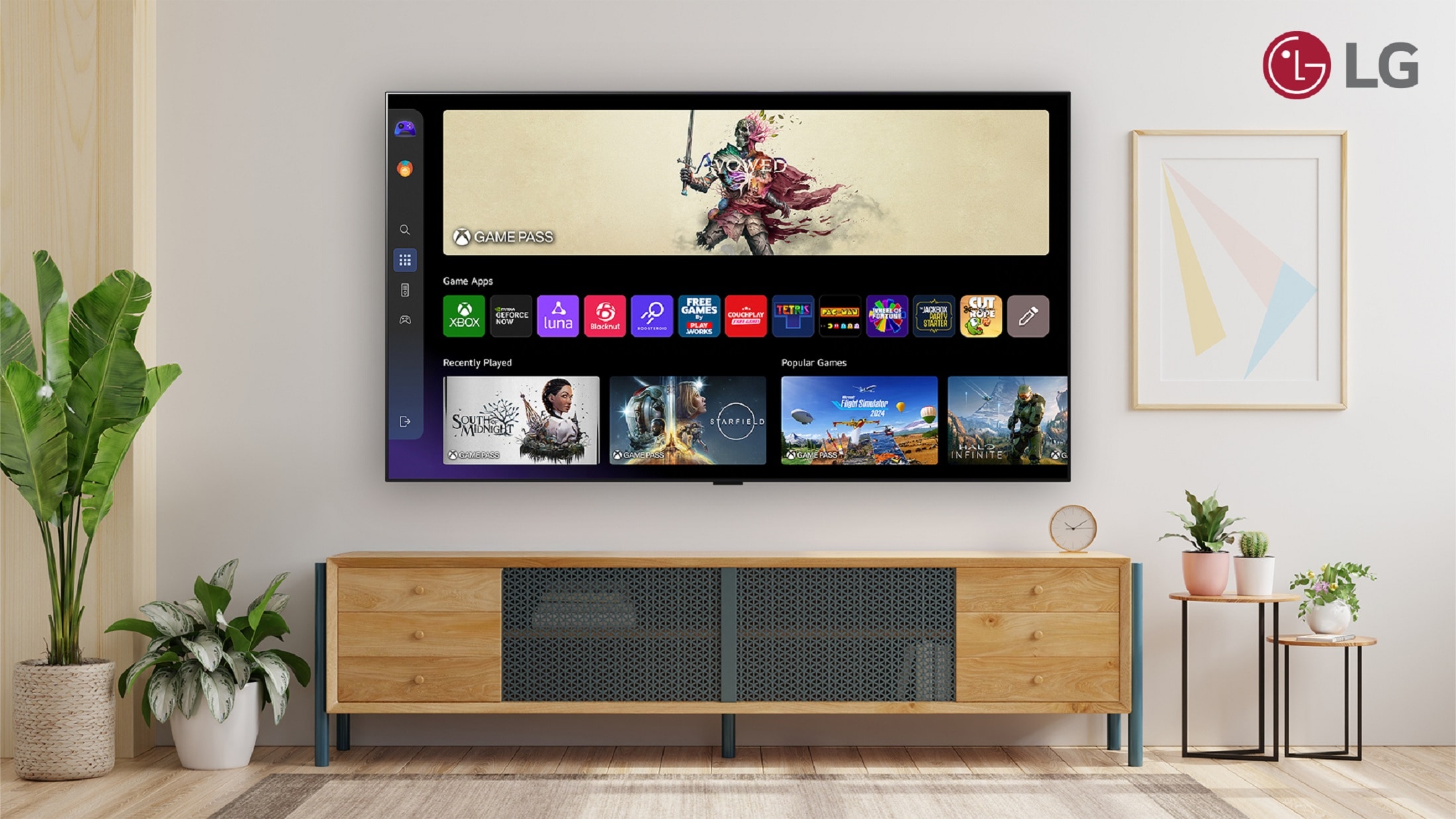
The setup is elegantly simple: a GeForce NOW Ultimate subscription and a compatible LG TV (like the OLED G5 series with its 120Hz native refresh and VRR support up to 165Hz) are all you need. This seamless fusion creates a powerful gaming hub without a single cable to a console or PC. The result? A living room freed from hardware clutter, where the benefits of low latency screens ensure every input feels instantaneous and every visual is breathtakingly smooth.
This guide will dissect exactly how this ecosystem works. We’ll explore the critical specs, the cloud technology powering it, and the steps to optimize your setup. Whether you’re a curious newcomer or a seasoned player seeking the ultimate LG cloud gaming 4K 120Hz TV experience, you’ll find the roadmap here. For a deeper comparison of this new paradigm, see our analysis on cloud gaming vs traditional gaming 2025.
Decoding 4K 120Hz and Low Latency Screens
To understand why this TV is a game-changer, you must first understand the specs that make it possible. 4K 120Hz isn’t just marketing jargon; it’s the technical foundation for a flawless cloud gaming experience.
- 4K (3840 x 2160 resolution): This means over 8 million pixels on screen, delivering ultra-detailed, sharp images where every texture and environmental detail pops. It’s the gold standard for visual fidelity.
- 120Hz Refresh Rate: The screen updates its image 120 times per second. This is crucial for fast-paced games, as it renders motion far more smoothly than standard 60Hz displays, drastically reducing motion blur and making gameplay feel incredibly fluid.
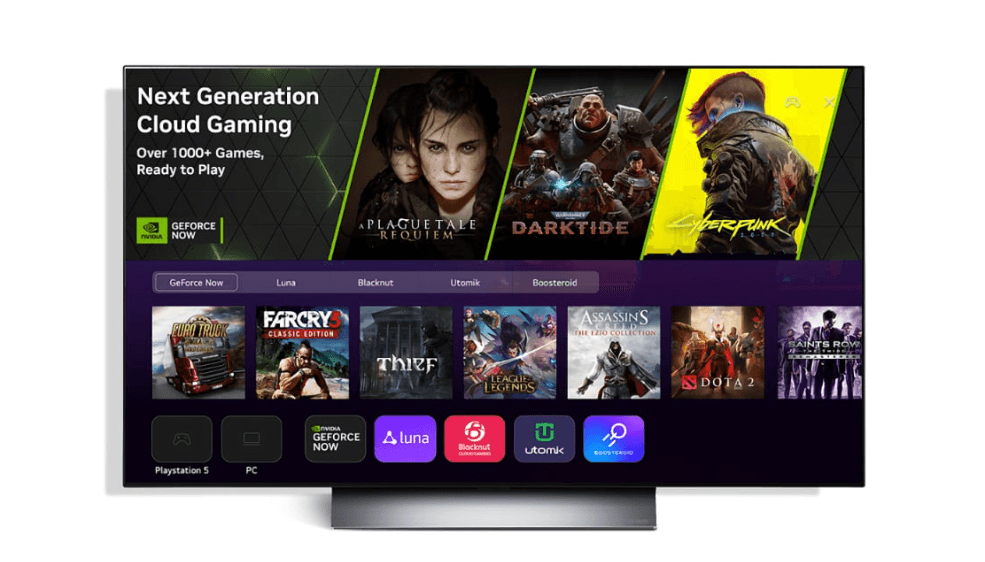
For cloud gaming, these specs are non-negotiable. They ensure the high-quality, fast-paced game being streamed from a remote server is displayed exactly as intended on your TV. NVIDIA’s cloud rigs can deliver staggering performance—think 62 teraflops of graphical power, which reportedly outperforms rumored next-gen consoles by a significant margin [TechRadar]. A TV without 4K 120Hz would be a bottleneck, unable to show you what you’re truly paying for.
However, a fast refresh rate means nothing without a responsive panel. This is where low latency screens come in. It encompasses several key technologies:
- Near-Instant Response Time: OLED panels, like those in LG’s premium TVs, boast incredibly fast pixel response times (as low as 0.1ms). This eliminates ghosting and blur during fast movement.
- Low Input Lag: This is the delay between your controller input and the on-screen action. In dedicated Game Mode, LG OLEDs achieve remarkably low input lag (under 10ms at 4K 120Hz in independent tests), making gameplay feel direct and connected [RTINGS].
- Variable Refresh Rate (VRR): Features like G-SYNC and FreeSync compatibility (with VRR up to 165Hz on the G5 series) sync the TV’s refresh rate with the game’s frame rate. This eradicates screen tearing and stuttering for buttery-smooth visuals [LG OLED G5 Series].
OLED technology itself is a perfect match for gaming. Its self-lit pixels produce perfect blacks and infinite contrast, creating stunning depth. Combined with Dolby Vision HDR, highlights shine brighter and shadows plunge deeper. AI processors, like LG’s α11 AI Processor, further optimize the image in real-time for gaming content, ensuring crisp, immersive output.
A Quick Comparison: OLED vs. Traditional LED for Gaming
| Feature | LG OLED (e.g., G5 Series) | Traditional LED TV |
| Black Levels & Contrast | Perfect blacks, infinite contrast (per-pixel dimming) | Good, but with backlight bleed and less precise dimming |
| Refresh Rate for Gaming | Native 120Hz, often with VRR up to 165Hz | Often 60Hz or 120Hz, with potential for judder at high frame rates |
| Response Time | Extremely fast (≈0.1ms), zero ghosting | Slower (can be several ms), potential for motion blur |
| Viewing Angles | Excellent, no color shift for co-op play | Color and contrast degrade at an angle |

GeForce Now Integration: The Engine in the Cloud
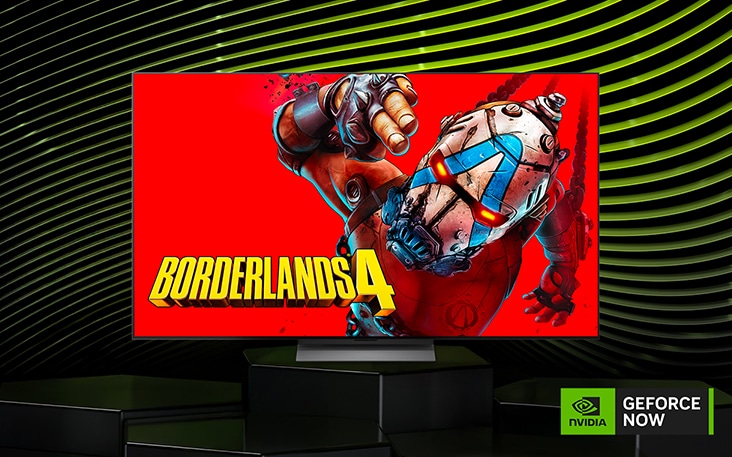
The magic happens through the seamless GeForce Now integration. LG TVs feature a native GeForce NOW app built directly into the webOS platform. This isn’t a sideloaded browser tab; it’s a streamlined portal for logging in, browsing your connected game libraries (like Steam, Epic, and Ubisoft Connect), and launching titles instantly.
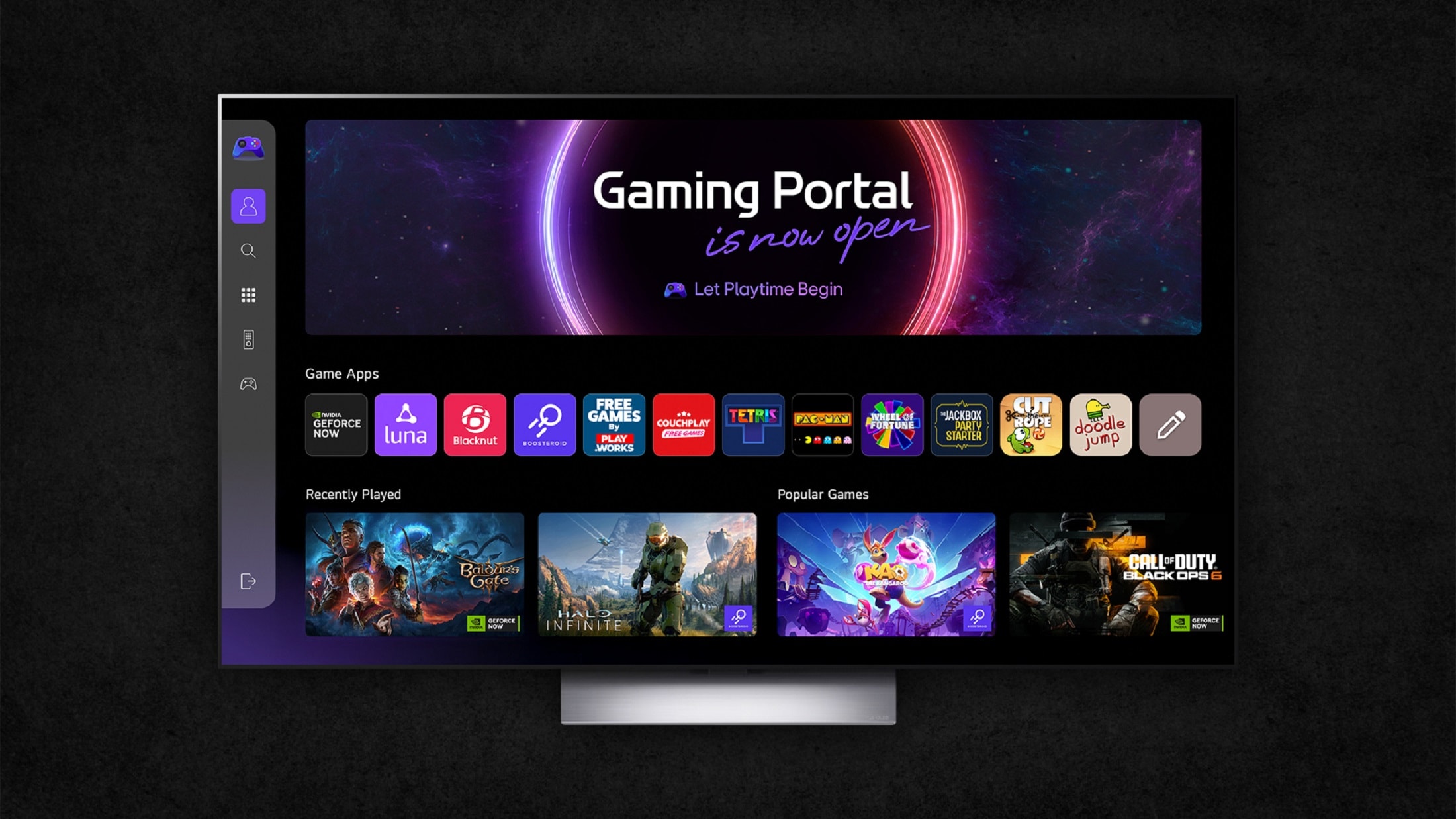
This integration is optimized for performance. It streams at up to 4K 120Hz HDR quality using the efficient AV1 codec at bitrates up to 100Mbps. This means superior color accuracy, reduced compression noise, and a more efficient stream that maintains quality even on robust networks [LG Corp Press Release].
Compatibility & Requirements:
- TV Models: Available on premium LG models like the OLED W, G, and C series from recent years.
- Subscription: Requires a GeForce NOW Ultimate tier membership to unlock the 4K 120Hz HDR streaming.
- Beyond GeForce NOW: The TV’s Gaming Portal also provides easy access to other services like Xbox Game Pass Ultimate and Amazon Luna, all manageable from a unified “Play with Gamepad” menu [LG Gaming Portal Certification].
The cloud hardware is the other half of the equation. NVIDIA’s servers, equipped with next-gen Blackwell GPUs and RTX 5080-class rendering, do the heavy lifting. They enable AI-enhanced features like DLSS upscaling and frame generation, all while maintaining negligible latency. This allows you to play graphically intense titles like Cyberpunk 2077 with ray tracing maxed out—settings that would require a multi-thousand-dollar local PC [TechRadar].
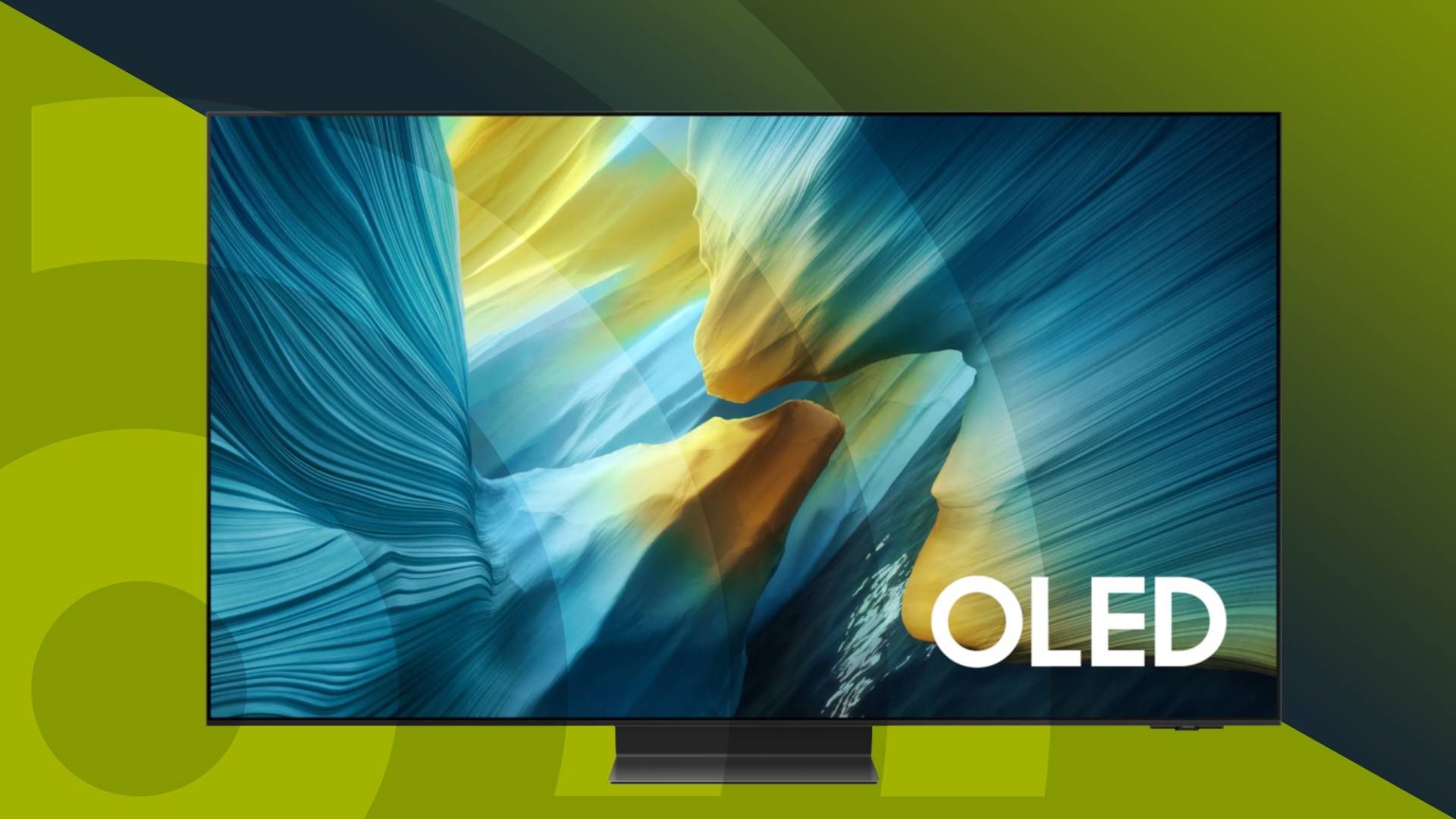
This synergy is what definitively positions the LG cloud gaming 4K 120Hz TV as the first TV category truly built for native, high-fidelity cloud gaming. It’s not an afterthought; it’s the core function.
Optimizing Your Setup for Zero Lag
For cloud gaming, your network and TV settings are as important as the hardware. Total latency—the delay from pressing a button to seeing the action—must stay low (ideally under 50ms) for the experience to feel responsive. The TV’s low latency screens do their part, but you must optimize the chain.
Essential Optimization Tips:
- Wired Connection is King: Always use a wired Ethernet connection (Gigabit speed or higher) from your router to the TV. A Cat6 cable ensures maximum stability and minimum ping, which is critical.
- Enable Game Mode / Game Optimizer: This crucial TV setting disables post-processing effects (like motion smoothing) that add input lag. On LG TVs, it activates features like VRR and ALLM (Auto Low Latency Mode) automatically.
- Subscribe to the Right Tier: Ensure you have an active GeForce NOW Ultimate subscription to access the 4K 120Hz streaming servers.
- Network Hygiene: Close background apps on your TV and router. Optimize your router’s Quality of Service (QoS) settings to prioritize gaming traffic. If you must use Wi-Fi, ensure it’s on a clear 5GHz band (Wi-Fi 6E is ideal) and the router is close to the TV [RTINGS].
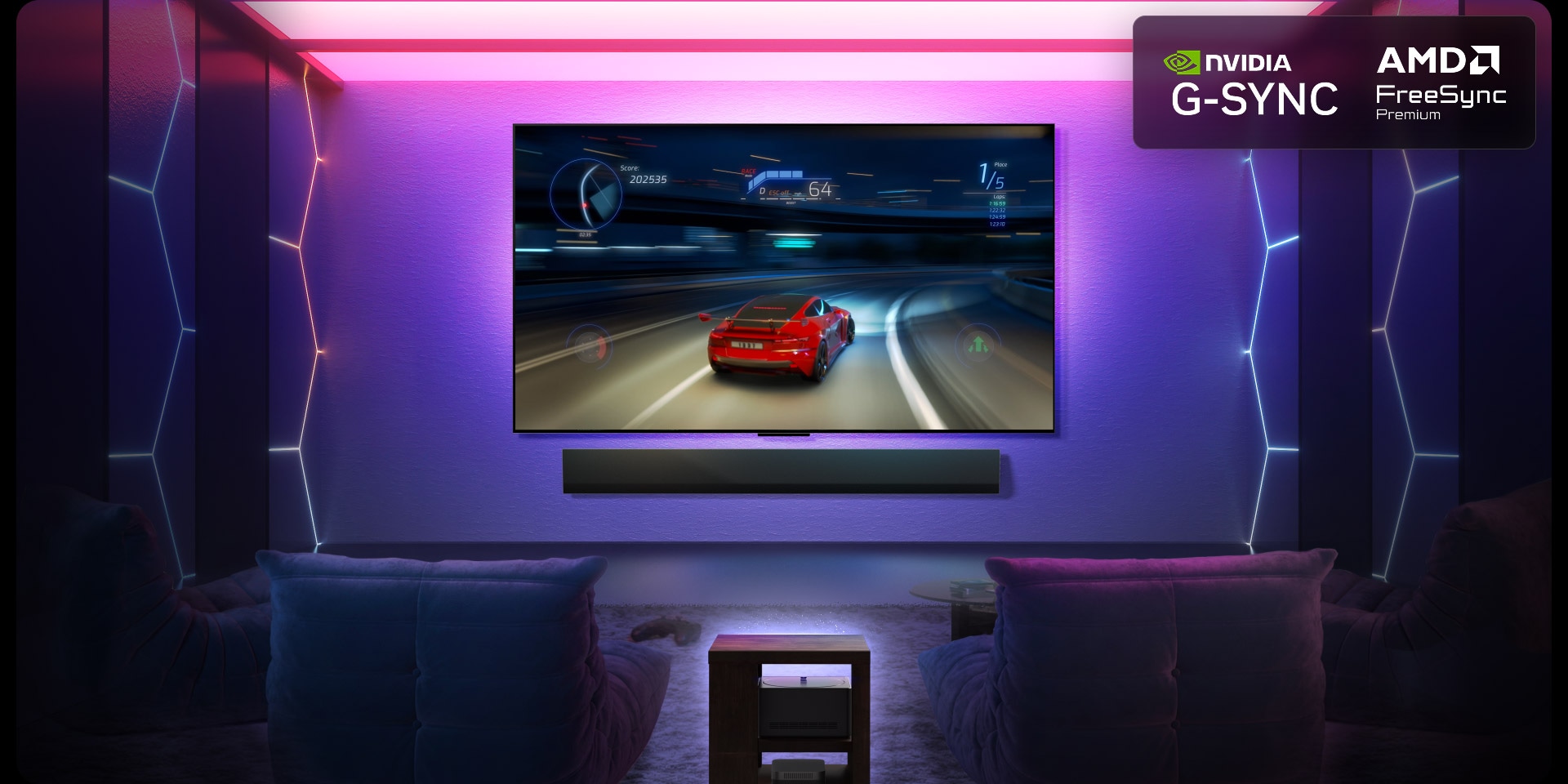
Independent reviewers like RTINGS consistently rank LG OLEDs at the top for gaming due to their exceptional combination of 4K@120Hz support, snappy response times, and low input lag, outperforming competitors in motion handling [RTINGS]. This inherent quality is why the LG cloud gaming 4K 120Hz TV is the ideal canvas for your cloud gaming ambitions.
Building Your Complete Home Gaming Ecosystem
The LG cloud gaming 4K 120Hz TV is designed to be the heart of a comprehensive home gaming entertainment tech ecosystem. It’s more than a display; it’s an AI-powered command center [AI-Powered Home Entertainment]. Key features include a built-in Gaming Portal for all your cloud apps, four full-spec HDMI 2.1 ports (48Gbps bandwidth for 4K 120Hz, eARC, and ALLM), and the constantly evolving webOS platform for future updates [CircuitCity LG Specs].
Recommended Peripherals to Complete Your Setup:
- Certified Controllers: For the best wireless experience, look for controllers with the “Designed for LG Gaming Portal” certification. These are optimized for low latency. Popular choices from Xbox, PlayStation, and brands like Razer work seamlessly.
- Immersive Audio: Connect a Dolby Atmos soundbar via the eARC HDMI port. This delivers precise, room-filling sound that matches the visual spectacle.
- Robust Networking: Invest in a quality router, or better yet, a mesh Wi-Fi 6E system for stable, high-speed coverage throughout your home if wiring isn’t feasible everywhere.
The advantages over a traditional setup are compelling: a cable-free lounge with no GPU or console clutter, wide OLED viewing angles perfect for local co-op, freedom from local hardware upgrades, and performance that scales with your cloud subscription. It outperforms complex PC rigs in simplicity while matching their visual output [LG OLED G5 Series]. To round out your experience, explore our guide on the best gaming headphones 2023 for private, immersive audio.
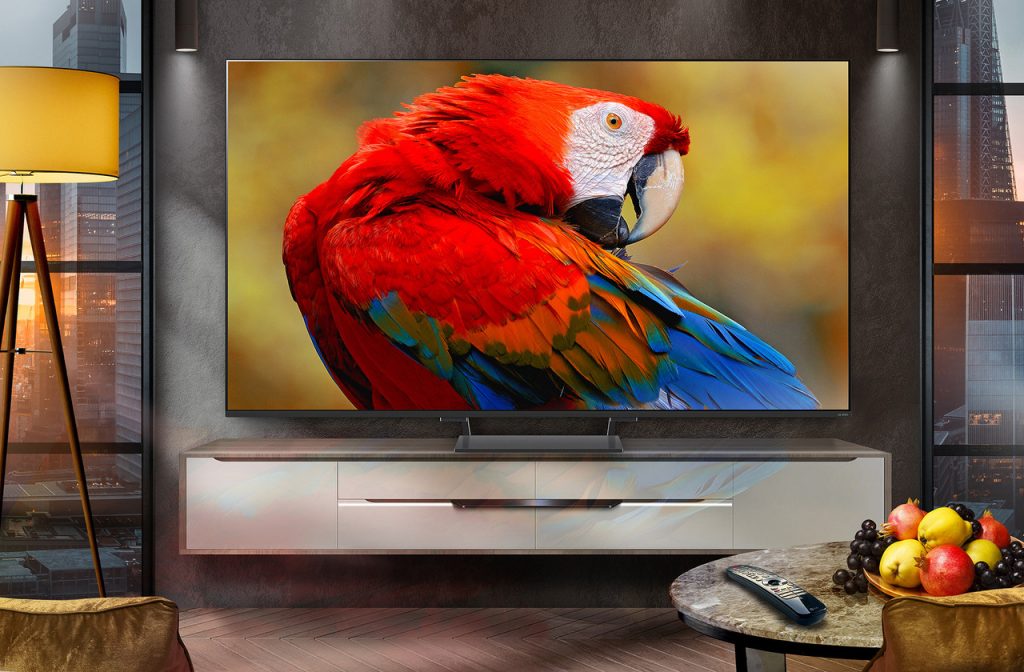
Envision your ideal setup: The stunning OLED TV is the centerpiece. Your controller pairs instantly via Bluetooth. A powerful soundbar sits below, and a single, sleek Ethernet cable connects to your router. This is the modern, minimalist cloud gaming lounge—powerful, accessible, and utterly cable-free.
Frequently Asked Questions
1. Do I need a console or a PC to use cloud gaming on an LG TV?
No. That’s the primary appeal. The LG TV with GeForce NOW integration acts as the display and the gaming device. All processing happens on NVIDIA’s servers in the cloud. You only need the TV, a compatible controller, a strong internet connection, and a GeForce NOW Ultimate subscription.
2. What internet speed do I need for 4K 120Hz cloud gaming?
NVIDIA recommends a minimum of 45 Mbps for 4K 120Hz streaming on GeForce NOW Ultimate. However, for the absolute best experience with zero hiccups, a consistent connection of 100 Mbps or higher is ideal. More importantly, low and stable ping (latency) is crucial, which is why a wired Ethernet connection is strongly preferred over Wi-Fi.
3. Are all LG TVs compatible with 4K 120Hz GeForce NOW?
No, compatibility is specific to newer, premium models. The feature is rolling out first to 2024/2025 LG OLED models like the G5, C5, and M5 series, as well as select QNED models. Always check the official LG specifications for your specific model to confirm it supports 4K at 120Hz native refresh and has the GeForce NOW app available.
4. How does the visual quality compare to a local PlayStation 5 or Xbox Series X?
With a good internet connection, the visual quality can meet or exceed that of current-gen consoles. The cloud servers use hardware more powerful than these consoles (comparable to a high-end RTX 4080/5080 PC), allowing for higher graphical settings, ray tracing, and AI upscaling. The limiting factor becomes your TV’s display quality and your network, not the cloud hardware’s capabilities.
5. Can I use my existing PC game libraries?
Yes. GeForce NOW allows you to link accounts from digital stores like Steam, Epic Games Store, Ubisoft Connect, and GOG. You can then play the games you already own from those libraries on your LG TV via the cloud, without needing to repurchase them. The service provides the hardware; you provide the game license.