
Microsoft Copilot Plus PCs: The Future of AI-Powered Computing
Estimated reading time: 12 minutes
Key Takeaways
- Microsoft Copilot Plus PCs are a revolutionary new category of Windows 11 laptops engineered for on-device AI, offering privacy, speed, and efficiency without constant internet reliance.
- They feature a dedicated Neural Processing Unit (NPU) capable of over 40 TOPS, enabling local AI processing that contrasts with traditional cloud-dependent PCs.
- Key processor options include Qualcomm X Elite laptops like the Snapdragon X Elite, providing 5x faster performance compared to older Windows laptops.
- Windows 11 integrates deep AI features, often mislabeled as Windows 12 AI OS, leveraging the NPU for hybrid AI and AI workflow enhancement.
- Exclusive AI features such as Recall, Cocreator, and Windows Studio Effects are unlocked, with more coming through 2025, transforming how professionals, creatives, students, and general users work.
- Enhanced security with Secured-core PC protection and Microsoft Pluton ensures data safety through on-device processing.

Table of contents
- Microsoft Copilot Plus PCs: The Future of AI-Powered Computing
- Key Takeaways
- What Are Microsoft Copilot Plus PCs?
- The Hardware Revolution: NPUs and Processors
- Windows 11: The AI OS Evolution
- Exclusive AI Features: First and Second Wave
- Transforming Workflows: Real-World Use Cases
- The Bigger Picture: Convergence of AI
- Your AI-Powered Partner
- Frequently Asked Questions
Microsoft Copilot Plus PCs are a revolutionary new category of Windows 11 laptops engineered from the ground up for AI workloads, marking a seismic shift to on-device AI processing for unmatched privacy, speed, and efficiency without constant internet reliance. This evolution brings advanced Windows AI features often mislabeled as a new Windows 12 AI OS, but in reality, it’s Windows 11 supercharged with intelligence. Imagine a laptop that thinks alongside you, anticipating needs and executing tasks locally—welcome to the era of Copilot+ PCs. For more insights, check out this overview of AI advancements.
What Are Microsoft Copilot Plus PCs?
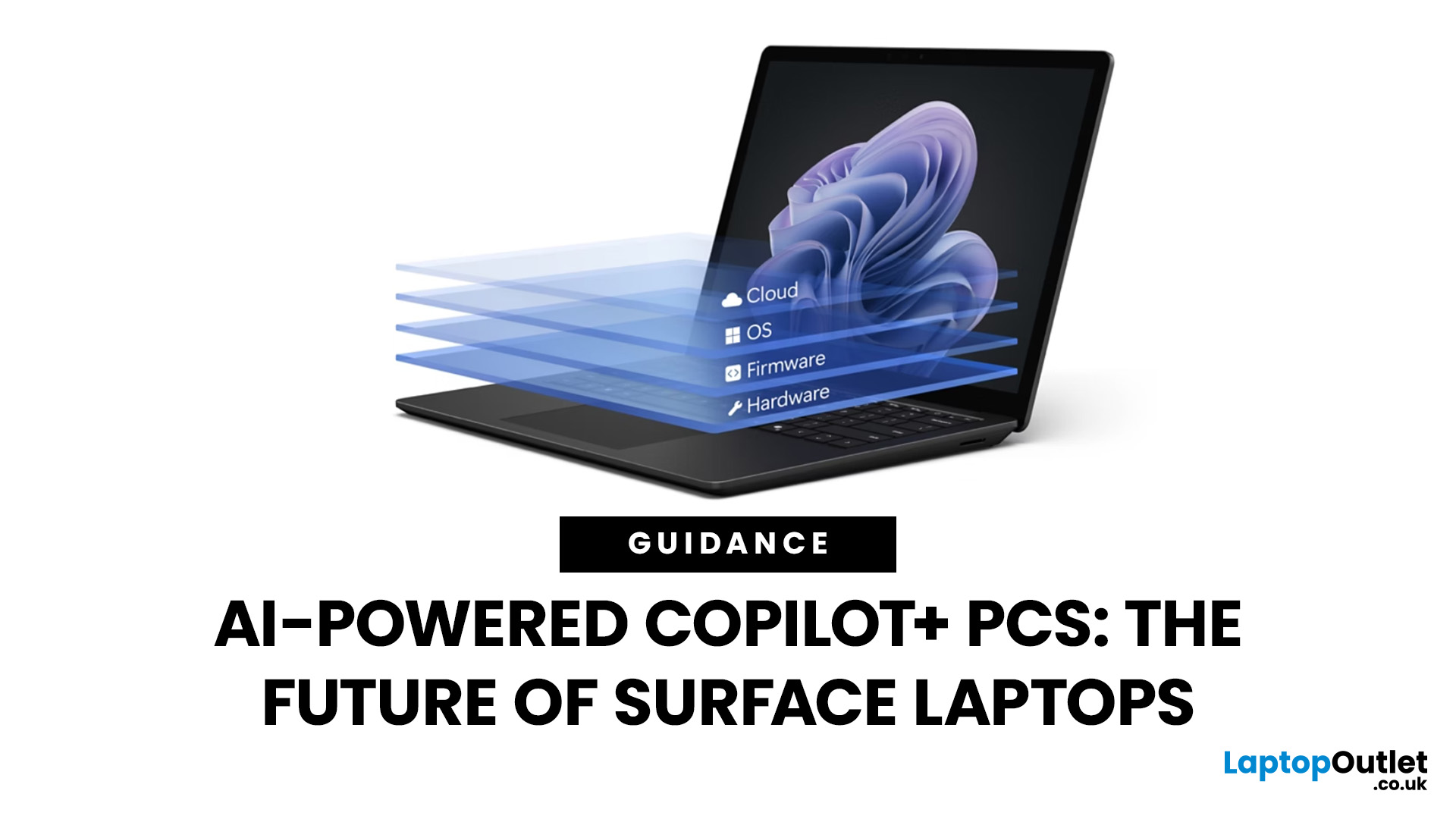
At their core, Microsoft Copilot Plus PCs are devices equipped with dedicated AI hardware—specifically a Neural Processing Unit (NPU)—that enables locally-processed intelligence. This contrasts sharply with traditional PCs that rely on cloud-based AI, often leading to latency, privacy concerns, and data dependency. These laptops integrate AI workflow enhancement through seamless on-device tasks, from real-time translation to creative design, all powered by the NPU. As Microsoft explains, this architecture redefines what a PC can do.
To understand their power, let’s tease the core components:
- Powerful processors like those in Qualcomm X Elite laptops, which deliver desktop-class performance in slim designs.
- Windows 11’s deep AI integrations, sometimes referred to as Windows 12 AI OS features, which leverage hardware for intelligent operations.
- Real-world benefits such as extended battery life and enhanced security, satisfying informational intent on following new AI-powered Windows laptops.
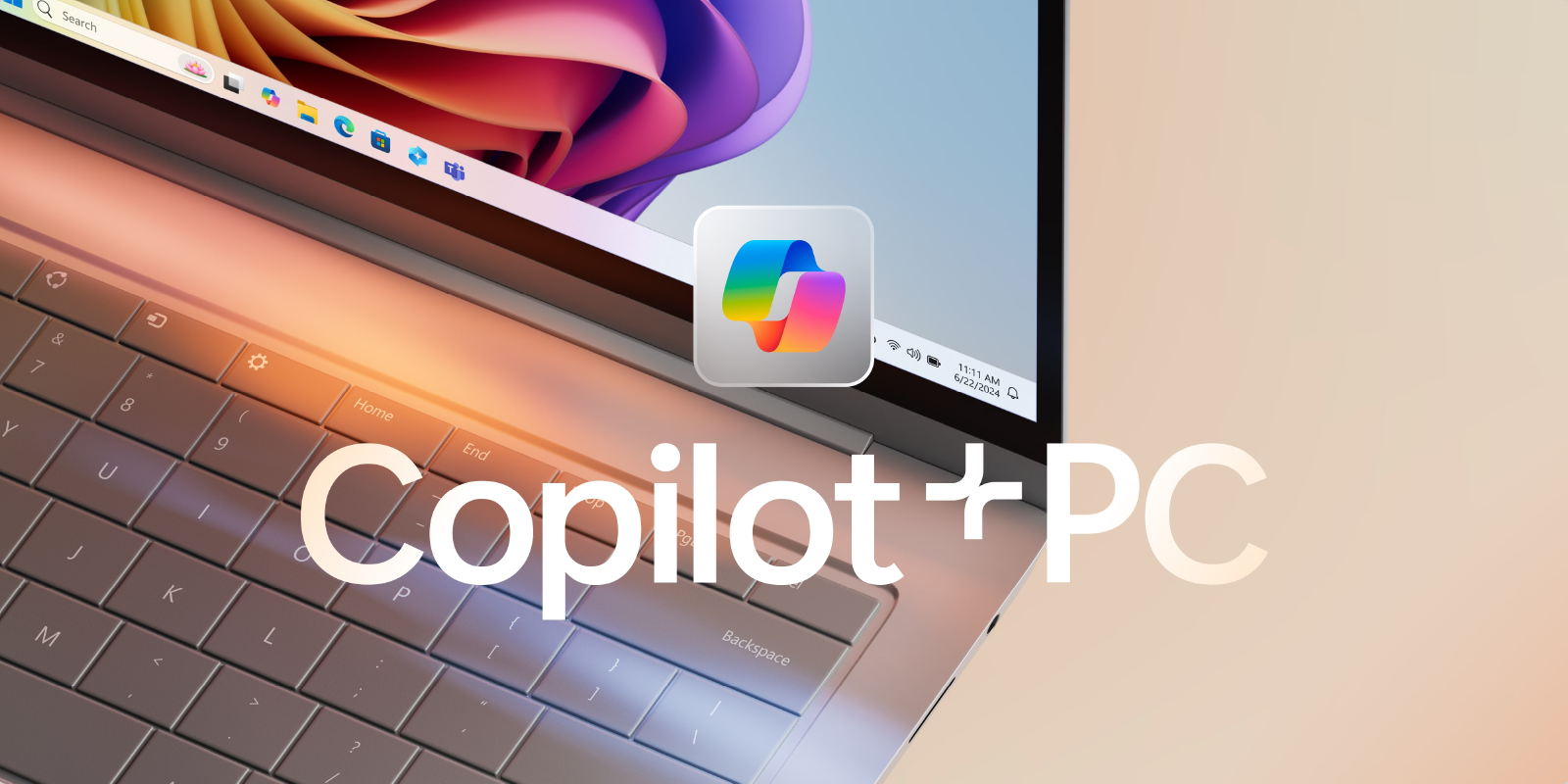
So, what makes these laptops the future of computing? Let’s dive in.
The Hardware Revolution: NPUs and Processors
Microsoft Copilot Plus PCs are built on a hardware foundation centered around a Neural Processing Unit (NPU) capable of over 40 trillion operations per second (TOPS). This specialized chip is designed exclusively for AI tasks, unlike traditional CPUs and GPUs that handle general computing. For instance, Qualcomm X Elite laptops, featuring the Snapdragon X Elite, are a key option that harnesses this NPU power for blistering AI performance. As noted in cutting-edge AI technologies, such hardware is pivotal for next-gen computing.
The architectural differences are profound:
- Traditional Windows PCs: Rely on CPU and GPU for general tasks, which are inefficient for AI workloads like natural language processing or image recognition, often requiring cloud connectivity.
- Copilot+ PCs: Combine CPU, GPU, and a high-performance NPU to offload AI tasks, boosting overall performance and battery life. Microsoft highlights that this tripartite approach enables on-device AI without compromising speed.
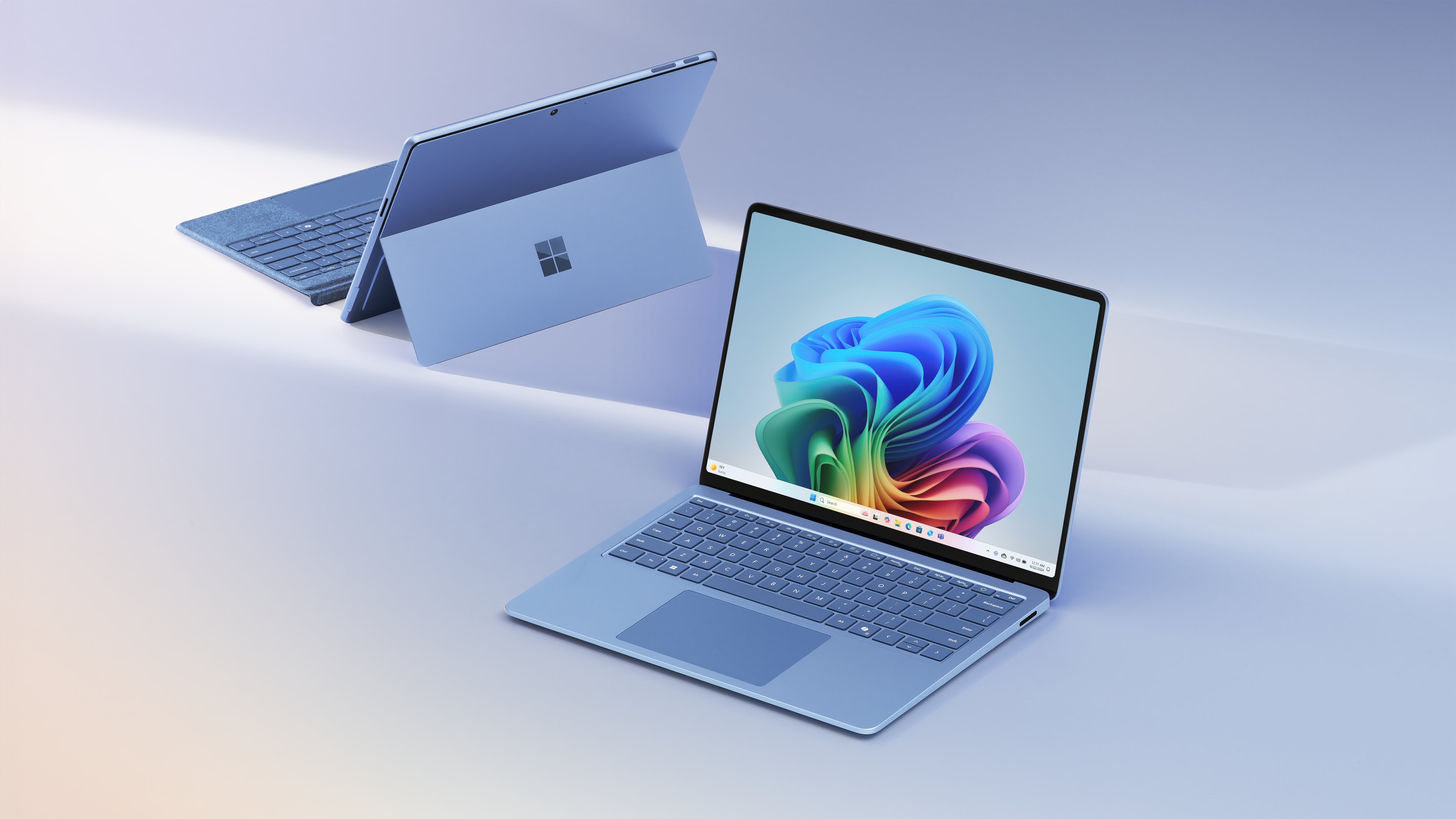
When it comes to processor options, Copilot+ PCs offer a range of choices:
- Qualcomm Snapdragon X Series: Focus on Qualcomm X Elite laptops, with the Snapdragon X Elite Plus delivering MacBook Air M4-comparable speeds and being 5x faster than 5-year-old Windows laptops, as per comparisons.
- Intel Core Ultra 200V Series: Integrated AI acceleration for diverse workloads.
- AMD Ryzen AI 300 Series: Optimized for efficiency and performance in AI applications.
For a deeper dive, explore these features.
Here’s a quick comparison table to illustrate the leap:
| Aspect | Traditional PCs | Qualcomm X Elite laptops in Copilot+ PCs |
|---|---|---|
| Hardware | CPU/GPU only | NPU + CPU/GPU |
| AI Processing | Cloud-dependent | On-device AI |
| Performance | Standard speeds | 5x faster, longer battery |
Windows 11: The AI OS Evolution
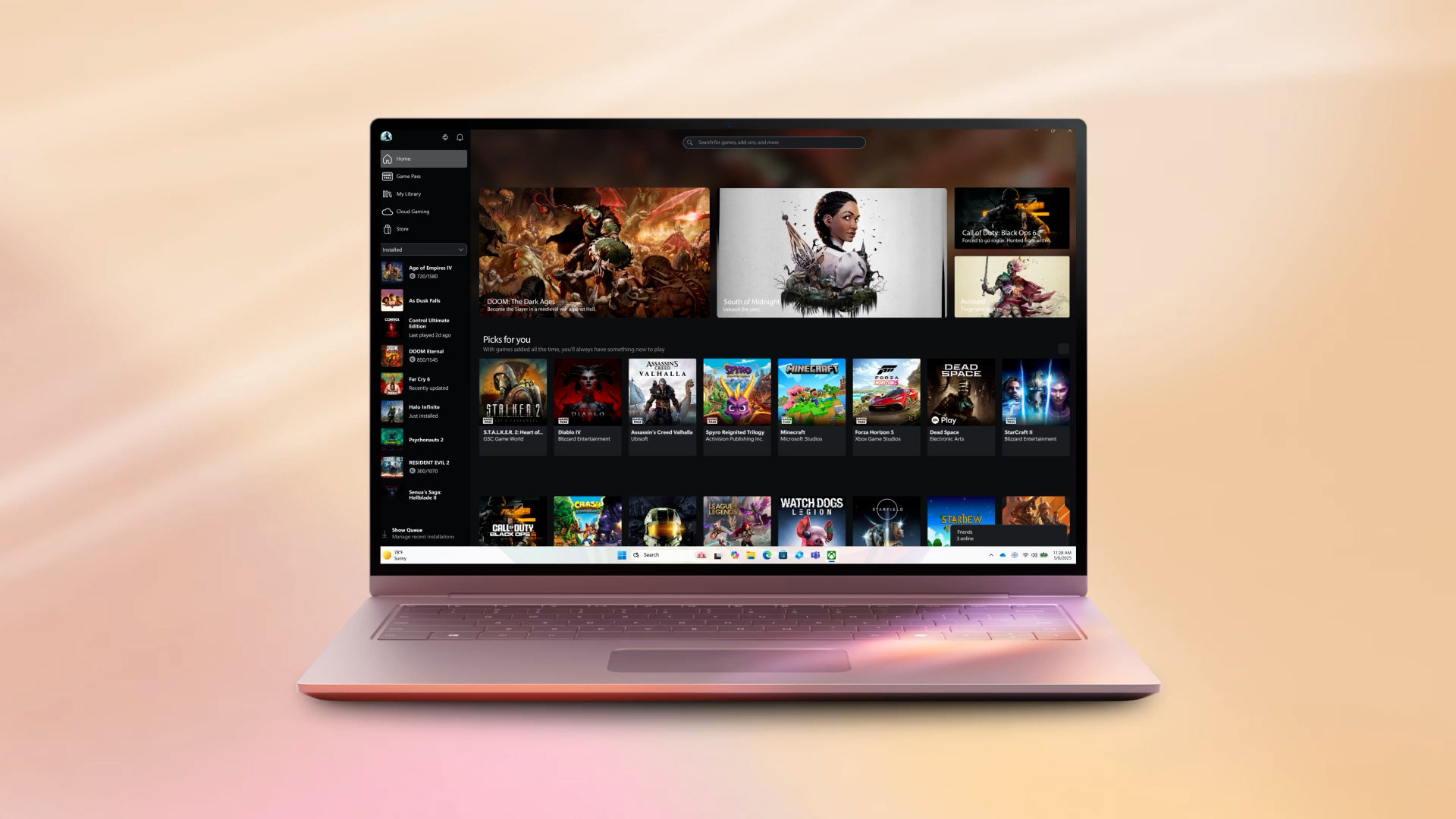
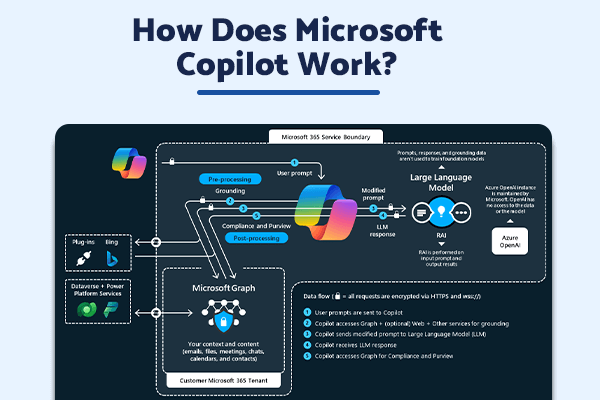
Microsoft Copilot Plus PCs run Windows 11 with deep AI integration that leverages the NPU for hybrid AI—blending on-device and cloud processing. This isn’t a separate Windows 12 AI OS, but rather next-gen features often called that, enabling AI workflow enhancement through intelligent workload distribution. As detailed by Microsoft, the OS dynamically allocates tasks to the NPU for efficiency, akin to how AI transforms businesses.
Security is a cornerstone:
- Secured-core PC protection: Built-in safeguards against firmware attacks, ensuring hardware integrity.
- Microsoft Pluton: A security processor that protects credentials, identities, data, and encryption keys, manageable with Windows 11 Pro tools. Microsoft emphasizes that on-device processing keeps data local, reducing exposure. For tips on data safety, see this guide.
Exclusive AI Features: First and Second Wave
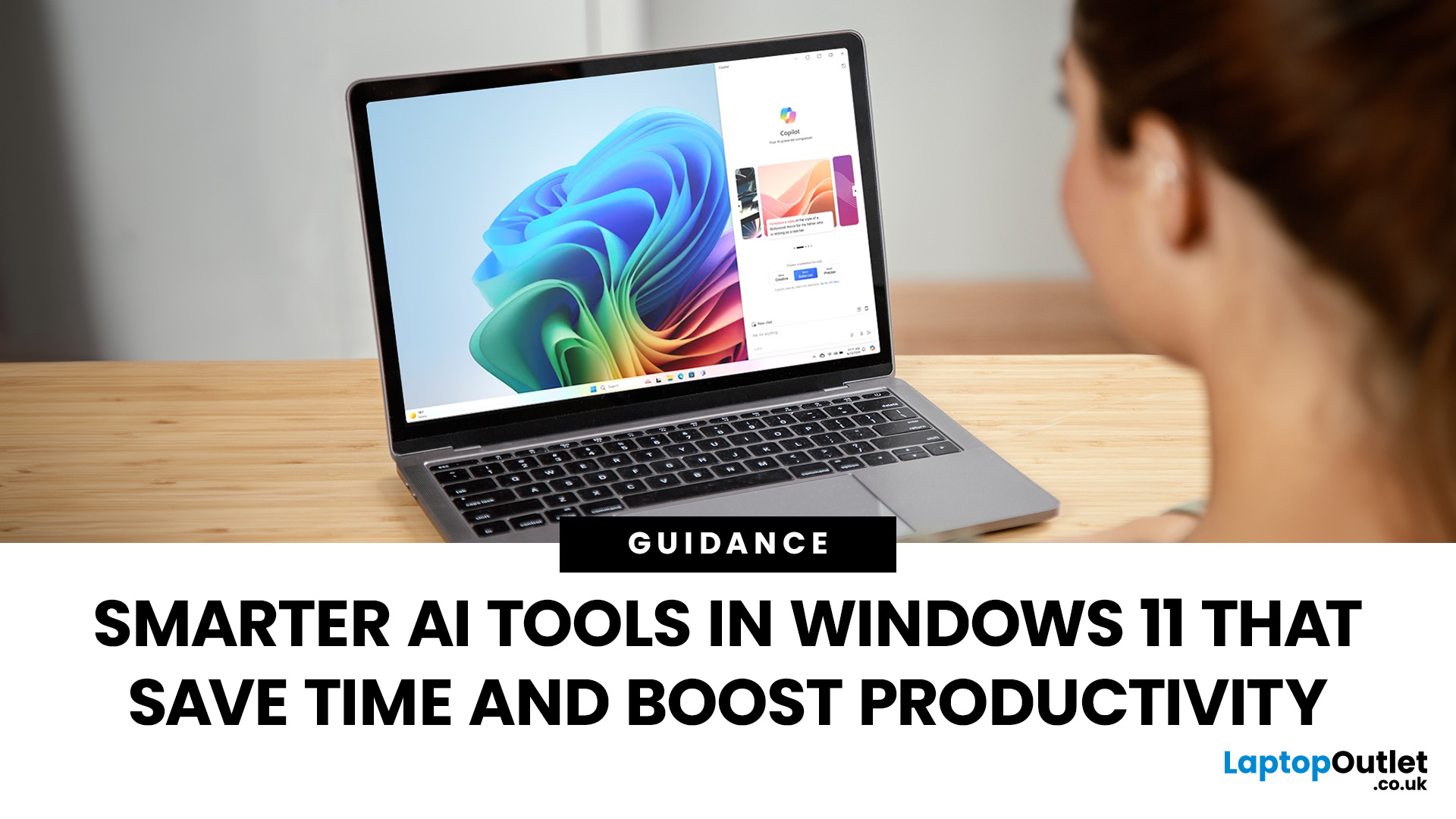
Dive into the exclusive AI features unlocked by Microsoft Copilot Plus PCs, all powered locally by the NPU for speed and privacy. These are divided into waves, enhancing scannability with bullet lists.
First Wave (Currently Available):
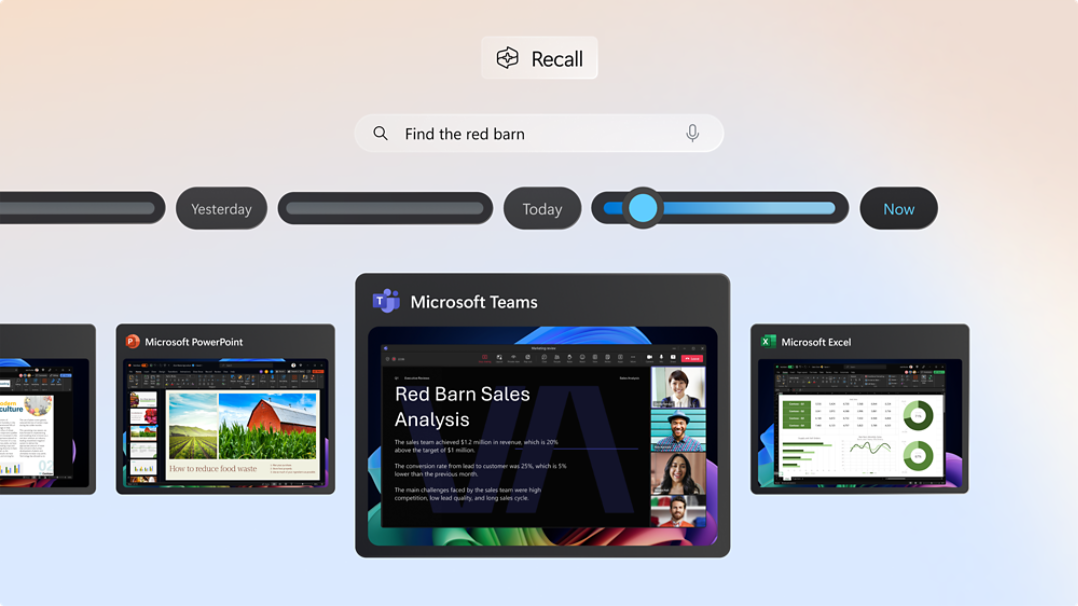
- Recall (preview): Finds screen content by description with IT controls, allowing instant retrieval of past work. Learn more here.
- Cocreator in Paint: Generates and enhances images with AI-driven tools, sparking creativity.
- Windows Studio Effects: Enhances video calls with background blur, voice focus, eye contact, and auto-framing.
- Live Captions: Provides real-time translation for audio and video, breaking language barriers.
As noted, these features redefine user interaction.
Second Wave (Through 2025):
- Click to Do (preview): Suggests workflow steps from screen content, streamlining tasks. Similar integrations are expanding.
- Improved Windows search: Leverages AI for more accurate and contextual results.
- Super resolution in Photos: Enhances image quality using AI algorithms.
Microsoft outlines these upcoming innovations.
Note on connectivity: While features like Cocreator and generative fill require internet access, Recall, Studio Effects, Live Captions, and super resolution operate locally, ensuring privacy. This balance is key to the Copilot+ experience.
Transforming Workflows: Real-World Use Cases
Illustrating AI workflow enhancement with real-world use cases for various users on Microsoft Copilot Plus PCs and Qualcomm X Elite laptops shows the tangible impact.
For Professionals:
- Real-time translation removes language barriers in global meetings, boosting collaboration.
- Recall enables instant retrieval of documents and emails, saving hours of searching.
- Local AI processing handles sensitive data securely, without cloud risks. AI’s global impact aligns with these benefits.
For Students:
- Efficient note-taking with AI summarization and organization.
- Live Captions facilitate multi-language learning from diverse content.
- Improved search helps in research and study efficiency. Microsoft highlights these educational advantages.
For Creatives:
- Studio Effects enhance video and content creation with professional touches.
- Cocreator in Paint assists in design iterations and artistic exploration.
- Super resolution upscales photos and videos for higher quality outputs. Explore creative tools.
For General Users:
- Click to Do suggests actions like scheduling or formatting, simplifying daily tasks.
- Improved search across files and apps reduces friction.
- 5x performance boost enables seamless multitasking and faster app responses. Try these features, and see productivity apps for context.
Emphasizing NPU protections, existing management tools ensure security in workflows. Microsoft’s approach integrates these safeguards.
The Bigger Picture: Convergence of AI
Synthesizing the bigger picture: Microsoft Copilot Plus PCs converge NPU hardware (exemplified by Qualcomm X Elite laptops), Windows 12 AI OS-like features in Windows 11, and apps like Recall for holistic AI workflow enhancement. This represents a reimagined architecture versus cloud dependency, as detailed in comparisons. It’s not just an upgrade; it’s a paradigm shift.
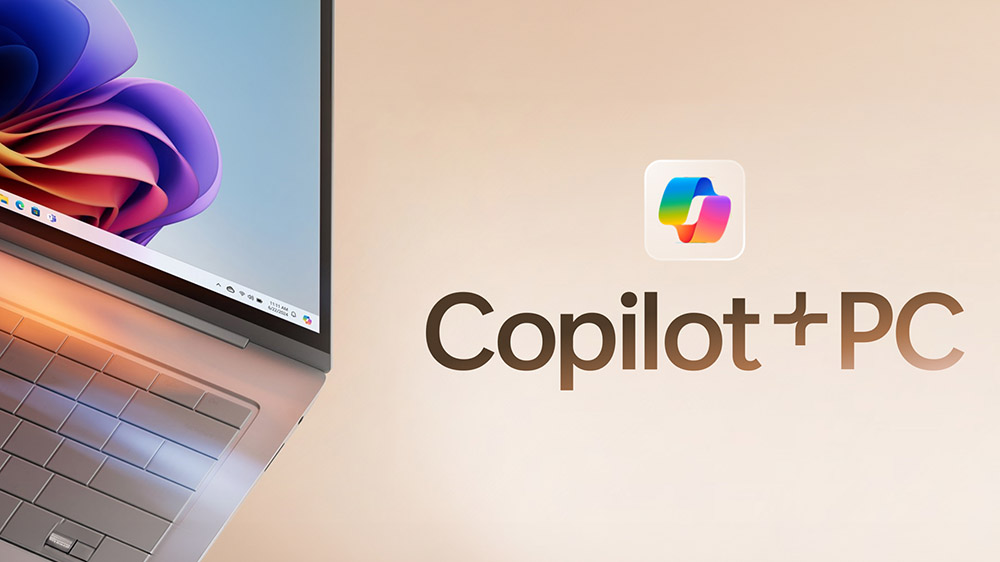
Positioned as ideal for professionals seeking insights, creatives needing tools, students optimizing workflows, and users craving speed, these PCs are strategic for AI adoption with privacy at the forefront. The vision is clear: intelligent computing for everyone.
Your AI-Powered Partner
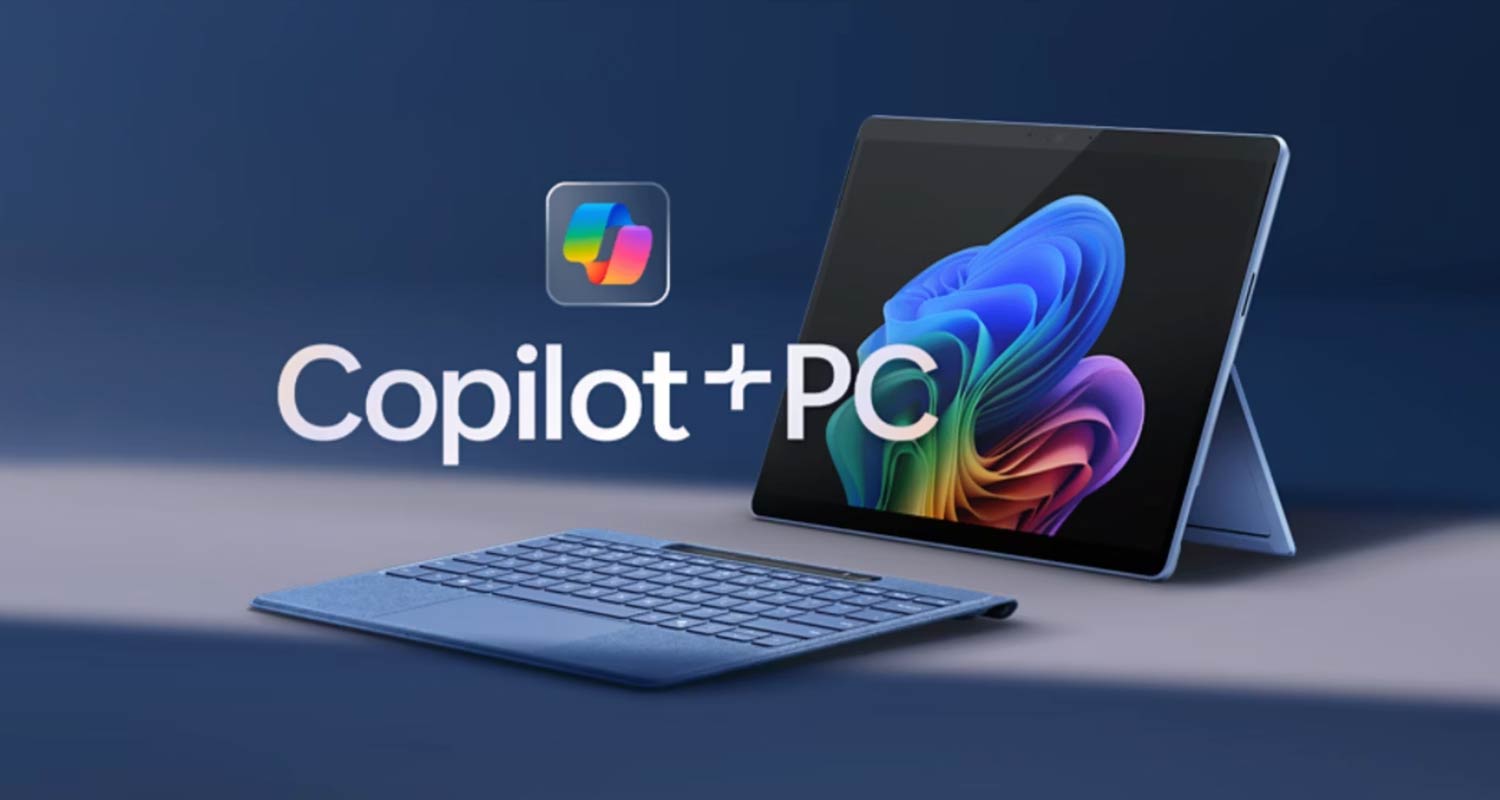
These Microsoft Copilot Plus PCs aren’t just laptops—they’re your AI-powered partner for the future. With capabilities that think, create, and adapt alongside you, the journey toward seamless productivity is here. Explore models with Qualcomm X Elite today and elevate your AI workflow enhancement. For a broader perspective, check out this comparison on computing devices.
Frequently Asked Questions
1. What exactly is a Microsoft Copilot Plus PC?
It’s a new category of Windows 11 laptop with a dedicated Neural Processing Unit (NPU) for on-device AI processing, offering enhanced privacy, speed, and efficiency compared to traditional cloud-dependent PCs. Learn more from Microsoft’s official page.
2. How do Qualcomm X Elite laptops fit into Copilot+ PCs?
They are a key processor option featuring the Snapdragon X Elite chip, which includes a high-performance NPU enabling 5x faster AI tasks and longer battery life. Details here.
No, it’s a misnomer. Copilot+ PCs run Windows 11 with advanced AI features often mistaken for a new OS. These integrations leverage the NPU for hybrid AI, as explained in this guide.
4. What are some examples of AI workflow enhancement?
Examples include Recall for instant content retrieval, Live Captions for real-time translation, and Cocreator for image generation—all processed locally for speed and privacy. See feature list.
5. How secure are Copilot+ PCs?
They feature Secured-core PC protection and Microsoft Pluton security processor, ensuring data stays on-device and protected from threats. Security details are available.