
Microsoft Copilot+ PCs: Redefining Computing with AI-Powered Workflows
Estimated reading time: 7 minutes

Key Takeaways
- Microsoft Copilot+ PCs are the new wave of AI-enhanced devices with neural processing units (NPUs) for on-device AI, delivering unprecedented speed and intelligence.
- They enable real-time AI features like image generation and translation, boosting productivity in personal and professional AI workflow enhancement.
- Powered by hardware like Qualcomm X Elite laptops, these PCs offer up to 22 hours of battery life and performance gains up to 5x faster than older models.
- Contrary to rumors of a Windows 12 AI OS, these devices run on Windows 11 with integrated AI enhancements, providing a seamless experience.
- Challenges like data privacy are addressed with built-in security features, making them a compelling choice for future-proof computing.
Table of Contents
- Microsoft Copilot+ PCs: Redefining Computing with AI-Powered Workflows
- Key Takeaways
- What Are Microsoft Copilot+ PCs?
- Core AI Features and Capabilities
- Windows 11: The AI OS Behind the Scenes
- Qualcomm X Elite Laptops: The Hardware Backbone
- AI Workflow Enhancement: Real-World Applications
- Seamless Integration and Ecosystem
- Comparison: Copilot+ PCs vs. Traditional PCs and MacBook Air
- Challenges and Considerations
- The Future Outlook
- Frequently Asked Questions
Microsoft Copilot+ PCs represent the new wave of AI-enhanced computing devices, delivering the fastest and most intelligent Windows PCs with built-in neural processing units (NPUs) for on-device AI processing. This aligns with user interest in following advancements in AI-powered Windows laptops, as they enable real-time features like image generation and language translation to boost productivity in personal and professional workflows. Ready to see how Microsoft Copilot+ PCs supercharge your productivity? This synergy of hardware and software is set to transform daily tasks through AI workflow enhancement, building excitement for a new era of computing.
What Are Microsoft Copilot+ PCs?
Launched in 2024, Microsoft Copilot+ PCs are a specialized class of Windows 11 devices featuring high-performance NPUs capable of over 40 trillion operations per second (TOPS) alongside CPU and GPU for efficient AI workloads. This redefines personal and professional computing with built-in AI capabilities, as detailed in Microsoft’s announcements. Key manufacturers and models include:
- Microsoft Surface: Models with up to Snapdragon X Elite, 32 GB RAM, 1 TB SSD, and 14-hour battery life, offering premium design and performance.
- Dell Inspiron 14 Plus: Equipped with up to Snapdragon X Plus and a 21-hour battery, among others from Dell, featuring thinner, lighter designs.
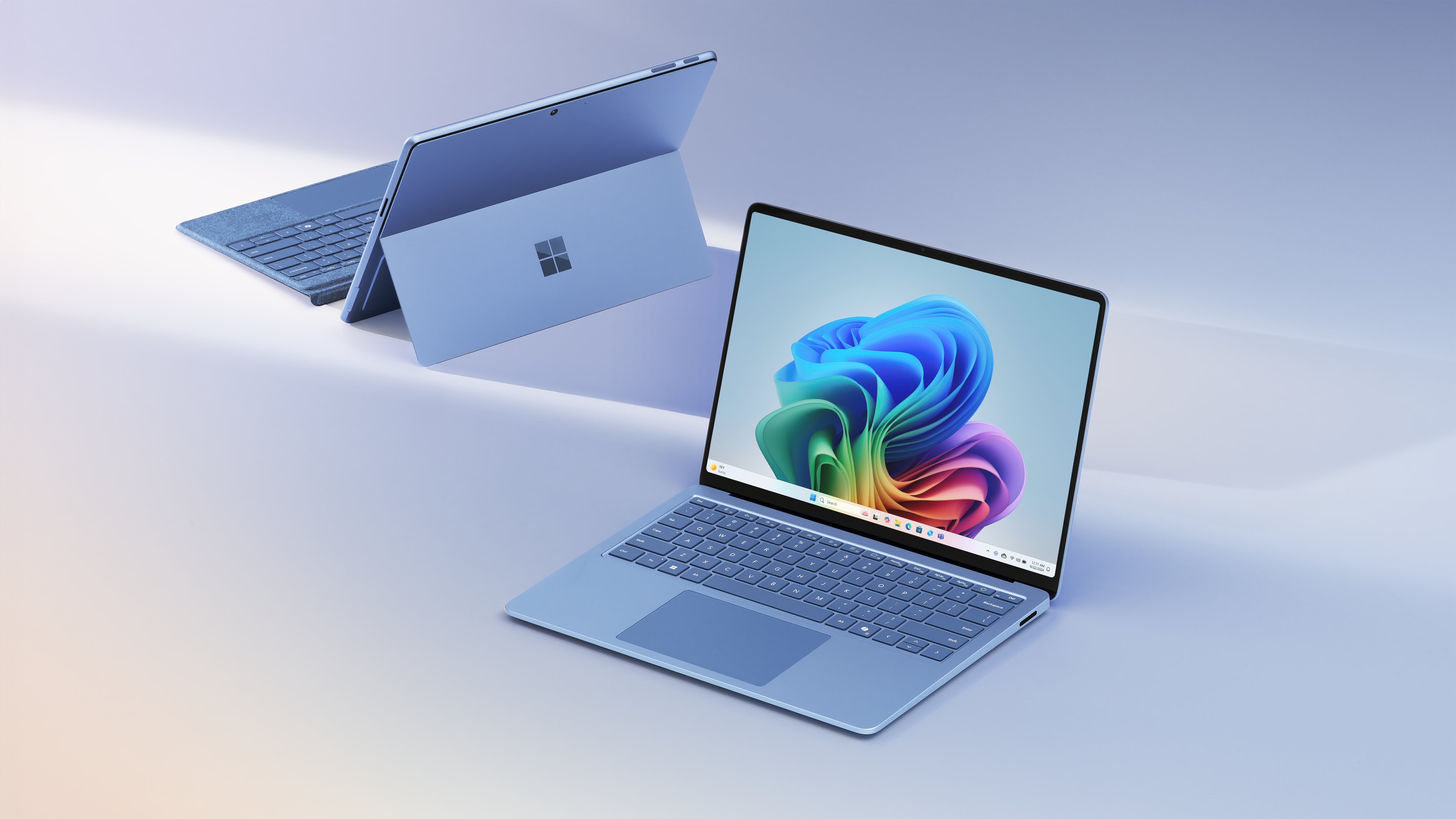
These devices are designed to outperform traditional PCs by up to 5x in speed compared to 5-year-old models by handling AI tasks locally, freeing CPU and GPU for other operations. The benefits of Microsoft Copilot+ PCs are clear: they combine cutting-edge AI with familiar Windows ecosystems.
Core AI Features and Capabilities
Powered by the NPU for smoother performance and all-day battery life up to 22 hours of video playback, Microsoft Copilot+ PCs introduce groundbreaking AI features:
- Recall: A preview feature that searches your screen history by description, allowing you to find past content effortlessly.
- Live Captions: Provides real-time translation from over 40 languages, making multimedia accessible globally.
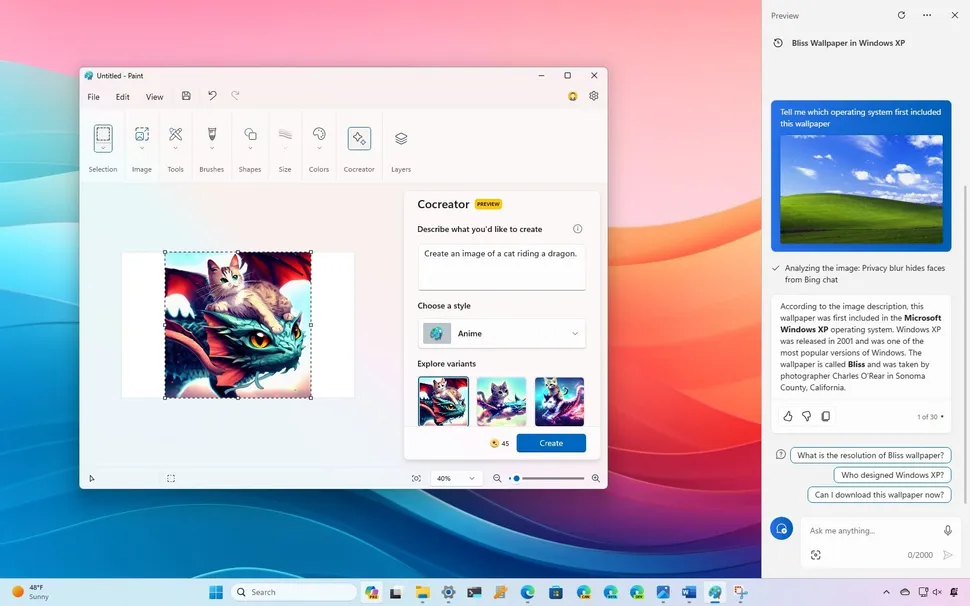
- Cocreator: Enables AI image generation in Paint, letting users create and refine visuals in near real-time.
- Click to Do: Suggests workflow actions from screen content, automating routine tasks for efficiency.
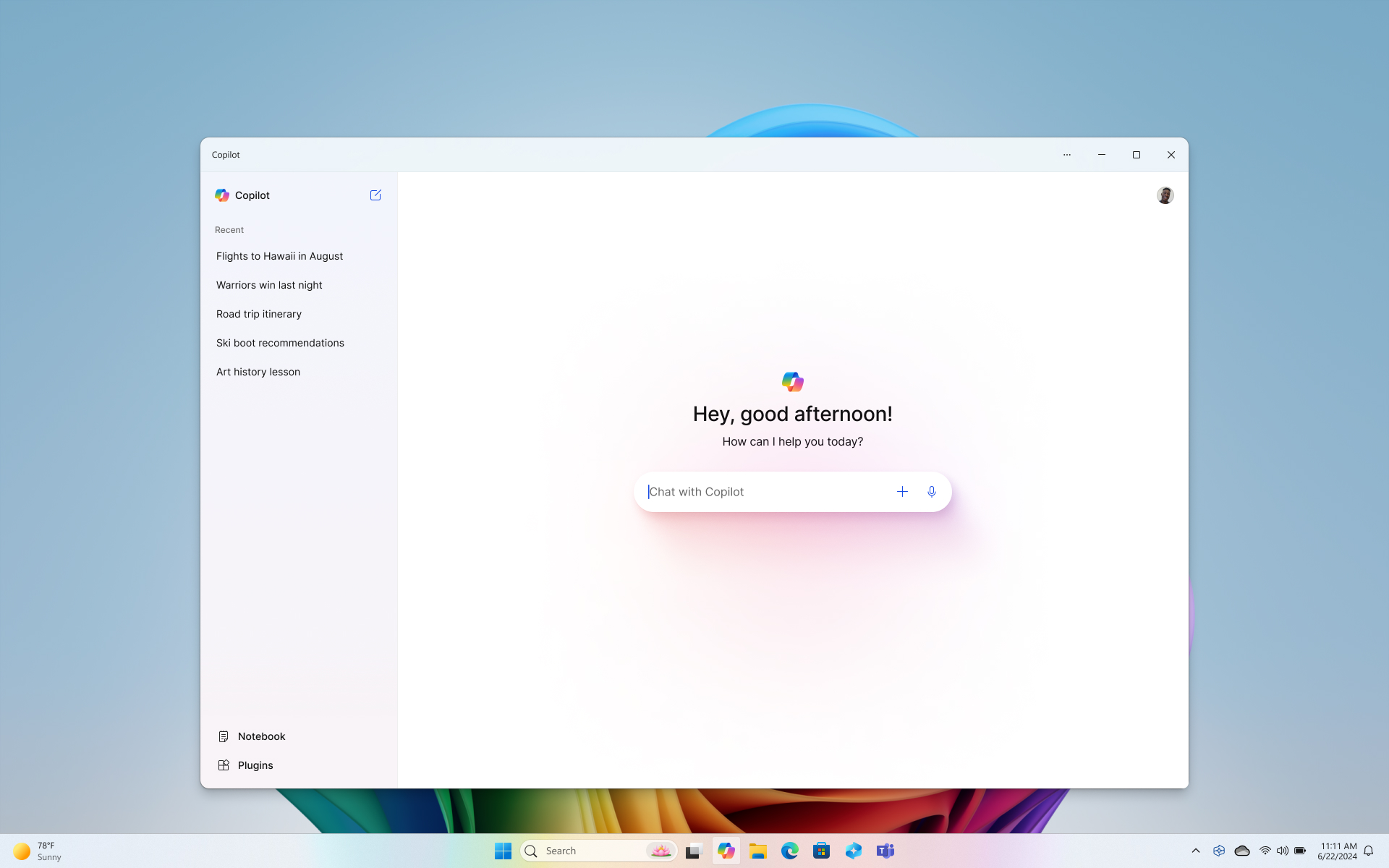
These features are part of a broader expansion of Microsoft’s AI tools, similar to how Copilot is integrated across platforms, as seen in the debut of the Microsoft Copilot Android app. By leveraging on-device processing, these PCs ensure data privacy and reduce latency, enhancing user experience. As one Microsoft exec noted, “This is just the beginning of AI-native computing.”
Windows 11: The AI OS Behind the Scenes
Contrary to searches for a Windows 12 AI OS, Microsoft Copilot+ PCs run on Windows 11 with native AI enhancements via the NPU and tools like Windows AI Foundry for developers. This provides the operating system backbone with AI-native functionalities, including improved search, Recall for contextual awareness, and hybrid cloud-local processing for real-time tasks. Seamless IT management and updates use existing Windows Pro tools, linking how this enhances Microsoft Copilot+ PCs with intuitive interfaces and real-time AI processing.
This deep integration of AI into the OS, bringing Copilot even into File Explorer, as highlighted in this article, exemplifies the seamless experience. User searches often refer to these AI enhancements in Windows 11 as the AI OS experience they expect, with seamless updates keeping features current. This ties back to Qualcomm X Elite laptops as the hardware enabler for these OS capabilities.
Qualcomm X Elite Laptops: The Hardware Backbone
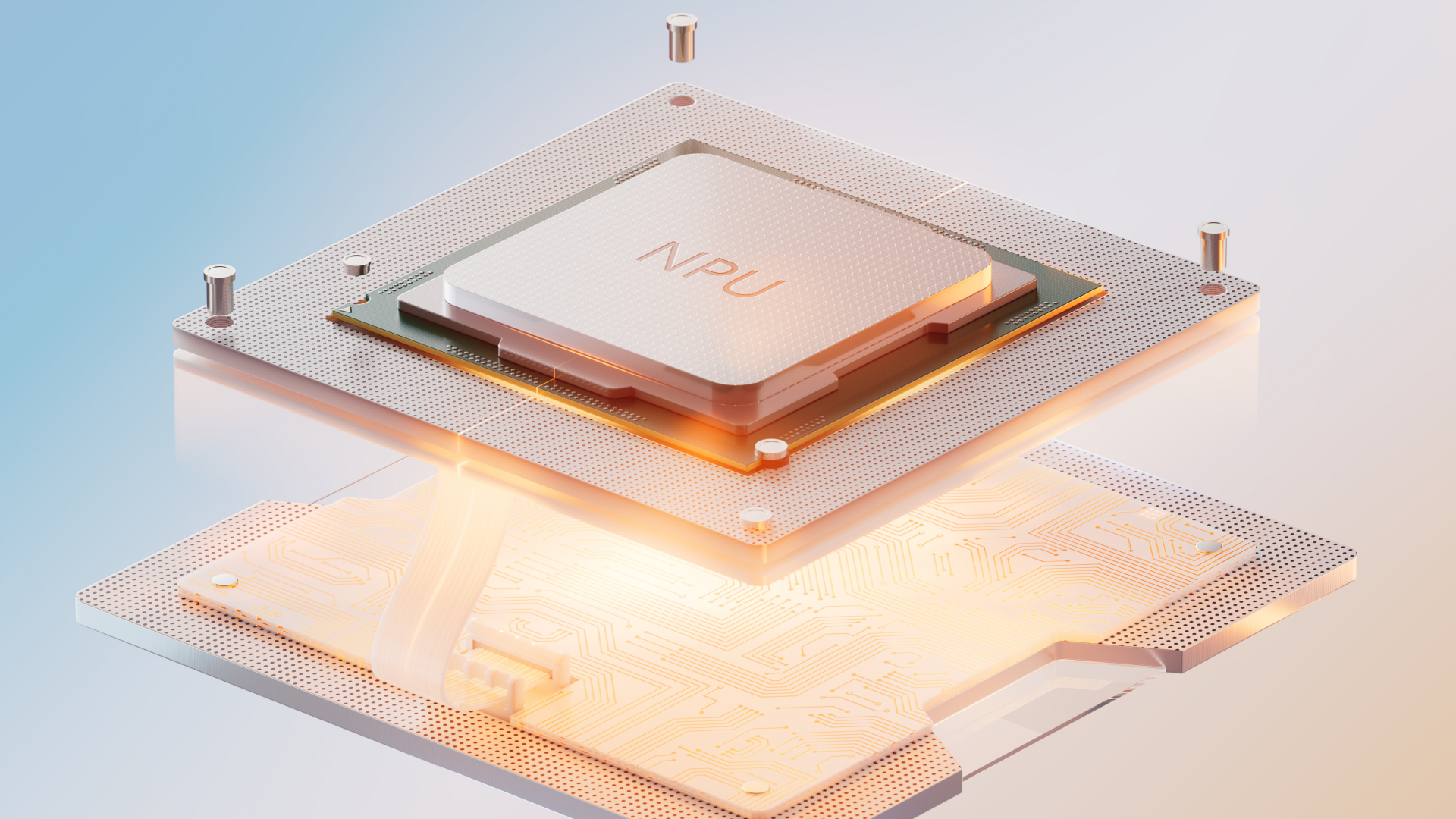
Qualcomm X Elite laptops are powered by Qualcomm X Elite (and X Plus) chipsets, the critical all-in-one system-on-chips (SoCs) for the first Microsoft Copilot+ PCs. With a 45 TOPS NPU, custom Oryon CPU for superior AI performance, energy efficiency, and battery life up to 20% better than comparable devices, they enable thinner and lighter laptop designs. Key specs and impacts include:
- Instant startup and sustained multithreaded performance up to 58% faster than Apple’s MacBook Air (15″).
- Efficient AI processing for tasks like real-time translations without draining battery.
- Later models support Intel Core Ultra 200V and AMD Ryzen AI 300 series NPUs up to 48 TOPS, broadening the influence of Qualcomm X Elite laptops on the ecosystem.
For scannability, here’s a quick comparison of performance metrics:
- AI Performance: 45 TOPS NPU vs. traditional PCs with optional low TOPS.
- Battery Life: Up to 22 hours video playback vs. up to 20% less in competitors.
- Design: Thinner and lighter due to efficient SoC integration.
These hardware advancements power faster AI tasks and improved battery life, making Qualcomm X Elite laptops a cornerstone of the Copilot+ experience.
AI Workflow Enhancement: Real-World Applications
Diving into AI workflow enhancement, Microsoft Copilot+ PCs offer specific examples that transform daily tasks:
- Content Creation: Use Cocreator for generating and refining images in near real-time, ideal for marketers designing ad visuals or artists exploring new ideas.
- Data Analysis and Meetings: Leverage Live Captions for speech translation in over 40 languages, Recall to find past screen content, and Copilot Vision to analyze screens for suggestions during presentations.
- Automation: Click to Do suggests next steps based on screen content, while IT tasks like video conferencing run alongside AI with multi-monitor support, delivering up to 20x AI power gains.
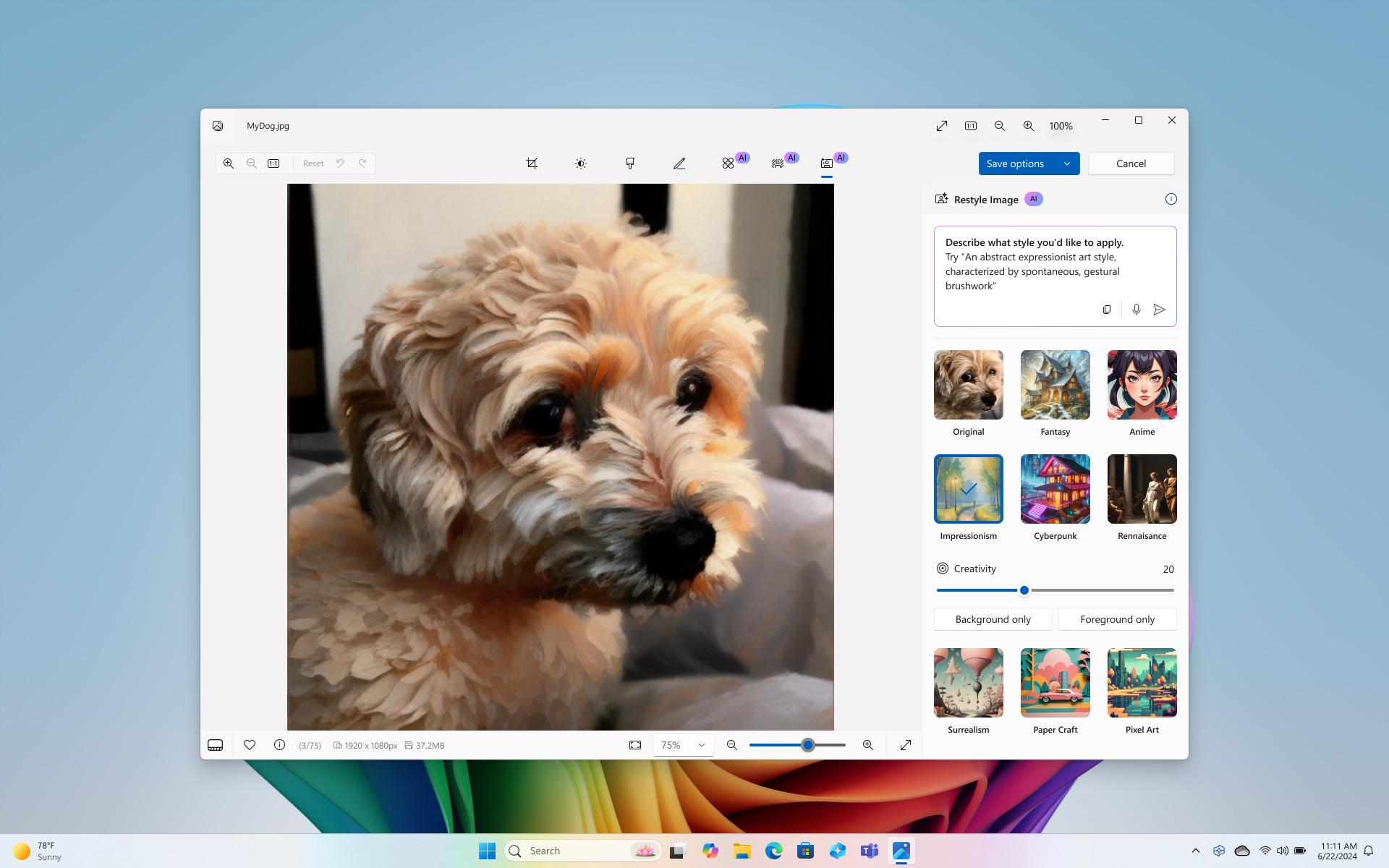
Use cases span various sectors:
- Business: Boost efficiency via generative AI on corporate data, streamlining reports and decision-making.
- Education: Enable real-time translation for lectures, making learning accessible to diverse students.
- Creative Industries: Accelerate image and tool workflows, reducing time from concept to execution.
This mirrors how AI is being used to automate and streamline operations, a trend explored in our guide to AI workflow automation for businesses. Real-world scenarios, like a student translating a foreign-language lecture or a project manager automating meeting notes, showcase the tangible benefits of AI workflow enhancement.
Seamless Integration and Ecosystem
Microsoft Copilot+ PCs combine Qualcomm X Elite laptops hardware, Windows 11 AI features, and NPU for cohesive experiences like local AI models and Secured-core protection with Microsoft Pluton. This integration ensures:
- Full support for existing Windows 11 Pro software, apps, and management tools (e.g., AppAssure), enabling smooth transitions for organizations.
- Ecosystem compatibility that addresses perceptions of a Windows 12 AI OS by providing an integrated AI layer within Windows 11.
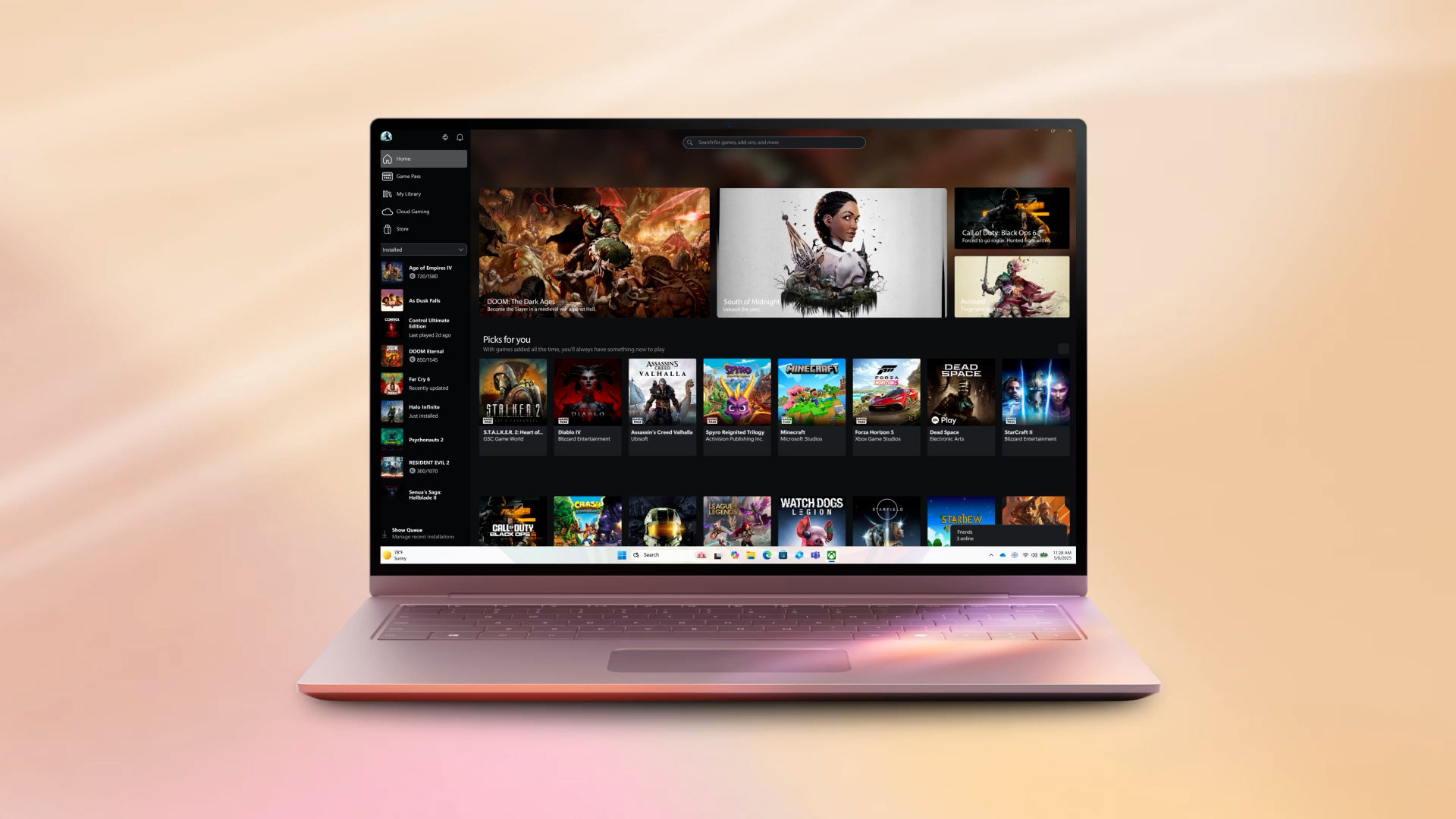
AI workflow enhancement is further enabled by this ecosystem, allowing end-to-end AI tasks without compatibility issues. Much like the integration of AI in smart home devices creates a unified, efficient home environment, as discussed in this article on AI in smart home devices, Copilot+ PCs offer a similarly seamless experience for computing.
Comparison: Copilot+ PCs vs. Traditional PCs and MacBook Air
To underline their unique value, here’s a comparison table for Microsoft Copilot+ PCs versus traditional Windows PCs and Apple MacBook Air (15″):
| Aspect | Copilot+ PCs | Traditional Windows PCs | Apple MacBook Air (e.g., 15″) |
|---|---|---|---|
| NPU/AI Performance | 40+ TOPS standard; 20x faster AI [source] | Optional/low TOPS [source] | No dedicated NPU; up to 58% slower multithreaded [source] |
| Battery Life | Up to 22 hrs video [source] | Varies; shorter for AI [source] | Up to 20% less in video [source] |
| Unique Features | Recall, Live Captions exclusive [source] | Basic AI [source] | No equivalents [source] |
This table highlights how Microsoft Copilot+ PCs lead market trends in on-device AI, offering business ROI via productivity tools while matching rivals’ efficiency. The hardware row, powered by Qualcomm X Elite laptops, underscores their competitive edge.
Challenges and Considerations
Addressing challenges, Microsoft Copilot+ PCs fortify data privacy and security with Pluton, Secured-core, and local processing to keep data on-device. However, features like Recall (in preview) may require IT controls for sensitive environments. Other considerations include:
- Costs: Reflect premium hardware, which might be higher than traditional PCs.
- Learning Curves: New AI tools may require adaptation, but Windows familiarity eases this transition.
- Availability: Varies by region and device model, impacting initial adoption.
Balanced with benefits like AI workflow enhancement outweighing hurdles, these factors help users make informed decisions. The security features of Microsoft Copilot+ PCs, such as on-device AI processing, mitigate privacy concerns compared to cloud-dependent alternatives.
The Future Outlook
The transformative potential of Microsoft Copilot+ PCs with NPU-driven AI, powered by Qualcomm X Elite laptops and Windows 11’s AI layer (addressing Windows 12 AI OS expectations), sets the stage for 2026 IT strategies and broader adoption, as noted in this IT strategy article. Speculating on the future:
- More processors from Intel and AMD will join Snapdragon, expanding hardware options.
- Expanded on-device AI via Windows AI Foundry will enable developers to create custom AI applications.
- Hybrid cloud integration will position these PCs as essential for continuous AI workflow enhancement.
To stay updated on how such AI advancements evolve, explore the latest AI technology news for 2025. As AI evolves, Microsoft Copilot+ PCs aren’t just laptops—they’re your gateway to the future of computing. Explore models today and elevate your AI workflow enhancement—stay ahead in the AI revolution.
Frequently Asked Questions
Q: What exactly are Microsoft Copilot+ PCs?
A: Microsoft Copilot+ PCs are a new category of Windows 11 laptops and desktops equipped with dedicated neural processing units (NPUs) for on-device AI tasks. They offer features like Recall and Live Captions, enhancing productivity through local AI processing without relying on the cloud.
Q: Do Microsoft Copilot+ PCs run Windows 12?
A: No, they run on Windows 11 with integrated AI enhancements. The idea of a Windows 12 AI OS is a misconception; Windows 11 provides the AI-native experience through updates and NPU support, as detailed in Microsoft’s announcements.
Q: How do Qualcomm X Elite laptops enhance Copilot+ PCs?
A: Qualcomm X Elite laptops provide the hardware foundation with chipsets featuring high-TOPS NPUs, efficient CPUs, and extended battery life. This enables the fast, on-device AI performance that defines Copilot+ PCs, making tasks like real-time translation and image generation seamless.
Q: Can Microsoft Copilot+ PCs improve my workflow?
A: Absolutely. Through AI workflow enhancement, these PCs automate routine tasks, offer creative tools like Cocreator, and provide real-time insights via features such as Click to Do. For example, professionals can streamline data analysis, while creatives can accelerate design processes, boosting overall productivity.
Q: Are there privacy concerns with AI features like Recall?
A: Microsoft addresses privacy with on-device processing and security features like Pluton and Secured-core. Recall operates locally, but as a preview feature, it allows IT controls for organizations. Users can manage permissions to ensure data safety, aligning with the emphasis on data privacy in Copilot+ PCs.