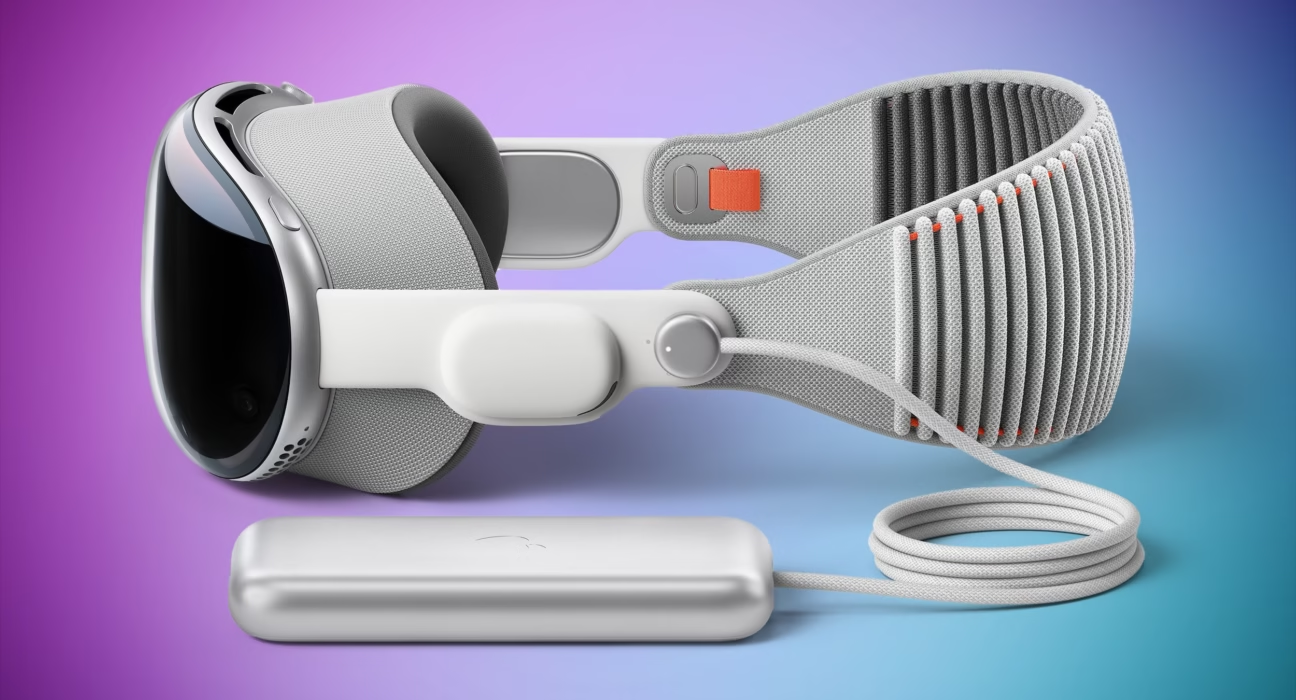
Vision Pro M5 Battery Life vs Original: The Definitive Comparison
Estimated reading time: 8 minutes
Key Takeaways
- The Vision Pro M5 battery life offers a tangible 0.5 to 1-hour increase over the original model, translating to a 20-25% improvement.
- This gain is powered by the M5 chip’s superior efficiency, which delivers more performance per watt, reducing heat and throttling.
- While the external battery pack tether remains, the M5’s internal efficiency reduces reliance on it for standard sessions.
- The upgrade includes a faster 40W USB-C power adapter for quicker recharges, a practical enhancement for power users.
- Deciding if the upgrade is worth it hinges on your need for extended untethered use and whether the performance gains justify the significant cost.
Table of contents
- Vision Pro M5 Battery Life vs Original: The Definitive Comparison
- Key Takeaways
- Detailed Battery Life Comparison: M5 Vision Pro vs. Original
- Vision Pro M5 Chip Efficiency Review: The Engine Behind The Endurance
- Apple Vision Pro External Battery Pack: Limits and Practicalities
- Is Vision Pro M5 Worth Upgrading for Battery? A Pros and Cons Analysis
- Frequently Asked Questions
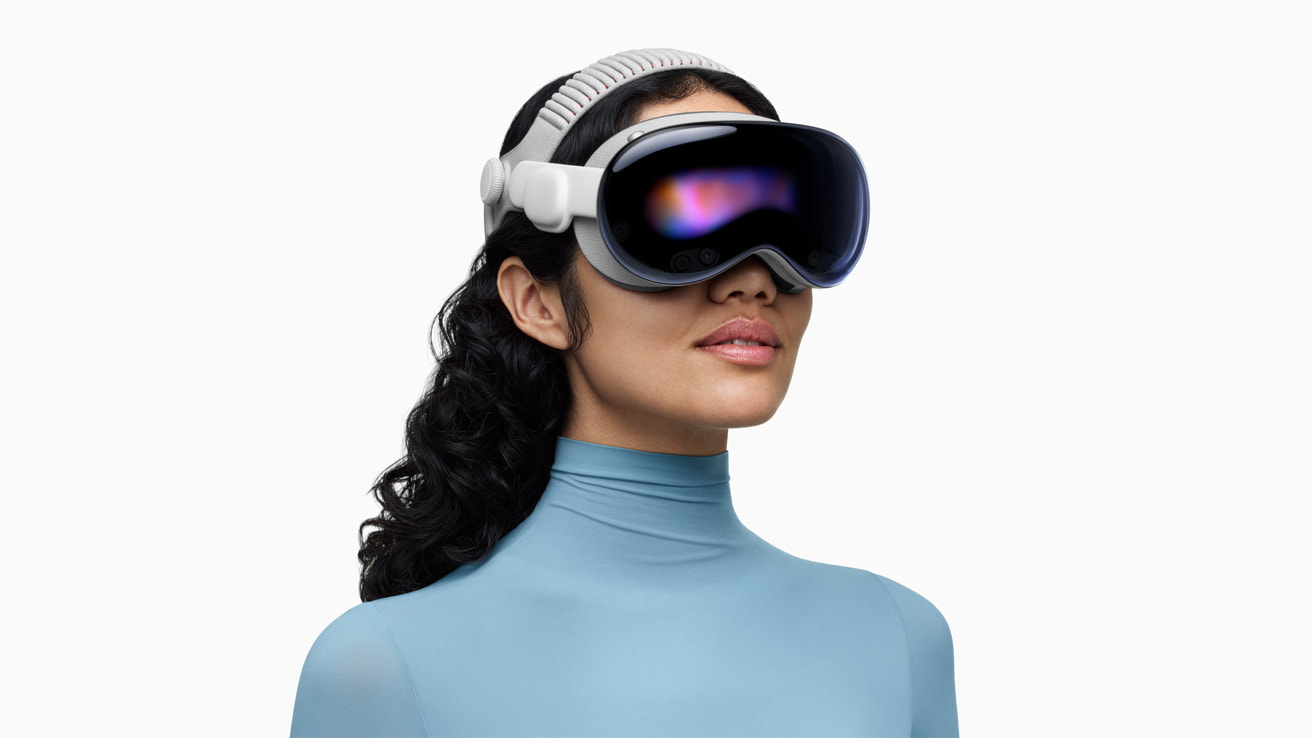
If you’re comparing the Apple Vision Pro M5 with the original model for a potential purchase or upgrade, focusing on battery life as a key factor, you’re likely asking: how does the Vision Pro M5 battery life vs original model truly stack up? This detailed comparison aims to answer that, providing specific benchmarks to show exactly how much longer the M5 Vision Pro battery lasts. We’ll dissect the numbers, explore the silicon magic behind the improvement, and help you decide if those extra minutes of untethered spatial computing are worth the investment.
Detailed Battery Life Comparison: M5 Vision Pro vs. Original
To answer the burning question, “how much longer does M5 Vision Pro battery last?”, we need to move beyond marketing claims and look at the hard data. Independent testing from sources like Tom’s Guide and official figures from Apple’s newsroom paint a clear picture of incremental but meaningful progress.
The M5 Vision Pro is rated for up to 2.5 hours of general use and 3 hours of dedicated video playback. In contrast, the original M2-based model provides approximately 2 hours of general use and 2.5 hours for video playback.
This represents a consistent increase of 0.5 extra hours across both key metrics, translating to approximately 25% longer battery life in general use and 20% longer for video playback.
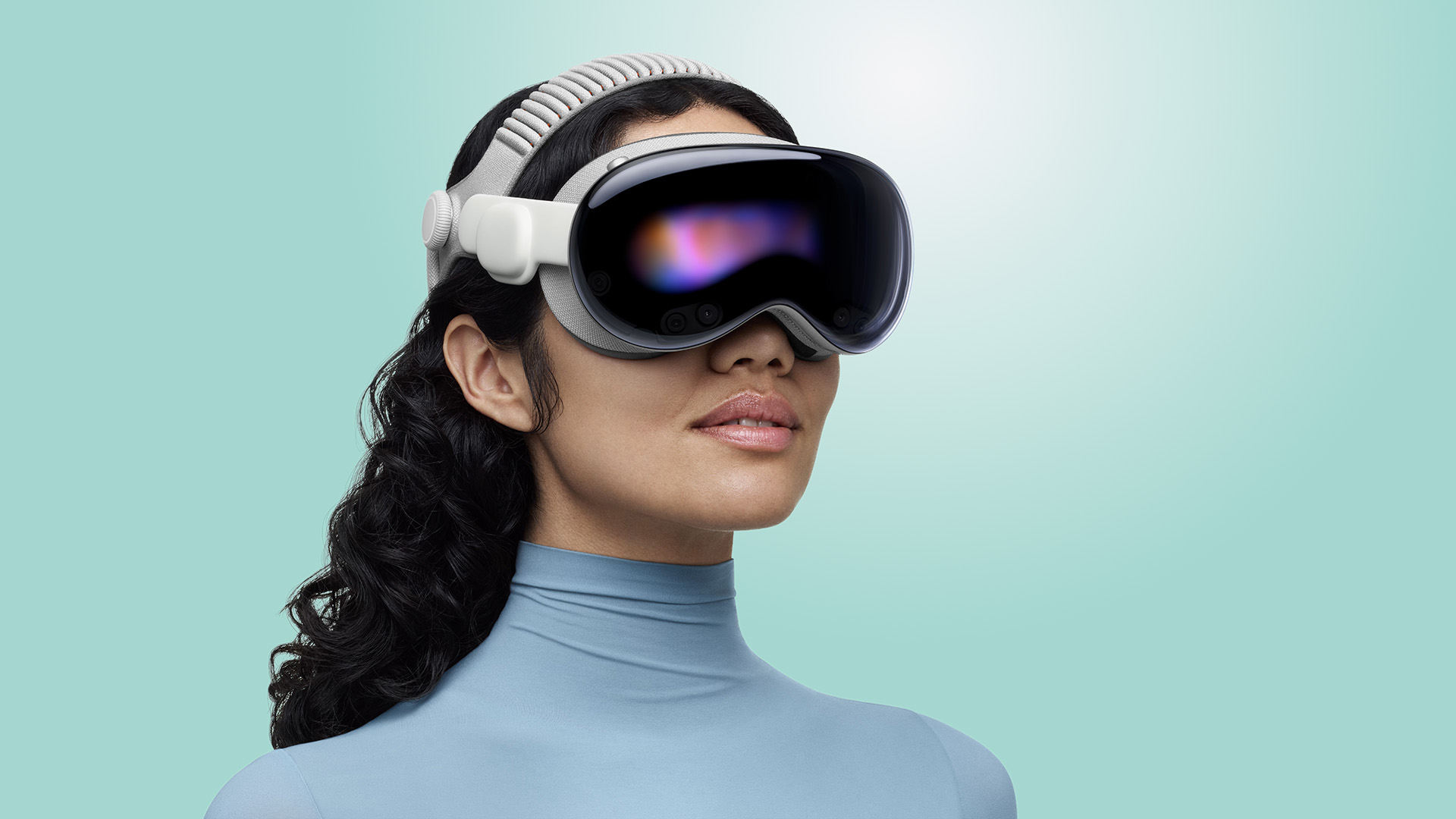
But what does this look like in real-world, dynamic usage? Reviews and user tests, such as those highlighted in detailed YouTube analyses, show the M5 model retains about 55% battery after 1.5 hours of mixed use involving app navigation, spatial video viewing, and light productivity tasks. This indicates a steadier discharge curve and less aggressive battery drain under variable load compared to the original, which might dip closer to 40-45% in similar scenarios.
Here’s a quick breakdown of the supporting features that enable this endurance:
- Power Adapter: A crucial but often overlooked upgrade. The original model ships with a 30W adapter, while the M5 includes a more powerful 40W USB-C adapter. This isn’t just for show—it enables meaningfully faster recharges during breaks, as noted by MacRumors.
- Real-World Drain Management: The efficiency of the M5 chip leads to cooler operation. Reduced heat means the system spends less energy on thermal management and suffers from less performance throttling, leading to more consistent battery performance during demanding tasks like 3D rendering or multi-window workflows.
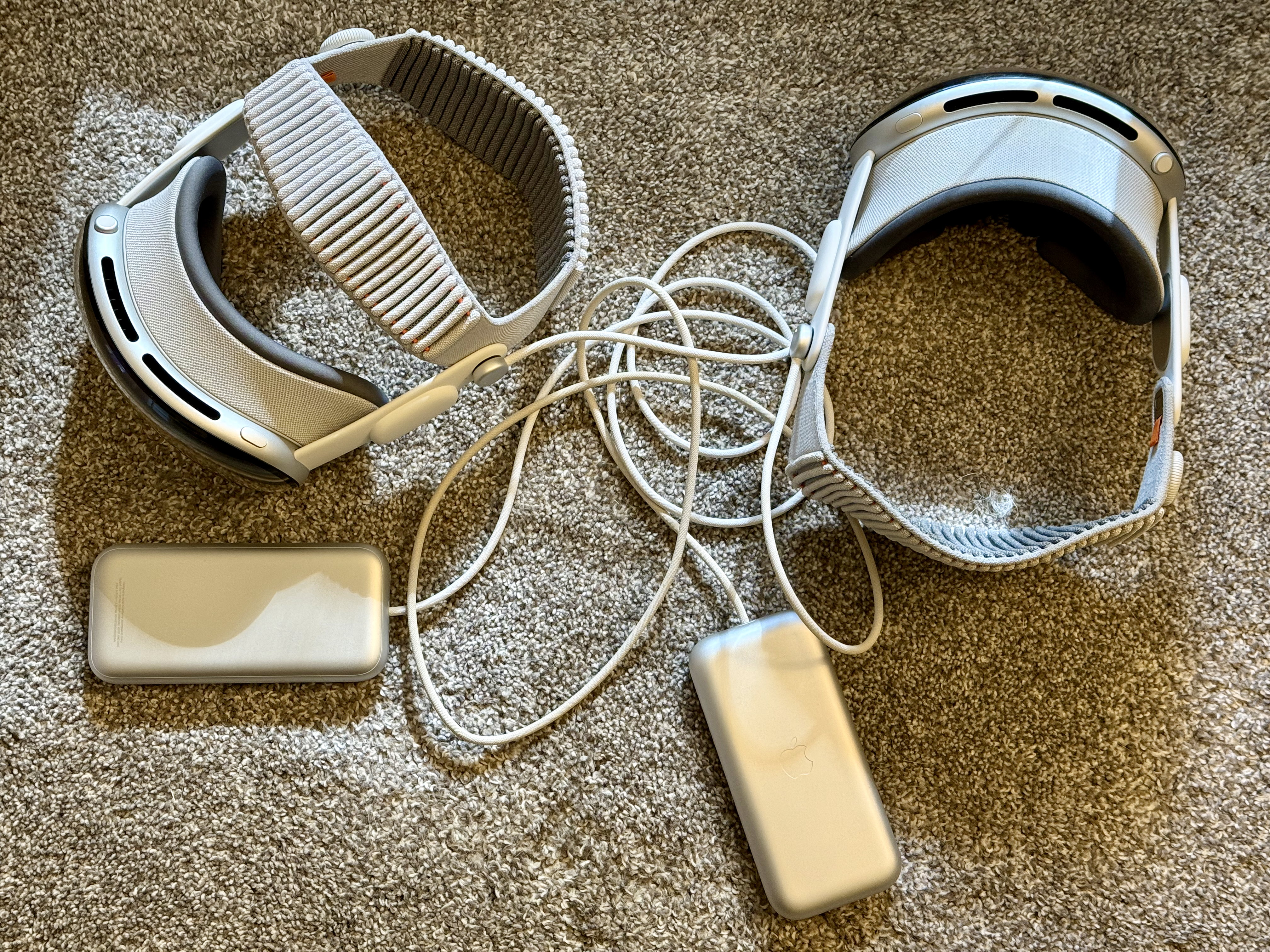
- External Battery Reliance: Both models utilize an external battery pack, a design choice for weight distribution. However, the M5’s improved internal efficiency reduces the rate at which it draws from this pack for shorter sessions, effectively giving you more “cord-free” time from the internal cell before the external pack becomes critical.
For a broader look at how cutting-edge chips are redefining performance and battery life across devices, our analysis of the Apple M5 chip release date rumors provides essential context for this upgrade cycle.
Vision Pro M5 Chip Efficiency Review: The Engine Behind The Endurance
The core of the battery life improvement isn’t a larger battery—it’s a smarter, more efficient brain. A Vision Pro M5 chip efficiency review reveals this is where Apple made its most significant leap. The M5 chip represents a generational shift, boasting 4x the GPU power of its predecessor in the original Vision Pro, hardware-accelerated ray tracing for breathtakingly realistic lighting, and a 16-core Neural Engine that’s up to 50% faster for machine learning tasks.

This architectural prowess, detailed by outlets like Virtual Reality News and Apple’s own announcements, means the system accomplines substantially more computational work per watt of energy consumed. It’s the classic “doing more with less” principle applied to silicon.
Let’s break down the specific efficiency wins:
- Smarter Pixel Pushing: The M5 can render 10% more pixels on the stunning micro-OLED displays while supporting refresh rates up to 120Hz. This enables sharper text, smoother animations, and more immersive environments without a proportional increase in battery drain. The chip handles the extra load so efficiently that the power cost is minimized.
- Thermal and Performance Stability: Compared to the M2 chip in the original, the M5 maintains smooth, stutter-free performance in demanding creative and professional workflows while generating less heat. This reduction in thermal output is crucial. Excessive heat forces a system to throttle performance (slow down) to cool off, which ironically can make tasks take longer and use more power inefficiently. The M5’s cooler operation avoids this pitfall, sustaining peak performance for longer and directly extending usable battery endurance.
- The AI Advantage: The enhanced Neural Engine isn’t just for flashy AR effects. It continuously optimizes system processes in the background, managing resource allocation between the CPU, GPU, and media engines to ensure no component is drawing power unnecessarily. This intelligent orchestration is a silent guardian of your battery life.

The efficiency gains from new silicon are a trend transforming entire product categories, much like the groundbreaking Apple M4 chip AI performance benchmarks have done for the iPad Pro and MacBook Air.
Apple Vision Pro External Battery Pack: Limits and Practicalities
Any discussion of Apple Vision Pro battery life is incomplete without addressing the Apple Vision Pro external battery pack limits. This design choice—a tethered external battery—is fundamental to both models, aiming to keep the weight off your head. Understanding its role and constraints is key to evaluating real-world use.
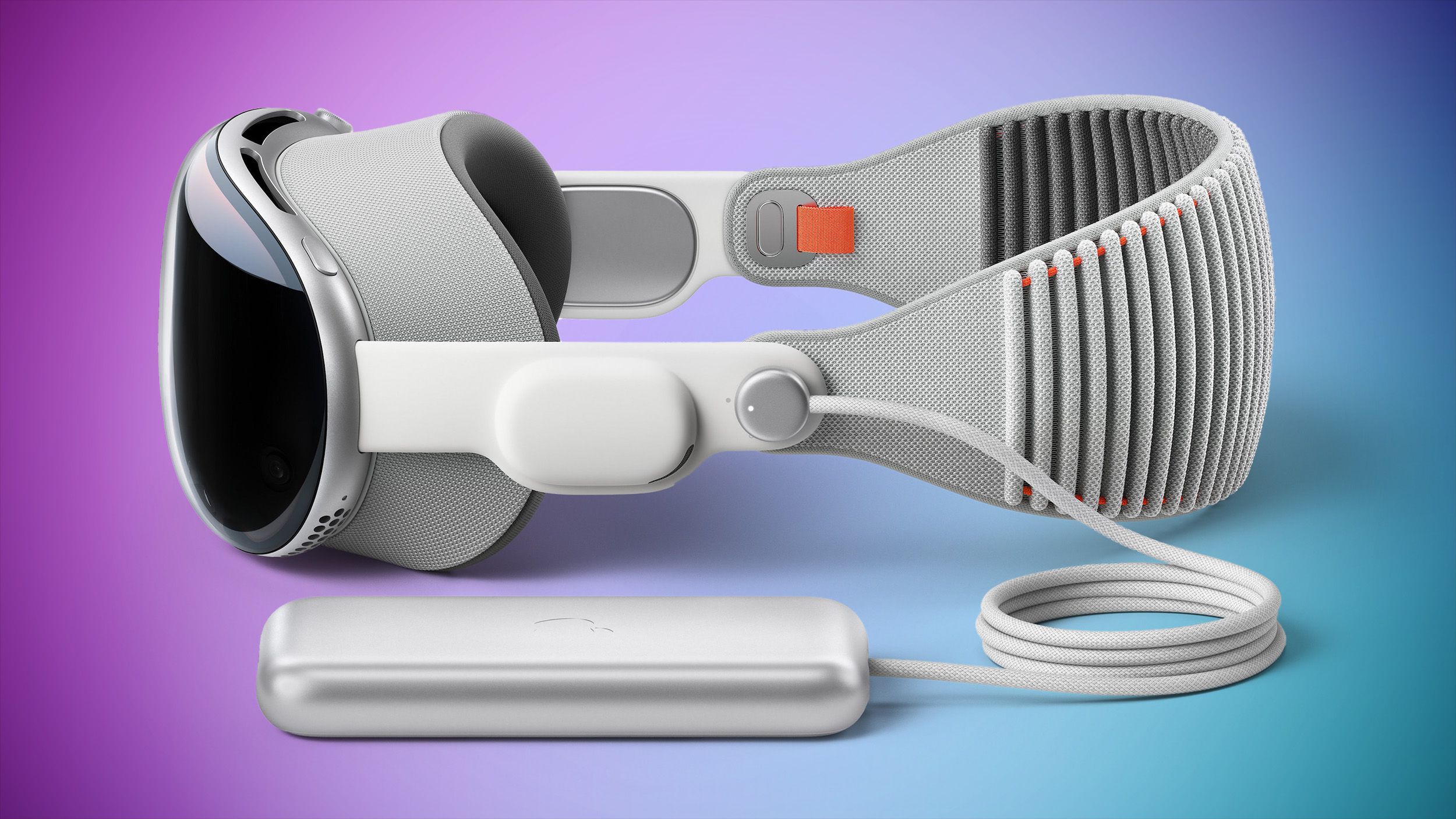
The external pack is your lifeline for extended sessions. While the M5’s improved internal efficiency grants more time before you need to plug in, the fundamental constraint remains: for use beyond 2.5-3 hours, tethering is mandatory. This adds bulk to your pocket or belt and can subtly restrict mobility, a factor to consider if your spatial computing involves physical movement.
Key points for M5 vs. Original:
- Compatibility: There are no major compatibility changes between the models for external packs. The connection and core functionality remain consistent.
- Reduced Reliance: The most significant benefit for M5 users is that for standard, sub-2.5-hour sessions—a common length for a movie, a focused work block, or a demo—the internal cell does more of the heavy lifting. You might start a session without immediately connecting the external pack, enjoying greater initial freedom.
- The Charger Upgrade Matters: As mentioned, the included 40W USB-C adapter is a practical win. When you do need to recharge, whether during a lunch break or between meetings, the M5’s external pack will juice up significantly faster than the original’s would with its 30W charger, getting you back to untethered use more quickly.
For users interested in the wider ecosystem of portable power and device longevity, our guide on the best 10 powerful smartphones with the longest battery life explores how other manufacturers tackle this universal challenge of balancing performance and endurance.
Is Vision Pro M5 Worth Upgrading for Battery? A Pros and Cons Analysis
So, the central question for current owners: is Vision Pro M5 worth upgrading for battery? The answer isn’t universal. It requires weighing tangible benefits against a substantial cost. Let’s break down the pros and cons to help you decide.
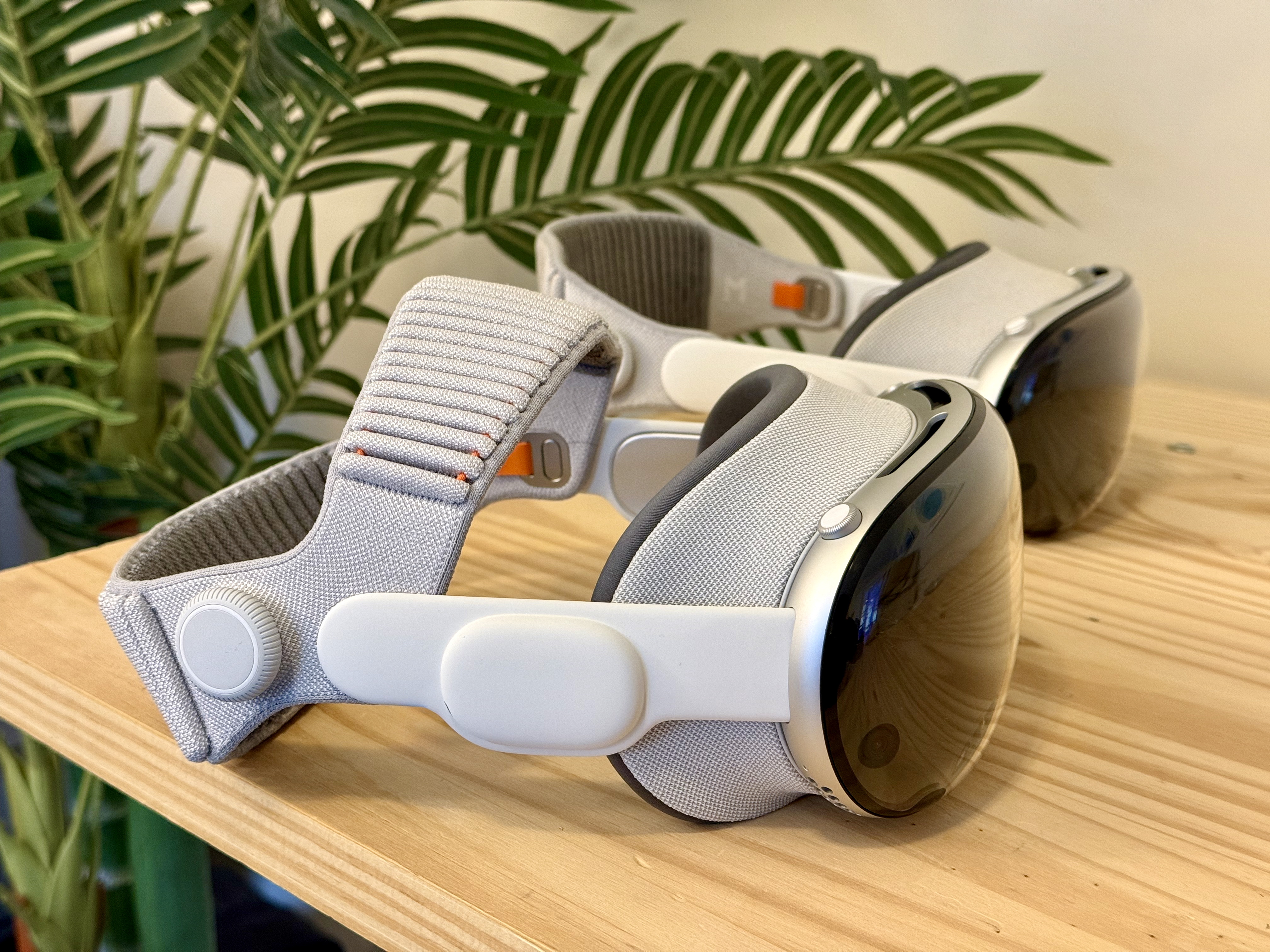
The Case FOR Upgrading (Pros):
- Meaningful, Not Marginal, Gains: An extra 0.5–1 hour of usage can be transformative. For a professional using the Vision Pro for 3D design reviews, architectural walkthroughs, or medical visualization, that extra time could mean finishing a client presentation without scrambling for an outlet. For media consumption, it’s the difference between watching two episodes of a show versus three on a long flight.
- Beyond Time: Quality of Experience: The upgrade isn’t just about a longer timer. The M5 chip delivers cooler, quieter, and more consistent performance. The reduction in fan noise and heat on your face enhances comfort during those longer sessions, making the extended use actually enjoyable.
- Future-Proofing for Spatial Computing: The enhanced silicon is better equipped for future software updates and increasingly demanding spatial computing applications. As developers push the boundaries of what’s possible in visionOS, the M5’s headroom in GPU and AI performance will ensure you can run those new experiences smoothly, without battery life plummeting.
- The Complete Package: Remember, the battery life comes bundled with the significant performance uplift of the M5 chip, which enhances everything from graphical fidelity to multitasking smoothness.
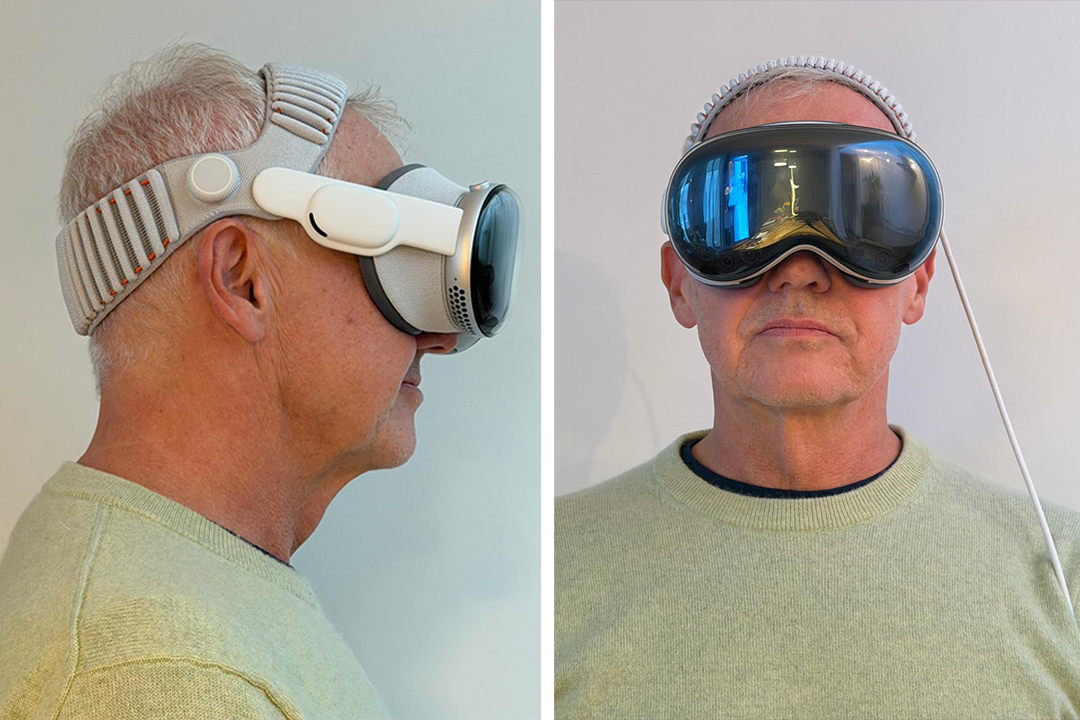
The Case AGAINST Upgrading (Cons):
- The Staggering Cost: With a starting price tag of $3,499, the upgrade is a major financial decision. If your original Vision Pro is functioning well, the battery improvement alone, alongside incremental additions like the Dual Knit Band, may not justify such a high expense for casual users or those on a tight budget.
- Incremental for Tethered Workflows: If your original Vision Pro usage is typically brief (under 1.5 hours) and you’re always near a power source—say, at a desk or in a studio—the