Windows 11 Update Features 2025: What’s New and Why It Matters
Estimated reading time: 8 minutes
Key Takeaways
- The windows 11 update features 2025 bring Microsoft’s latest refinements for a more polished, secure, and AI-enhanced experience, especially in the December 2025 update as part of version 25H2.
- Regular windows 11 support and updates are crucial for fixing bugs, enhancing performance, and future-proofing your system against threats.
- windows 11 latest cumulative updates 2025 like KB5072033 deliver standardized titles, system reliability fixes, and AI feature activations.
- windows 11 security patch releases mandate hardware-assisted security and address vulnerabilities for greater resilience.
- windows 11 ai powered tools are integrated by default in version 25H2, with improvements to Copilot+ PC tools and search capabilities.

Table of contents
- Windows 11 Update Features 2025: What’s New and Why It Matters
- Key Takeaways
- Overview of Latest Windows 11 Updates
- Key Features of Windows 11 Update Features 2025
- Importance of Regular Windows 11 Support and Updates
- How to Stay Updated with Windows 11 Support and Updates
- Role of Windows 11 AI Powered Tools in Depth
- Frequently Asked Questions
The windows 11 update features 2025 bring Microsoft’s latest refinements to make Windows 11 more polished, secure, and AI-enhanced, especially in the December 2025 update as part of version 25H2, which delivers gradual improvements to File Explorer, taskbar, Settings, gaming, and Copilot+ PC tools. Staying updated is key for better productivity, security, and performance amid continuous innovation, as highlighted in sources like Microsoft’s update history and community guides. This year’s updates build on 2024 innovations, offering a comprehensive look at windows 11 latest cumulative updates 2025.
Overview of Latest Windows 11 Updates
Let’s dive into the core components of the recent updates, starting with windows 11 latest cumulative updates 2025. The December 9, 2025 KB5072033 update (OS Builds 26200.7462 and 26100.7462) is a standout, introducing:
- Standardized title formats for easier reading of update logs.
- Fixes for system reliability, such as resolving Local Security Authority Subsystem Service (LSASS) crashes that could cause unexpected restarts.
- Improved search on SMB shares for better network file management.
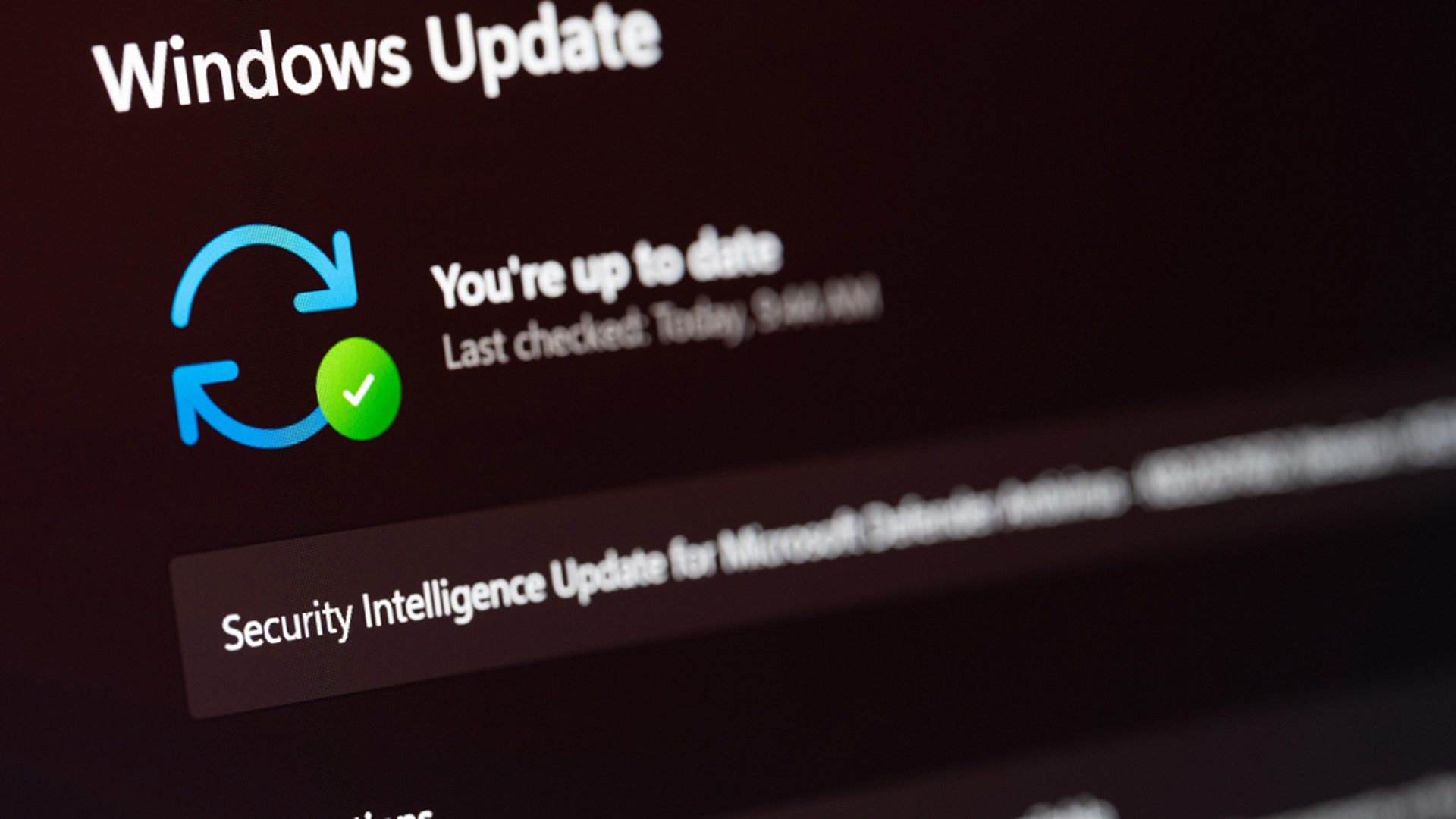
These cumulative patches build on prior innovations and activate features like AI actions by default in version 25H2, as noted in Microsoft’s insider updates.
Next, windows 11 security patch releases mandate hardware-assisted security like Secure Boot, TPM 2.0, and UEFI, with fixes for gaming graphics errors and stability issues. This makes Windows 11 more resilient against firmware and ransomware threats, ensuring your system stays protected as highlighted in compatibility guides.

Finally, the integration of windows 11 ai powered tools is a game-changer. Copilot+ PCs gain Agent-in-Settings improvements, a redesigned Click to Do context menu, and AI-categorized photo search in Windows Search. Version 25H2 enables these by default, with Improved Windows Search coming soon, paving the way for smarter workflows.
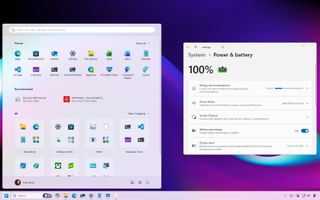
Key Features of Windows 11 Update Features 2025
The windows 11 update features 2025 are categorized into new features, improvements, and enhancements. Here’s a detailed breakdown:
New Features and Functionalities
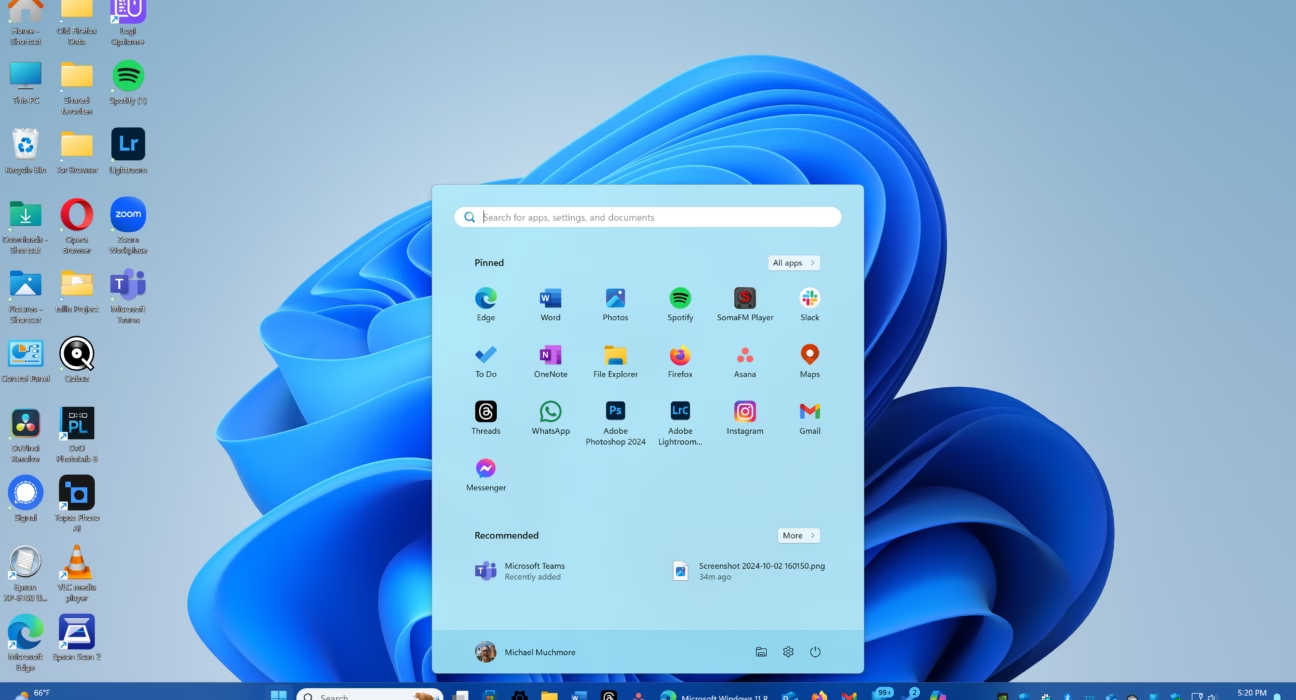
- File Explorer completes its dark mode transition with themed copy/move/delete dialogs, blue progress bars, and smoother app group hover animations for a cohesive visual experience.
- Virtual Workspaces toggle in Settings > System > Advanced allows sandboxed environments like Hyper-V for testing and development.
- Widgets add dashboard badges and default dashboard selection, making at-a-glance info more customizable.
- Xbox Full Screen Experience expands to more handhelds, enhancing gaming on devices like the Steam Deck, as covered in Xbox Game Pass updates.
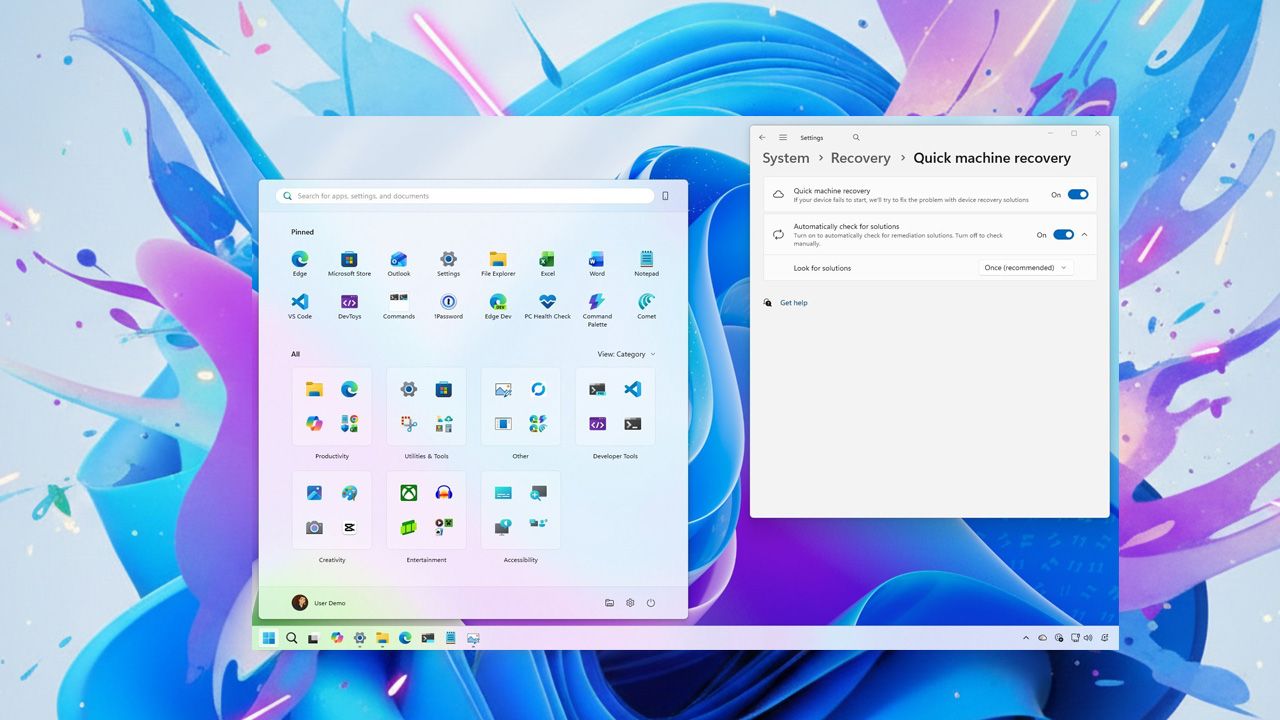
Improvements to Existing Features
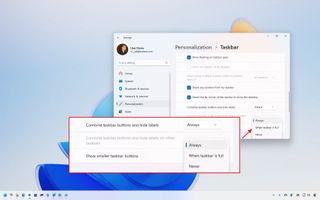
- Taskbar fixes auto-hide toggles, Voice Access integration, and icon shrinking for better usability.
- Settings reorganizes the About page and migrates Control Panel options like keyboard repeat rates, streamlining system management.
- Gaming enhancements fix “Unsupported graphics card detected” errors and reduce high-res display stutters, ensuring smoother gameplay.
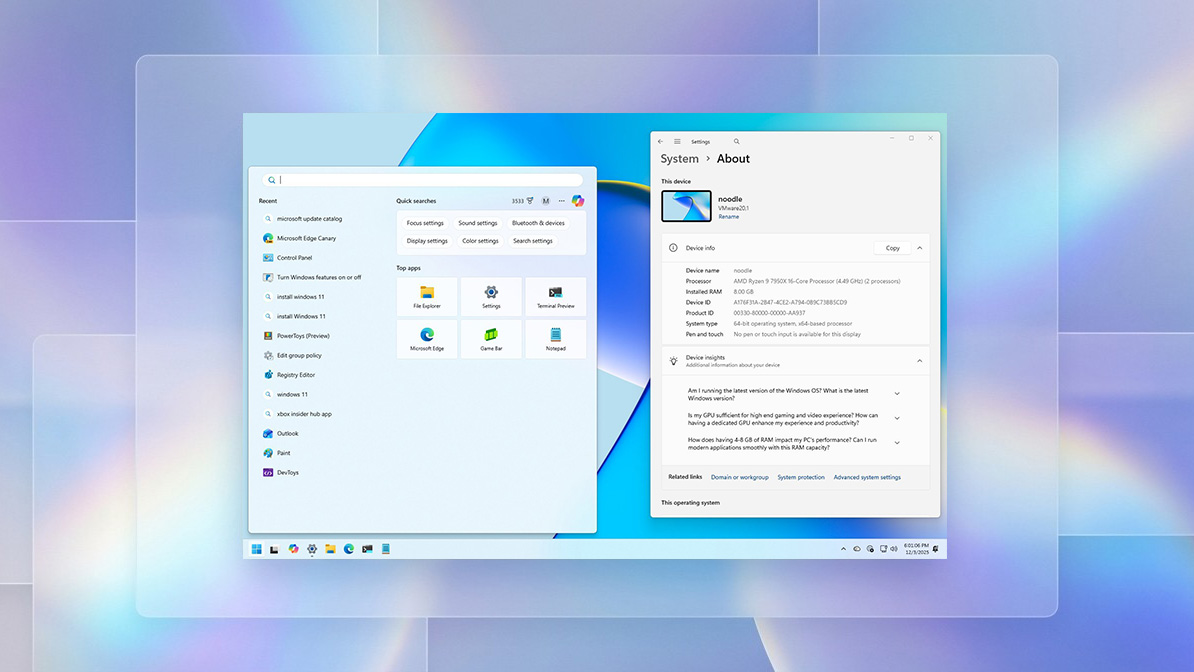
Enhancements to System Performance and Security
- System-wide gains in search, multitasking, HID keyboard responsiveness, and brightness on all-in-one PCs.
- Wi-Fi 7 enterprise support added for faster and more reliable wireless connections.
- Security boosts from patches that address LSASS stability and firmware threats.
Here’s a simple table summarizing key categories:
| Category | Features | Impact |
|---|---|---|
| File Explorer | Full dark mode, animated previews, AI search placeholders on Copilot+ PCs | Consistent visuals and faster workflows |
| Settings & Taskbar | Reorganized About page, Virtual Workspaces, bug fixes | Fewer clicks and better reliability |
| Gaming & Performance | Full Screen Experience expansion, graphics fixes | Smoother play on handhelds and 4K displays |
| AI/Security | Agent-in-Settings, LSASS stability | Enhanced intelligence and threat protection |
Sources: Windows Latest and Microsoft update history.
Importance of Regular Windows 11 Support and Updates
Regular windows 11 support and updates are vital for maintaining system security and stability. They address vulnerabilities like access violations and display stutters, while extending support lifecycles for a stable platform. For instance, updates fix bugs such as Settings crashes on privacy pages or taskbar glitches, and deliver refinements like battery monitoring and Snap Layouts for productivity. Staying current with windows 11 latest cumulative updates 2025 unlocks AI groundwork and hardware security defaults, reducing risks from outdated systems. Imagine preventing ransomware threats or improving daily multitasking—these updates make it possible, as emphasized in Microsoft’s insights.
How to Stay Updated with Windows 11 Support and Updates
Follow these step-by-step instructions to ensure your system stays current:
- How to check for updates: Go to Settings > Windows Update and select “Check for updates.” Note that version 25H2 features roll out gradually, so patience may be needed. This ties into keeping up with windows 11 latest cumulative updates 2025.
- How to install updates: Once available, download and install via Windows Update. After installation, enable options like Full Screen Experience in Settings > Gaming to unlock new features.
- How to troubleshoot common update issues: Restart your PC after failed installs, use the new standardized update titles for clarity (introduced in KB5072033), or check for enterprise controls in 25H2 if you’re in a managed environment. Refer to update history for more tips.
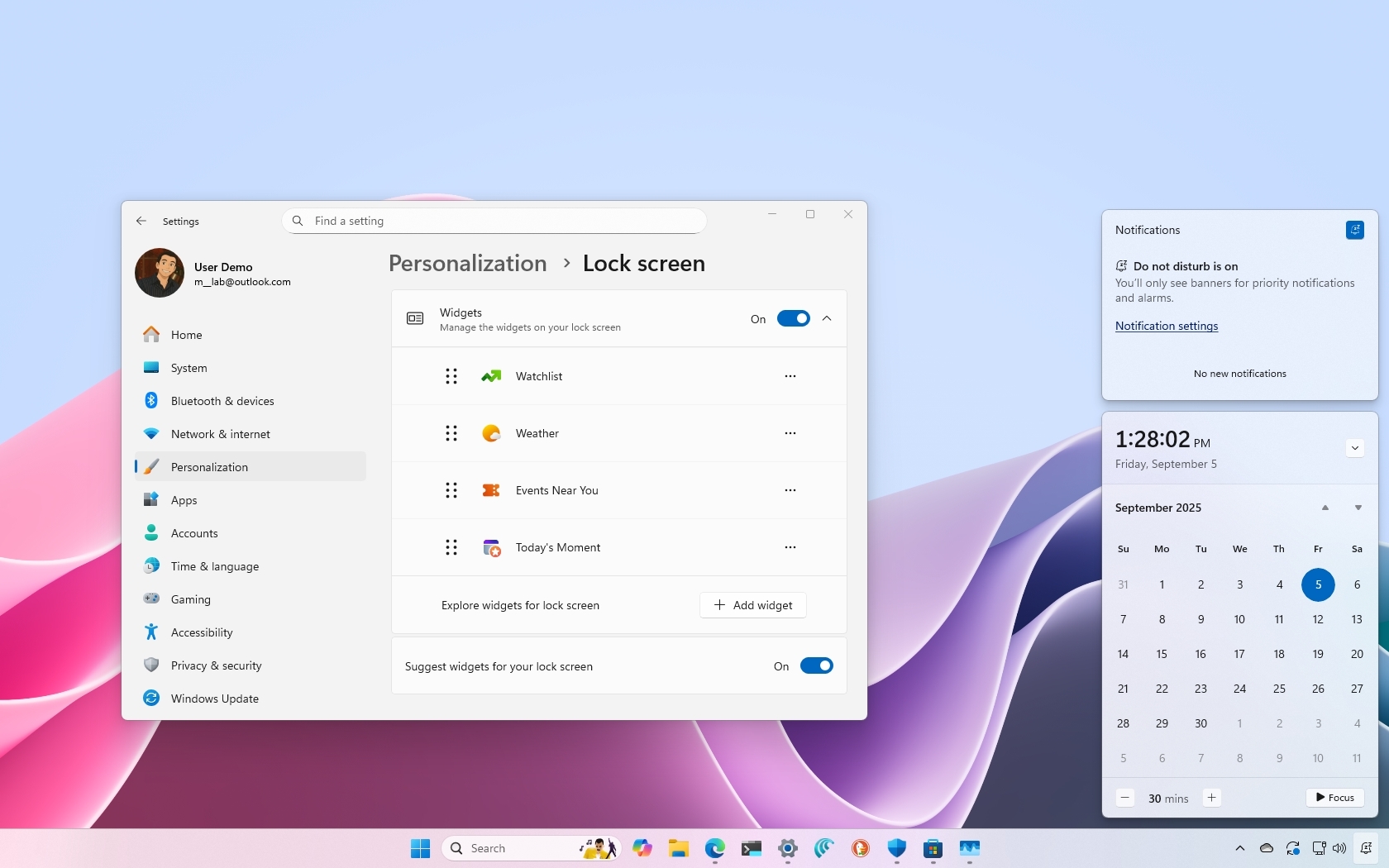
Role of Windows 11 AI Powered Tools in Depth
windows 11 ai powered tools significantly boost system performance and security. With semantic photo search, Click to Do menus, and Agent-in-Settings on Copilot+ PCs, version 25H2 enables these by default. Examples include taskbar Copilot integration, File Explorer AI actions (as seen in Copilot enhancements), and upcoming Improved Windows Search. Future developments hint at broader dark mode expansion and deeper Copilot ties for productivity, aligning with trends in AI’s global impact. These tools also enhance threat protection alongside windows 11 security patch releases, making your system smarter and safer, as discussed in security guides.

Frequently Asked Questions
- What is the latest Windows 11 update in 2025?
- The latest is the December 2025 update (KB5072033) as part of version 25H2, which includes cumulative patches, security fixes, and AI tool integrations. Refer to Microsoft’s KB article for details.
- How do I check for Windows 11 updates?
- Go to Settings > Windows Update and click “Check for updates.” Updates roll out gradually, so check regularly for latest features.
- What are the key features in the Windows 11 2025 updates?
- Key features include File Explorer dark mode completion, Virtual Workspaces, gaming enhancements, and AI tools like Copilot+ integrations. See the Windows Central overview for more.
- Why are Windows 11 updates important?
- Updates fix bugs, improve security, and enhance performance, ensuring your system stays reliable and protected against threats. Regular support is crucial.
- How do AI tools enhance Windows 11?
- AI tools like Copilot+ PCs offer smarter search, context menus, and system management, boosting productivity and security. Learn more from update history.
Encourage readers to check for updates today via Settings > Windows Update, embrace windows 11 ai powered tools for smarter workflows, and stay ahead in 2025 by keeping windows 11 update features 2025 current for maximum potential. For a look at how other platforms handle updates, check out our guide to the latest iOS/Android updates & features.