The Google Gemini API Expansion: Your Ultimate Developer AI Toolkit
Estimated reading time: 10 minutes
Key Takeaways
- The Google Gemini API expansion introduces groundbreaking models like Gemini 2.0 Flash and Live API, creating a versatile developer AI toolkit for building intelligent applications.
- Enhanced features include doubled speed, bidirectional streaming, multi-tool use, and a 2M context window, empowering AI integration tools with unprecedented performance.
- Diverse AI model endpoints cater to tasks from fast brainstorming to complex reasoning, offering flexibility for developers.
- Practical integration is streamlined with SDKs, Firebase AI Logic, and security, facilitating robust enterprise AI integration.
- Enterprise-ready with Vertex AI deployment, pay-as-you-go billing, and compliance tools, ensuring scalable and secure AI solutions.
Table of Contents
- The Google Gemini API Expansion: Your Ultimate Developer AI Toolkit
- Key Takeaways
- Introduction: Revolutionizing Development with AI
- Deep Dive into the Google Gemini API Expansion
- AI Model Endpoints: Powering Versatile Applications
- Step-by-Step Integration for Developers
- Scaling for Enterprise AI Integration
- Frequently Asked Questions
Introduction: Revolutionizing Development with AI
The excitement around the Google Gemini API expansion is electrifying the developer community, as it marks a major upgrade introducing advanced models like Gemini 2.0 Flash, enhanced Live API capabilities, and broader multimodal support to create a versatile developer AI toolkit. This expansion empowers developers seeking powerful AI integration tools, unlocking new possibilities for building responsive, intelligent applications that can process text, images, audio, and video in real-time. [sources: changelog, release notes]
This blog provides a comprehensive guide exploring these updates, their impact on AI model endpoints, and practical steps for enterprise AI integration, satisfying the informational intent of developers eager to leverage new AI tools. [source: changelog]
Get ready for key benefits like doubled speed, bidirectional streaming, and multi-tool use—features that position this API as an essential developer AI toolkit for crafting the next generation of AI-powered apps. [source: changelog]
Deep Dive into the Google Gemini API Expansion
Introducing the Google Gemini API expansion in depth, it brings key enhancements starting with Gemini 2.0 Flash Experimental (released December 11, 2024), which doubles speed over Gemini 1.5 Pro while supporting bidirectional streaming via Live API, multimodal outputs including text, images, and speech, and built-in tool use for multi-turn reasoning with code execution and Search grounding—solidifying its role as a comprehensive developer AI toolkit. [source: changelog]
Covering May 20, 2025 updates: multi-tool use combining code execution and Google Search grounding in a single generateContent request, asynchronous function calls in Live API, custom video preprocessing, and an experimental URL context tool. [source: changelog]
Highlighting developer benefits:
- Increased rate limits for higher throughput and scalability.
- A 2M context window for Gemini 1.5 Pro (May 14, 2024) for processing large documents like legal texts or codebases.
- Pay-as-you-go billing based on actual usage tokens rather than fixed subscriptions, offering cost efficiency.
- Parallel function calling for handling multiple tasks simultaneously.
- File API support for video and plain text, enabling seamless media integration. [source: changelog]
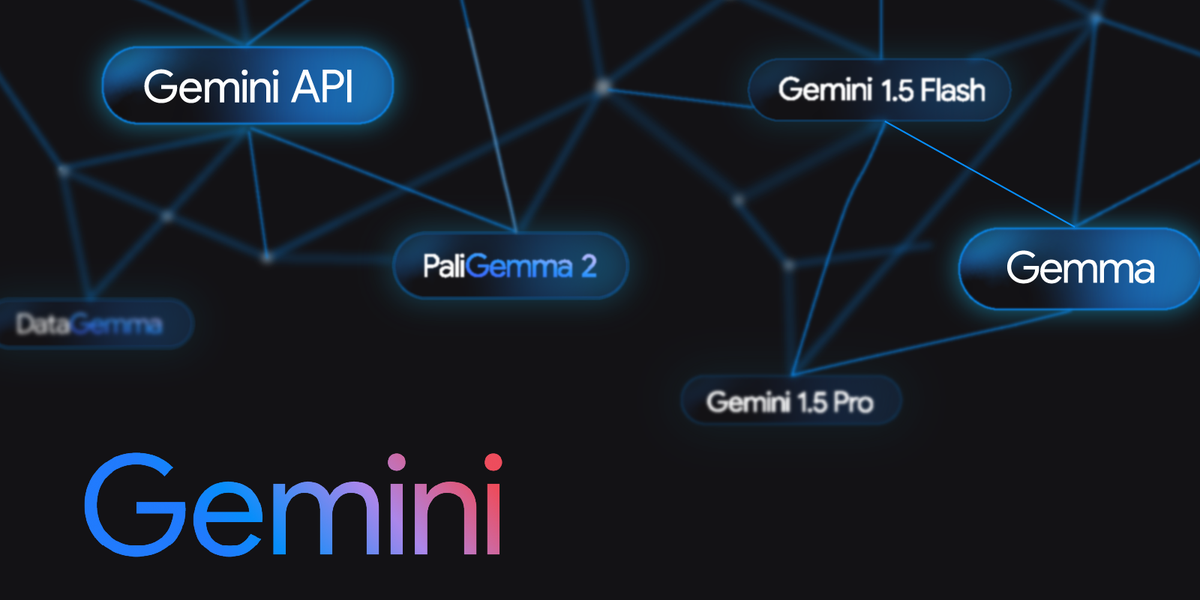
Discussing 2026 additions including model lifecycle management (January 12, 2026) for handling model versions and deprecations, and 4K output resolutions for Veo video generation, positioning these as part of the robust developer AI toolkit. [source: changelog]
Explaining session resumption (up to 24 hours for maintaining conversation state), context compression for longer interactions without losing key details, configurable interruption handling for real-time apps, and expanded voice/language options with 30 new languages—all enhancing the developer AI toolkit for global applications. [sources: changelog, release notes]
AI Model Endpoints: Powering Versatile Applications
Diving into the AI model endpoints available in the expanded Gemini API, we list models like:
- Gemini 2.0 Flash for fast everyday tasks such as brainstorming and content generation.
- Gemini 2.0 Flash Thinking (experimental with 1M token context for complex reasoning in coding/math).
- Gemini Pro for general-purpose language tasks.
- Pro Vision for multimodal text/image processing and analysis.
gemini-2.0-flash-live-001for real-time audio/video interactions like voice assistants.

This diversity underscores the developer AI toolkit’s flexibility. [sources: changelog, release notes, models]
Detailing key endpoints:
- Text generation and chat completion via
generateContentandStreamGenerateContentfor streaming responses, ideal for chatbots. - Multimodal inputs/outputs for images, video, speech with Live API bidirectional streaming, enabling interactive media apps.
- Function calling (parallel and asynchronous) for integrating external APIs and services.
- Tool use like code execution and Search grounding to enhance accuracy and functionality.
- Embeddings via
embedding-001for semantic search and clustering tasks. [source: changelog]
Providing use-case examples:
- Use the Gemini Pro Vision endpoint for image analysis, such as generating visual layouts from sketches in design applications.
- Gemini 2.0 Flash Live for voice-enabled apps with configurable media resolution (e.g., adjust to 360p for low-bandwidth environments).
- Gemini 2.0 Flash Thinking for multi-step tasks integrating YouTube/Search data, like research assistants—showcasing the versatility of AI model endpoints. [sources: release notes, changelog]

Step-by-Step Integration for Developers
Transitioning to practical implementation, here’s how to integrate the developer AI toolkit into your apps:
- Start by obtaining an API key from Google AI Studio, a free web-based console for testing and prototyping.
- Use SDKs like Python (
pip install -q -U google-generativeai) or Node.js for calls such asclient.models.generate_content(model="gemini-2.0-flash", contents=[{"role": "user", "parts": [{"text": "prompt"}]}])with safety settings (e.g., block harmful content categories) and multimodal payloads (e.g., upload images via File API). This leverages powerful AI integration tools. [source: changelog]

Covering authentication: use API keys for quick starts or OAuth for production environments. Best practices include:
- Streaming for real-time responses to reduce latency and improve user experience.
- Error handling with retry logic and exponential backoff (e.g., wait 1s, then 2s, up to 60s) for robust applications.
- Session resumption handles for Live API to resume interrupted sessions without data loss, crucial for voice or video chats. [source: changelog]
Explaining Firebase AI Logic for mobile/web: simplifies enterprise AI integration precursors by adding Gemini/Imagen models with App Check for security (prevents unauthorized API calls), per-user rate limits to control costs, and features like function calling or audio streaming directly in Flutter/React apps. Quickstart steps include running firebase ai logic init. [source: Firebase AI Logic]

Advise monitoring usage via quotas dashboard and model lifecycle features to avoid deprecated models, ensuring long-term stability. [source: changelog]
Scaling for Enterprise AI Integration
Addressing enterprise AI integration involves detailing security via configurable safety settings (e.g., adjust thresholds for harassment or hate speech), data governance through grounding like RAG (Retrieval-Augmented Generation) with Google Search to reduce hallucinations, and compliance with contextualization using user/environment data—positioning it as scalable for production workloads. [sources: changelog, release notes]
Explaining deployment via Google Cloud Vertex AI for managed AI model endpoints with auto-scaling, high-context windows up to 2M tokens for processing large documents, and cost management through pay-as-you-go billing (priced per 1K characters input/output). [sources: changelog, release notes]

Highlighting enterprise perks: priority access to models like Gemini 3 Pro, integration with Gmail/Docs/Sheets for workflow automation, tools like Deep Research for in-depth analysis or Veo 3 for 4K video generation under Google AI Ultra plans. Enhanced session management and multi-tool use ensure production workloads without context limits interrupting flows—weaving in enterprise AI integration and the Google Gemini API expansion. [sources: release notes, review, changelog]

Recapping how the Google Gemini API expansion solidifies it as a premier developer AI toolkit offering versatile AI model endpoints for multimodal tasks and seamless enterprise AI integration, with key features like Gemini 2.0 Flash speed, Live API streaming, and Vertex AI scaling. [sources: changelog, release notes]
Call to action: Grab an API key from Google AI Studio, explore official changelogs and model docs at ai.google.dev/gemini-api, try quickstarts for AI model endpoints, and join community forums for tips on Live API or multi-tool use—start prototyping your next AI-powered app today (link). [source: changelog]
Frequently Asked Questions
What is the Google Gemini API expansion?
The Google Gemini API expansion is a major upgrade introducing advanced models like Gemini 2.0 Flash, enhanced Live API capabilities, and broader multimodal support, creating a versatile developer AI toolkit for building intelligent applications across text, image, audio, and video domains.
How does Gemini 2.0 Flash improve performance?
Gemini 2.0 Flash doubles the speed of Gemini 1.5 Pro and supports bidirectional streaming, multimodal outputs, and built-in tool use, making it ideal for fast, real-time tasks such as chatbots or media processing with reduced latency.
What are the key AI model endpoints available?
Key endpoints include Gemini 2.0 Flash for speed, Gemini Pro for general tasks, Pro Vision for multimodal processing, Gemini 2.0 Flash Thinking for complex reasoning, and Live API for real-time audio/video, offering a range of options for different application needs.
How can I integrate the Gemini API into my application?
Start by obtaining an API key from Google AI Studio, use SDKs like Python or Node.js for API calls, implement authentication with API keys or OAuth, and follow best practices for streaming, error handling, and session management to ensure robust integration.
Is the Gemini API suitable for enterprise use?
Yes, with features like Vertex AI deployment, pay-as-you-go billing, configurable safety settings, data governance tools, and compliance support, it is designed for scalable and secure enterprise AI integration in production environments.