Discover Google Maps Immersive View: Your Gateway to a 3D World
Estimated reading time: 8 minutes
Key Takeaways
- Google Maps Immersive View transforms 2D maps into photorealistic 3D models for dynamic exploration.
- Powered by advanced street level 3d navigation ai, it creates seamless, realistic environments.
- Real time place insights overlay live data like busyness and weather onto the 3D view.
- It functions as a suite of powerful travel planning tools for route visualization, venue research, and more.
- Currently available on Android devices in select global cities, with ongoing expansion.

Table of contents
- Discover Google Maps Immersive View: Your Gateway to a 3D World
- Key Takeaways
- What is Google Maps Immersive View?
- The Tech Behind the Magic: Street Level 3D Navigation AI
- Adding Live Context: Real Time Place Insights
- Your Ultimate Travel Planning Tools
- How to Access and Use Google Maps Immersive View
- Conclusion: The Future of Mapping is Here
- Frequently Asked Questions
Tired of flat, static maps that leave you guessing? Imagine virtually stepping into a photorealistic 3D world to explore any street, neighborhood, or landmark before you go. This is no longer science fiction—it’s the reality of google maps immersive view updates, a game-changing feature redefining digital exploration and delivering the new mapping features users crave.

This post dives deep into google maps immersive view updates. We’ll explore how street level 3d navigation ai creates these immersive worlds, how real time place insights layer on live context, and how these elements combine into powerful travel planning tools. You’ll learn not just what it is, but how to use it to navigate and plan like never before.
What is Google Maps Immersive View?
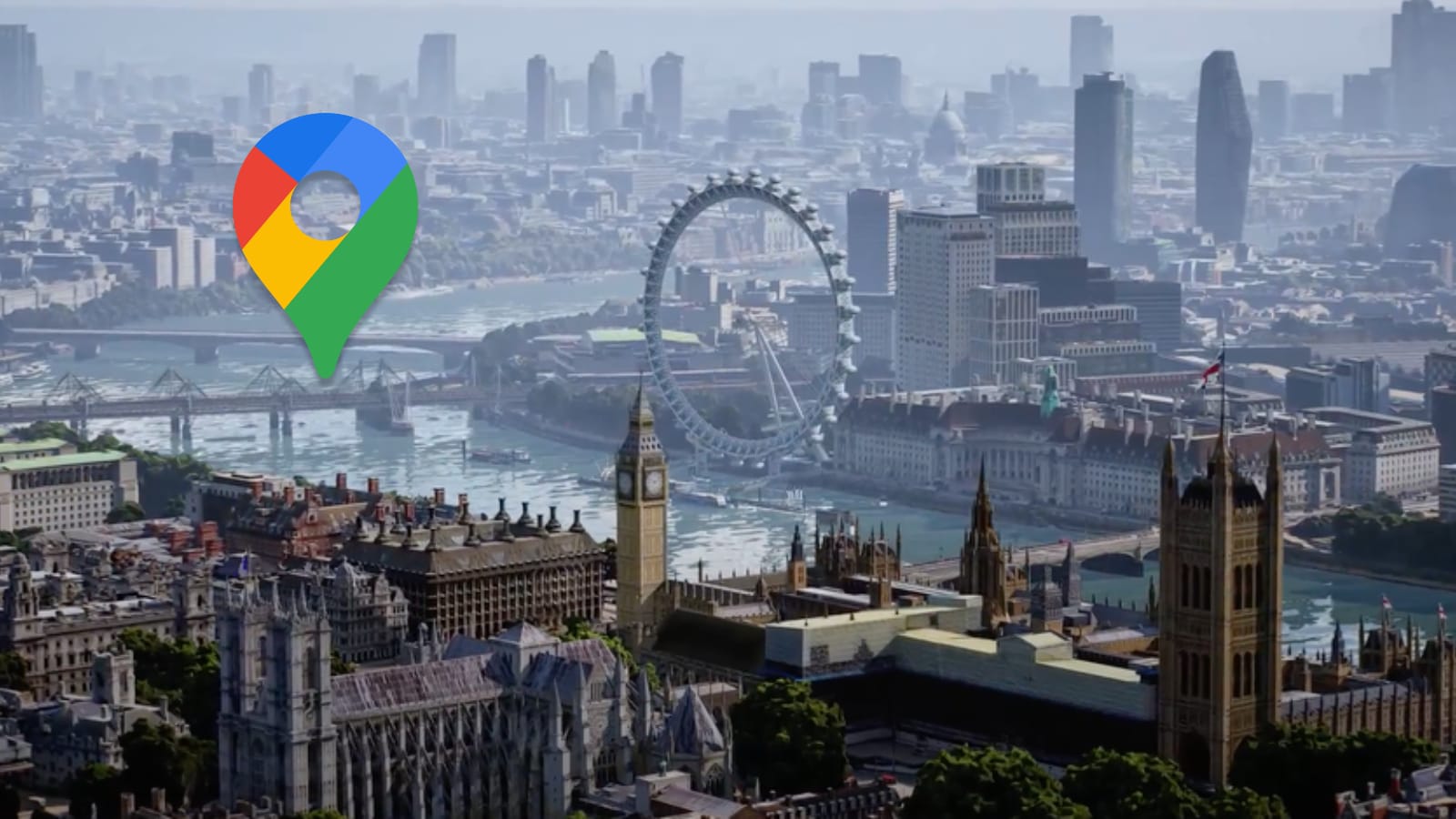
Google Maps Immersive View is an AI-powered feature that fundamentally combines the street-level detail of Street View with an aerial perspective into a single, animated experience. It transforms traditional 2D maps into rich, photorealistic 3D models, allowing you to visualize locations, plan routes, and explore neighborhoods dynamically before you ever visit.
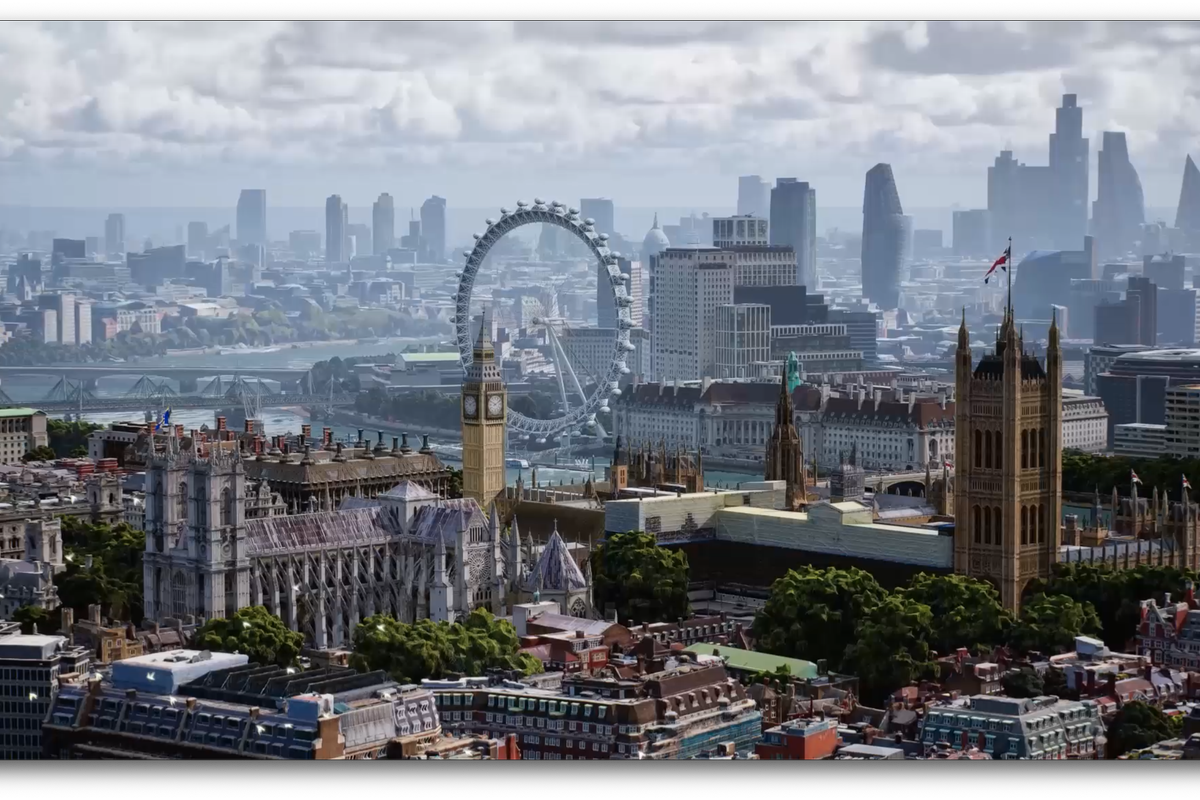
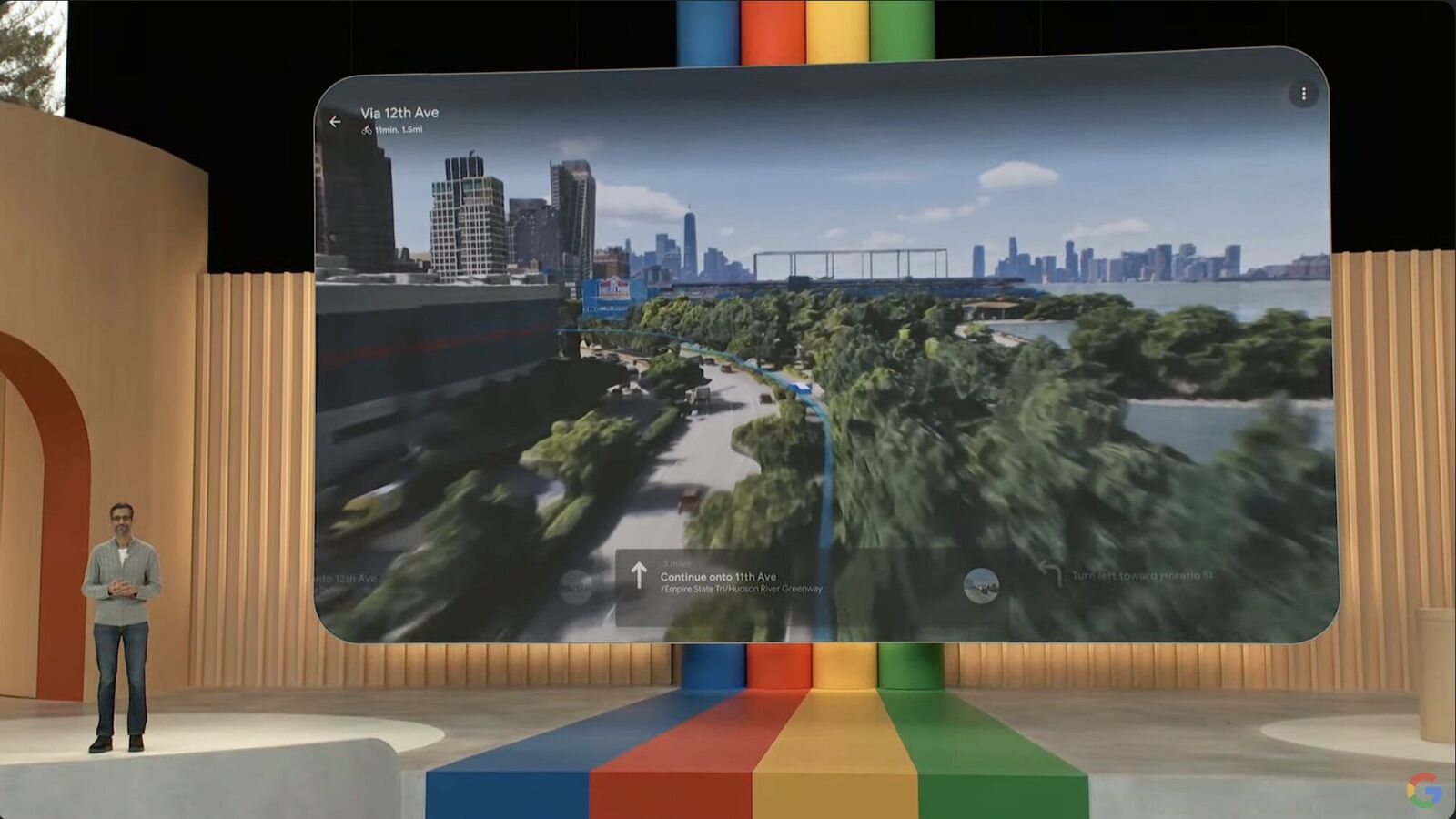
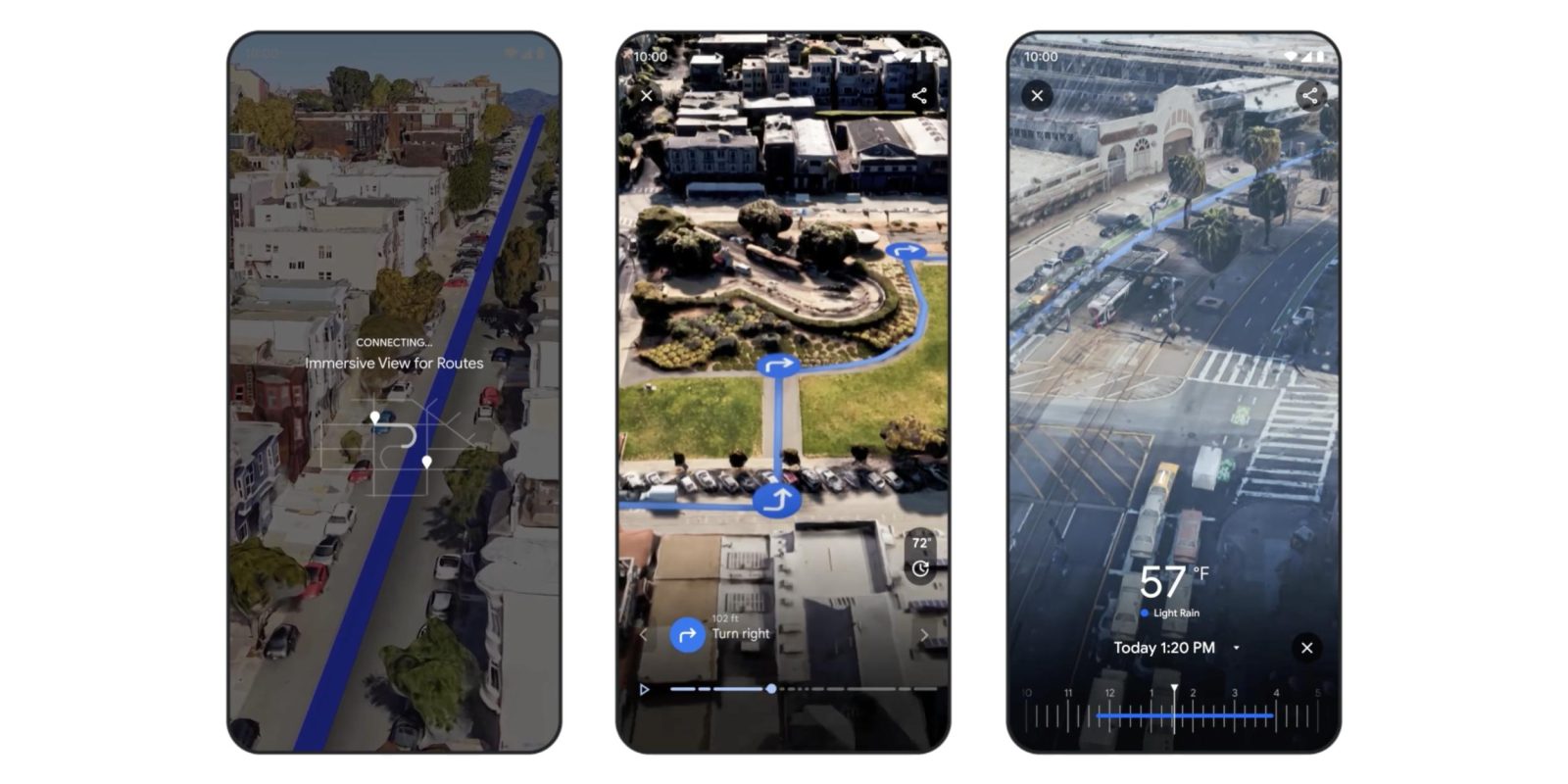
When you search for a supported location, the interface seamlessly transitions from the 2D map into a 3D overview of the city before zooming down to street-level detail. Users can explore locations in realistic 3D with labels and place cards, preview routes segment-by-segment (noting bike lanes, sidewalks, intersections), navigate a fluid 360° panoramic view, access indoor 3D models of select venues, and even view a time-lapse showing how the location changes over different times of day or seasons. To control the experience, you can tap a play button to animate a route, use sliders to fast-forward through segments, pinch to zoom, and select points to move freely in the 3D space. This is one of the most significant google maps immersive view updates and a standout among new mapping features.
The Tech Behind the Magic: Street Level 3D Navigation AI
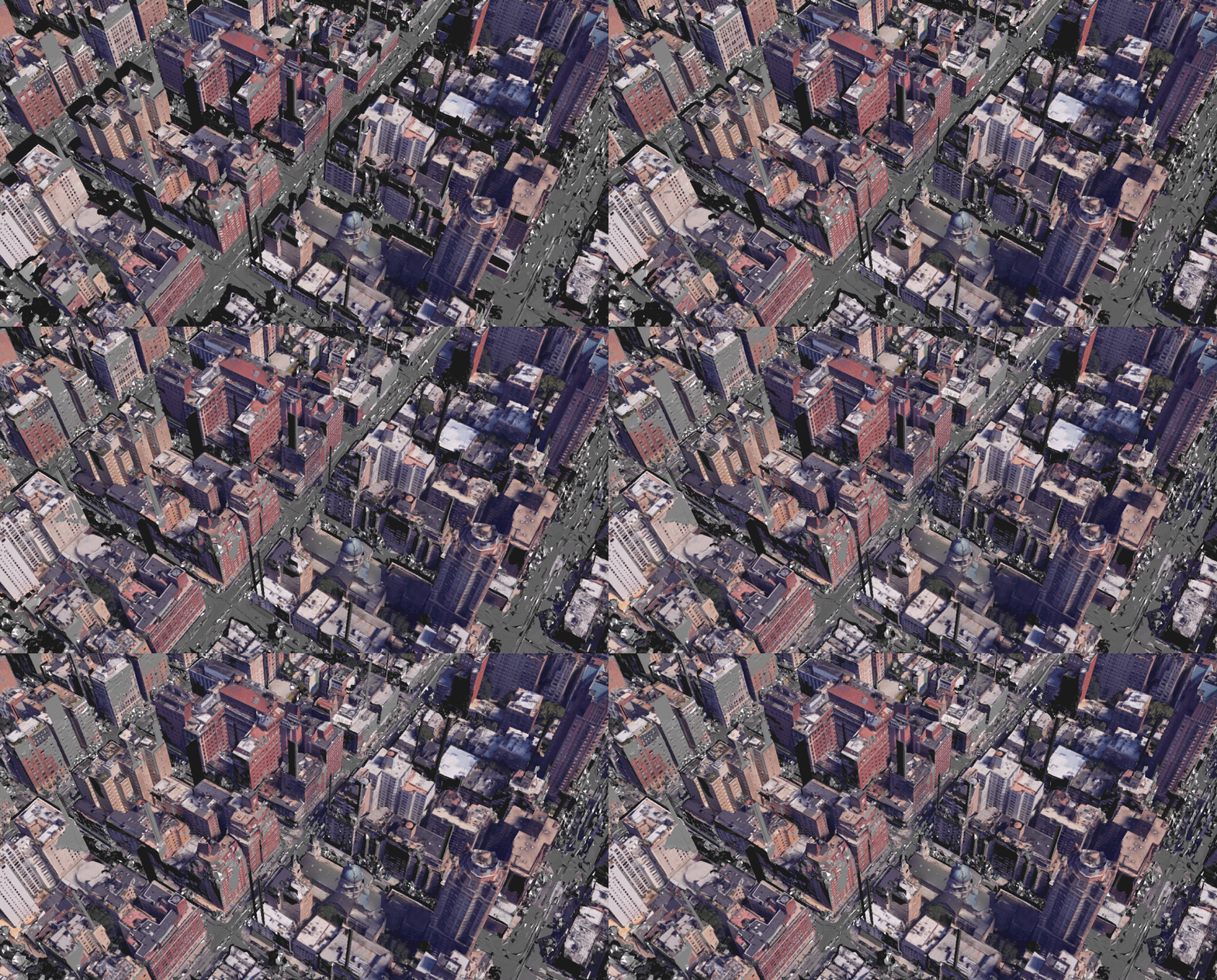
The core of this experience is street level 3d navigation ai. This technology uses advanced computer vision and artificial intelligence to fuse billions of Street View and aerial images into a single, seamless 3D model. Unlike traditional 2D maps or basic 3D outlines, this AI-driven approach enables photorealistic, street-level navigation that makes you feel like you’re inhabiting a virtual world.
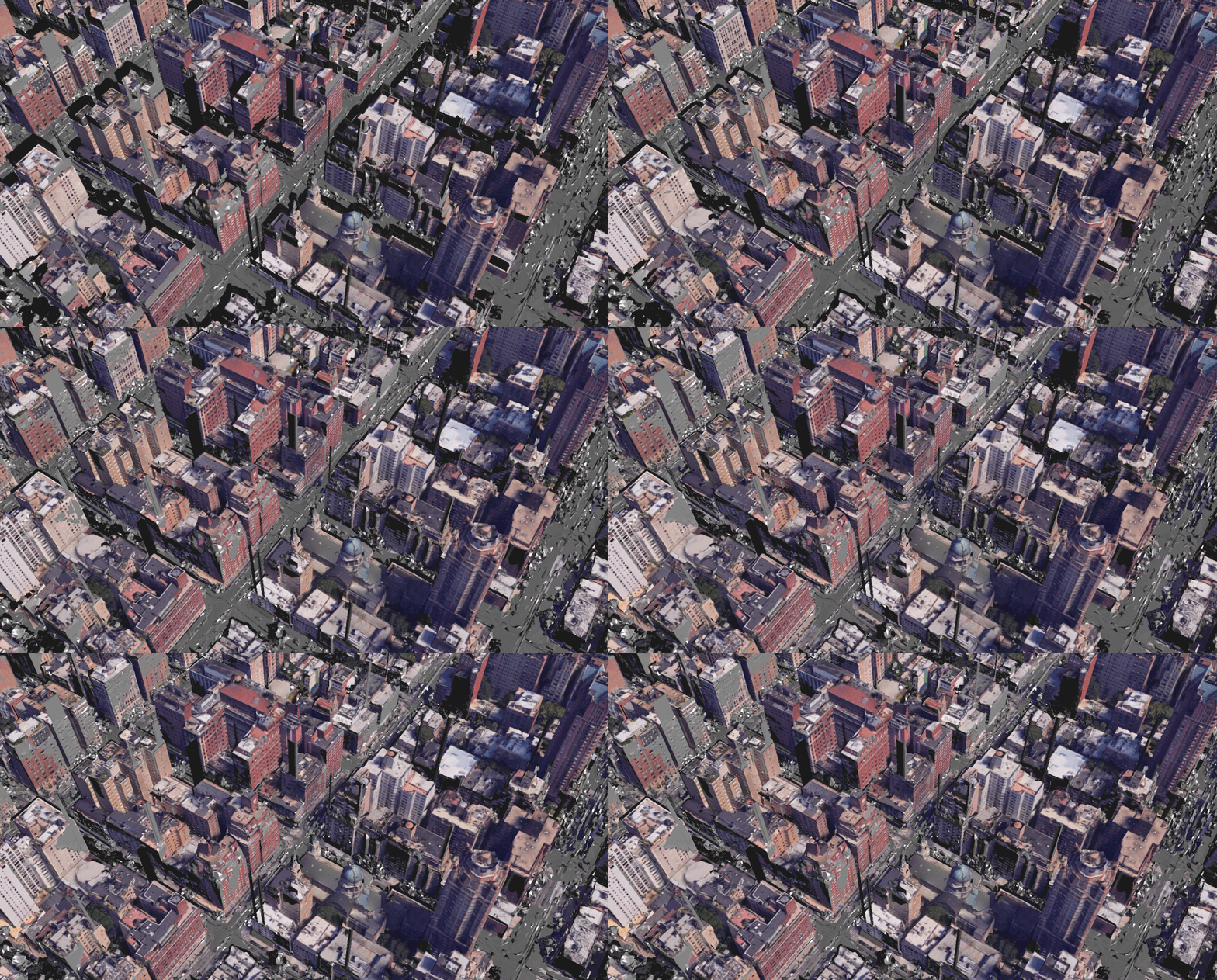
The technical capabilities are staggering, involving photorealistic 3D tiles via APIs for developers and realistic environmental details. The primary benefit is enabling virtual “teleportation” to any location for intuitive planning, all powered by sophisticated street level 3d navigation ai, a cornerstone of the latest google maps immersive view updates.
Adding Live Context: Real Time Place Insights
Google Maps Immersive View goes beyond static visuals by overlaying real time place insights directly onto the 3D models. This adds crucial context, layering live data like current busyness of a restaurant, weather conditions along a route, or real-time traffic patterns onto the immersive view. For example, you can see how crowded a café is before you decide to go, or check the weather on your planned bike path. These real time place insights transform the 3D model from a simple visual tool into an informed decision-making platform, representing a key evolution in new mapping features.
Your Ultimate Travel Planning Tools
Together, Immersive View, street level 3d navigation ai, and real time place insights form a powerful suite of travel planning tools that revolutionize everyday scenarios. For deeper insights into how AI is shaping such transformative tools across industries, explore our analysis of agentic AI development trends.
Practical applications include:
- Route Visualization: Preview driving, walking, or cycling routes segment-by-segment.
- Neighborhood Exploration: Virtually walk through a neighborhood if you’re renting or moving.
- Venue Research: Check the layout and atmosphere of restaurants, landmarks, or airports.
- Indoor Navigation: Navigate complex indoor spaces like airports or transit hubs.
- Tourism & Tours: Take 3D tours of historical sites with informational overlays.
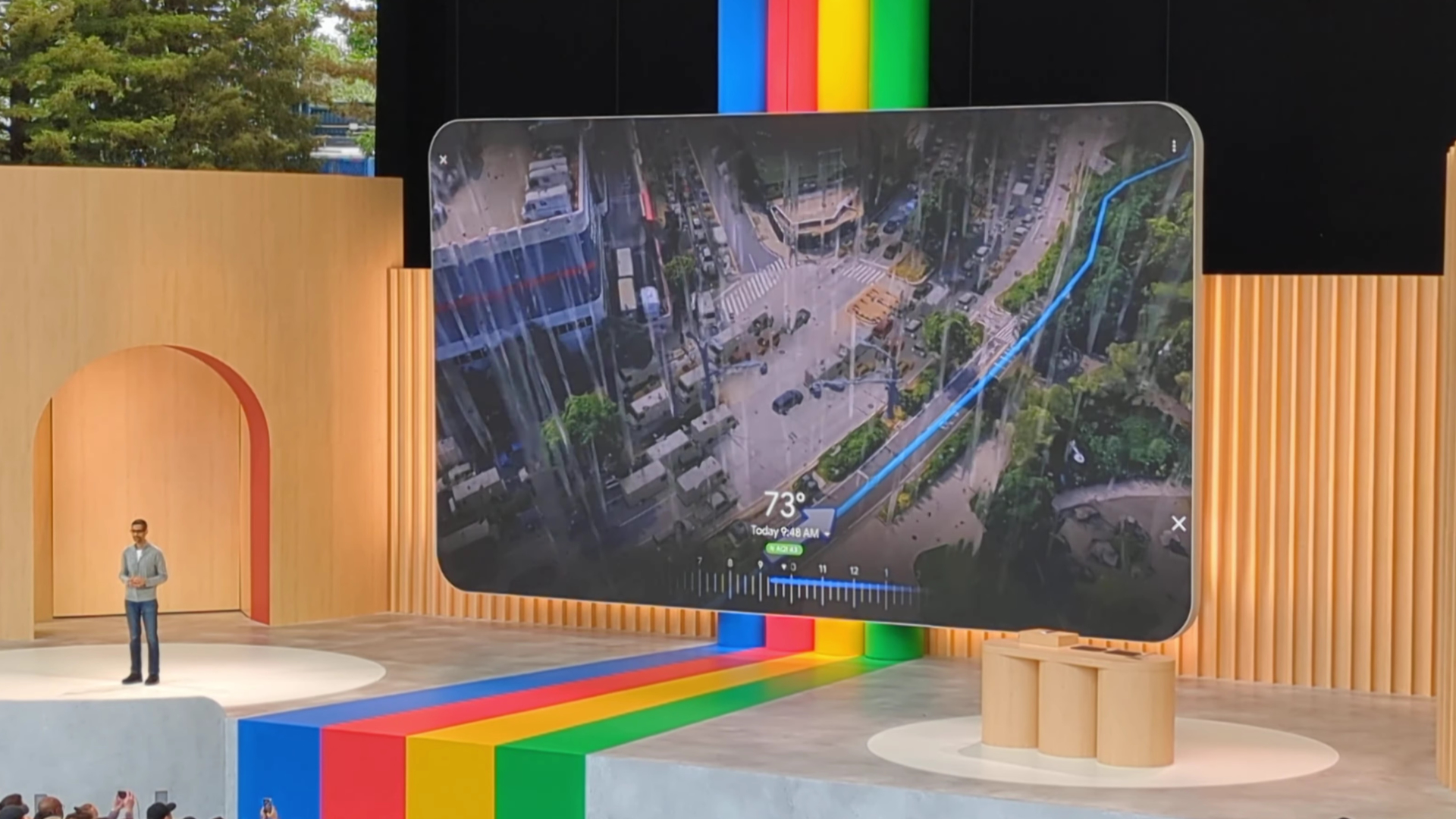
Imagine planning a day trip by checking your route with live traffic, choosing a dinner spot by seeing its current busyness in 3D, or scoping out a hotel’s neighborhood with a virtual walk. These travel planning tools make it all possible.
How to Access and Use Google Maps Immersive View
Ready to try it? Here’s a step-by-step guide to accessing these google maps immersive view updates:
- On Android Mobile: Search for a location in the Google Maps app. If Immersive View is available, a button will appear in the location preview. Tap it to launch the experience, then use the play button, sliders, and pinch-to-zoom to explore. To understand the latest platform capabilities that enable such features, check out our guide on the latest iOS and Android updates.
- On Android XR Devices: Open the Google Maps app, select “Immersive View” at the bottom, and explore in full 3D, often with voice commands.

Availability: As of now, route-based Immersive View is available in select global cities like Amsterdam, Barcelona, London, New York, Paris, San Francisco, Tokyo, and others, with expansion ongoing. For a glimpse into the future of the AI and spatial computing technology powering such experiences, see our CES 2026 tech preview.
Limitations: Currently, the feature is available only on Android devices (mobile and XR), and indoor features are limited to select locations and venues.
Conclusion: The Future of Mapping is Here
Google maps immersive view updates are fundamentally changing how we interact with the digital world. By harnessing street level 3d navigation ai, enriching it with real time place insights, and packaging it as intuitive travel planning tools, Google has created an experience that is both incredibly useful and delightfully explorative for anyone seeking new mapping features.

As AI technology continues to evolve, we can expect wider coverage, more detailed indoor maps, and even deeper integration of live data. It’s a step towards making the world more accessible and understandable from our screens. As these technologies advance, understanding the new AI regulations shaping their development becomes crucial; learn more in our guide.
Ready to explore? Try Google Maps Immersive View on your next trip plan. Search for a landmark or neighborhood in a supported city on your Android device and tap into the future of mapping. To further enhance your digital toolkit, discover how to use Google AI Mode for a smarter search experience.
Frequently Asked Questions
Q: What devices support Google Maps Immersive View?
A: Currently, Google Maps Immersive View is available only on Android devices, including mobile phones and XR (extended reality) devices. There is no support for iOS devices as of now.
Q: Is Google Maps Immersive View free to use?
A: Yes, Google Maps Immersive View is a free feature within the Google Maps app, just like other mapping services provided by Google.
Q: How accurate are the real-time place insights?
A: The real-time place insights are based on live data from various sources, such as user contributions, sensors, and partnerships. While generally accurate, they may not always reflect real-time conditions perfectly, so it’s advisable to use them as a guide.
Q: Can I use Immersive View for indoor navigation?
A: Yes, but only in select venues. Google Maps Immersive View includes indoor 3D models for locations like airports, transit hubs, and some landmarks, allowing for indoor navigation where available.
Q: What cities are currently supported for Immersive View?
A: As of now, Immersive View is available in select global cities including Amsterdam, Barcelona, London, New York, Paris, San Francisco, Tokyo, and others. Google is continuously expanding coverage.