Google Project Jarvis: The Ultimate AI Browser Assistant Guide
Estimated reading time: 8 minutes
Key Takeaways
- Project Jarvis is Google’s experimental AI agent for browser task automation, now known as Project Mariner.
- It can “see” your screen, understand web elements, and perform actions like clicking, typing, and scrolling autonomously.
- Currently available as a Chrome extension for trusted testers only, with no official public launch date.
- Powered by Gemini 2.0 with a massive 2 million token context window for complex task memory.
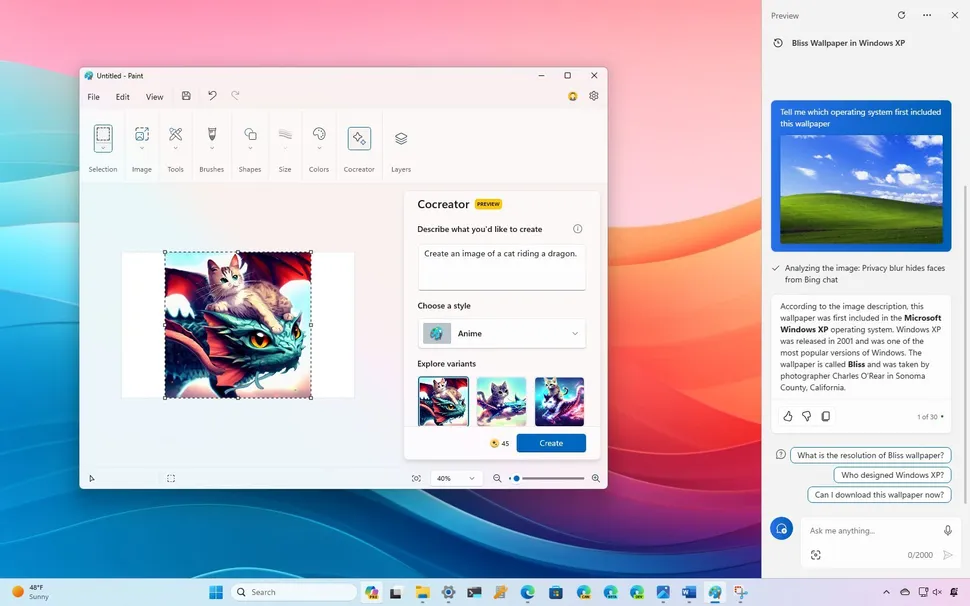
- Offers a competitive alternative to Microsoft Copilot, focusing on visual web task automation over content generation.
Table of contents
- Google Project Jarvis: The Ultimate AI Browser Assistant Guide
- Key Takeaways
- Introduction: What is Google Project Jarvis?
- The Big Reveal: Project Jarvis Launch Date and Availability
- Under the Hood: How Does Project Jarvis Work?
- The Core Capability: Real-Time Task Automation with AI
- The Competitive Landscape: Project Jarvis vs Microsoft Copilot
- Privacy, Security and The Future of Web Browsing
- Frequently Asked Questions
Introduction: What is Google Project Jarvis?
A new AI tool is redefining how we interact with the web. Google’s internal codename “Project Jarvis” represents a fundamental shift from traditional chatbots to something far more ambitious: an AI agent that lives inside your browser and automates real-time tasks.

The google project jarvis ai browser assistant is an experimental AI agent designed to live inside your browser and automate real-time tasks. It has been officially rebranded as Project Mariner, but it is still widely referred to by its original codename. As Engadget notes, this is an experimental Chrome extension that represents Google’s vision for the future of browsing.
In simple terms, this is an AI browser assistant that can “see” your screen, understand web elements, and perform actions (clicking, typing, scrolling) on your behalf. It is not a chatbot that answers questions; it is a computer-using agent that takes over your browser to get things done.
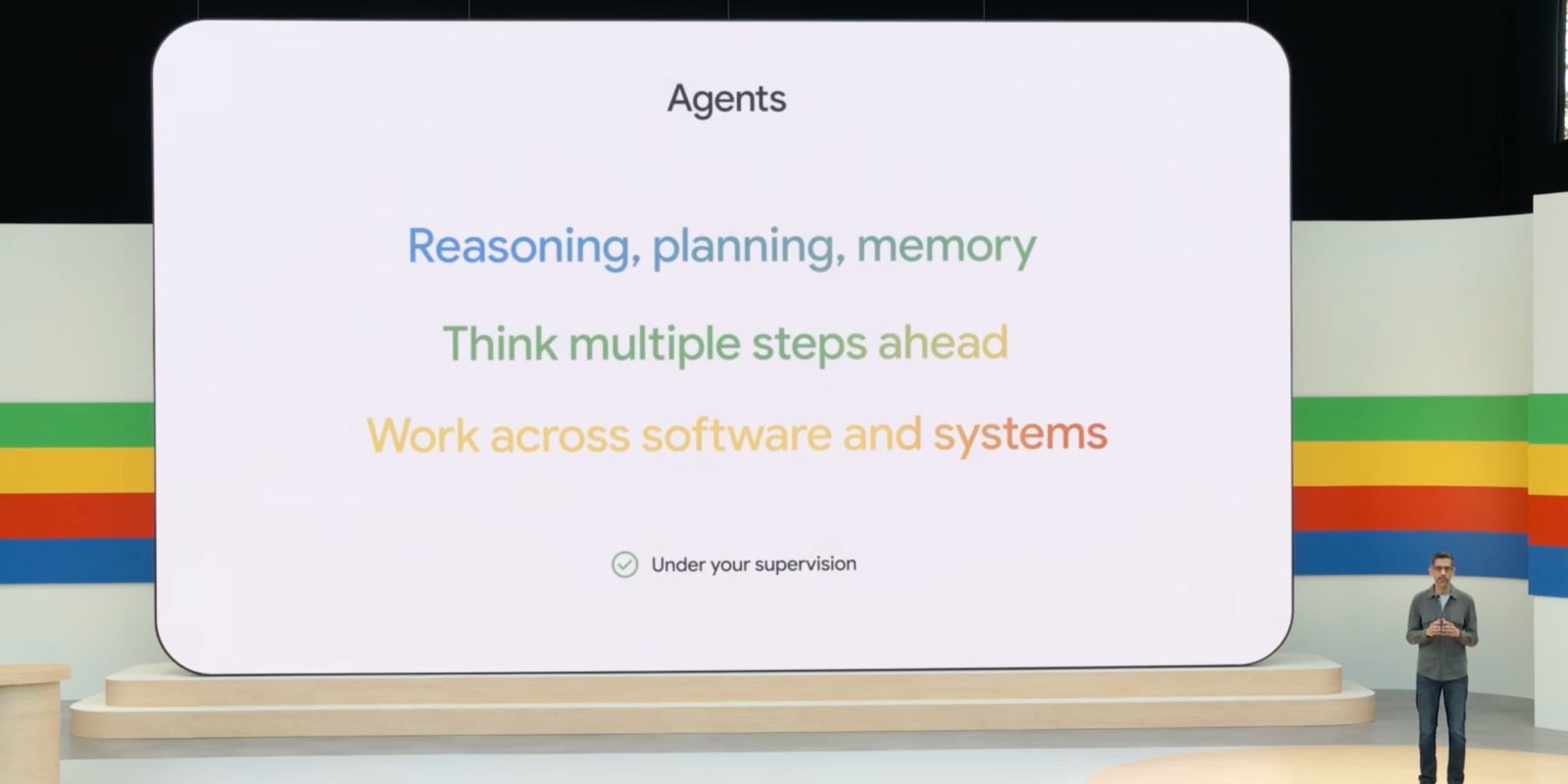
This positions Project Jarvis within the broader industry shift toward autonomous AI agents. While Anthropic’s Computer Use made headlines for similar capabilities, Google’s entry signals a major commitment to agentic AI. For more on the shift toward autonomous AI agents, see our guide on 10 Cutting Edge AI Technologies Shaping the Future.
The Big Reveal: Project Jarvis Launch Date and Availability
When can you get your hands on this technology? The project jarvis google launch date remains uncertain. There is no public GA launch date. Currently, it is an experimental Chrome extension available only to select trusted testers as a research prototype, per Engadget.

Rumored timelines suggest testing around December and a possible consumer release in “late 2024 or early 2025,” according to analysis from Shelly Palmer and OffTheGridXP. However, these timelines are speculative and could change.
The platform details are clearer. Project Mariner is a Chrome extension demonstrated on desktop Chrome. Integration with Workspace and Android is plausible but remains speculation for now.
Under the Hood: How Does Project Jarvis Work?
Understanding how does project jarvis work requires looking at its visual and structural understanding. It interprets pixels and web elements (text, code, images, forms) to reason over the browser screen. As Engadget explains, it performs clicks, typing, scrolling, and form filling, similar to Anthropic’s Computer Use.

The technology is powered by Gemini 2.0, leveraging a large context window of up to 2 million tokens for task memory. This allows it to remember complex, multi-step instructions without losing track.
To clarify the terminology:
- Chatbot: Reacts to text prompts and generates responses.
- Extension: Runs predefined scripts with limited flexibility.
- AI Agent (Jarvis): Takes a goal, breaks it into steps, navigates websites, and adapts to changes (pop-ups, dynamic content) in real time.
So, how does project jarvis work? It starts by taking a screenshot, reasoning over the content, then clicking the correct button. For a look at other AI models powering agentic behavior, check out our analysis of Llama 4: Meta’s Groundbreaking AI Model.
The Core Capability: Real-Time Task Automation with AI
This google ai agent browser automation represents a shift from passive browsing to active delegation. Consider these concrete use cases from TechHQ and The Information:
- Research and Information Gathering: Sift through pages and compile notes automatically.
- Travel Bookings: Search flights, compare prices, and fill forms without manual input.
- Online Shopping: Compare products, filter results, and add items to your cart.
- Scheduling: Manage calendar events and prioritize emails.
- Document-heavy workflows: Scan legal files or pull marketing data from multiple sources.
The real-time reactivity is crucial. It handles dynamic content (changing live pricing), pop-ups, and layout changes by reasoning about what is on screen, rather than breaking like a traditional script.
The user interaction model is simple: 1) User describes a goal, 2) Jarvis takes a screenshot, 3) Interprets elements, 4) Clicks or types, 5) Repeats as needed. Users can interrupt or correct the agent mid-flight.

The Competitive Landscape: Project Jarvis vs Microsoft Copilot
When comparing project jarvis vs microsoft copilot browser, distinct strengths emerge.
Jarvis/Mariner Strengths:
- Visual Grounding: Strong emphasis on understanding and manipulating screen content.
- Chrome Integration: Built as a Chrome extension with deeper links to Google Search and SGE.
- Agentic Autonomy: Designed as a computer-using agent, not just a chat overlay.
Jarvis Limitations: Early-stage prototype, limited access, and unknown reliability at scale.
Microsoft Copilot Strengths:
- 365 Integration: Strong at summarizing Word, Excel, and Outlook content.
- Edge Sidebar: Good at summarizing web pages and extracting data.
- Chat-based: Strong at content generation and drafting.
Copilot Weaknesses: Less focused on full, autonomous screen control compared to Jarvis.
Which is Better?
- Jarvis: Better for complex, multi-step web tasks (travel bookings, long purchase journeys).
- Copilot: Better for content summarization and workplace productivity (drafting emails, meeting notes).

Microsoft is also moving toward agentic features, so capabilities may converge over time. For more on Microsoft’s AI agent strategy, read our article on Decoding Microsoft AI Agent News 2025.
Privacy, Security and The Future of Web Browsing
What data does Project Jarvis see? It accesses everything visible in the browser window, including pixels, web elements, and potentially sensitive fields like emails or financial data, depending on permissions. This raises important privacy considerations.
Since official policies are not yet public, we can point to general Google patterns: user consent, permissions, and data separation. Users should ask critical questions:
- Can I limit which sites the agent accesses?
- Can I exclude specific tabs from its view?
- Are passwords and sensitive fields treated differently?
- Is there an activity log for auditing actions?
The future of web browsing is shifting from passive browsing to active delegation. Users become task managers supervising AI agents rather than performing every click themselves.
Understanding the project jarvis vs microsoft copilot browser dynamics helps users decide which tool fits their workflow, while grasping how does project jarvis work is key to preparing for the future of google ai agent browser automation. For more essential context on how AI assistants are evolving, see our comparison of AI-Powered Virtual Assistants.

Frequently Asked Questions
- What is Google Project Jarvis exactly? It is an experimental AI agent from Google that automates browser tasks by seeing your screen and performing clicks, typing, and scrolling.
- When will Project Jarvis be available to the public? There is no official launch date. It is currently a research prototype for trusted testers only.
- How does Project Jarvis differ from a regular browser extension? Unlike extensions that run predefined scripts, Jarvis is an AI agent that takes goals, adapts to changes, and reasons over screen content in real time.
- What tasks can Project Jarvis automate? It can handle research, travel bookings, online shopping, scheduling, and document-heavy workflows.
- Is Project Jarvis better than Microsoft Copilot? It depends on the task. Jarvis excels at complex web automation, while Copilot is stronger for content summarization and workplace productivity.
- Is Project Jarvis safe to use? Google has not released specific privacy policies for this tool yet. Users should be cautious about what data it accesses.